
Camera for Sport Photography: What Actually Matters (Myth vs Fact)
Every parent on the sideline believes they need a $4,000 rig before their kid's photo is 'good enough' to matter.
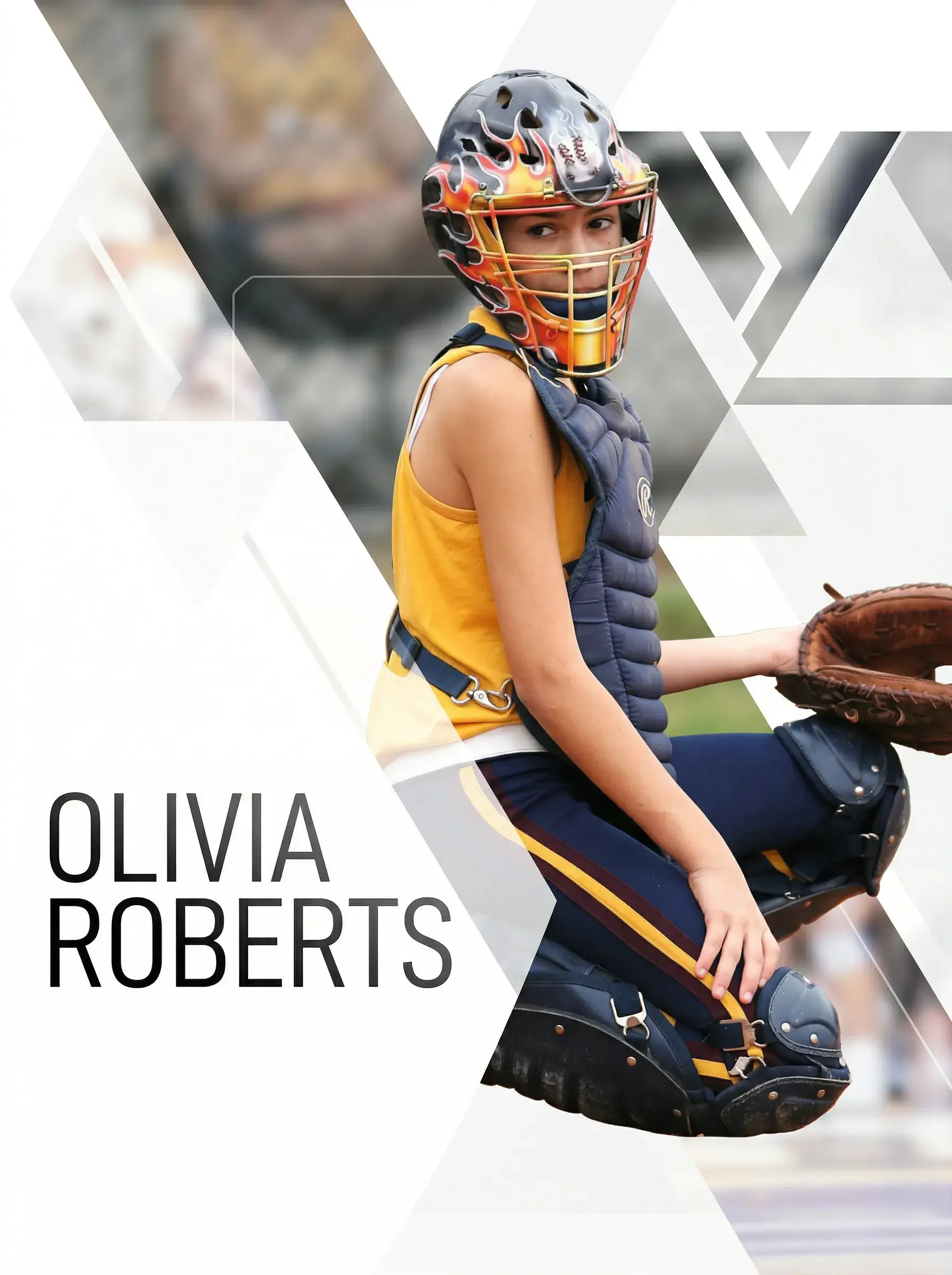
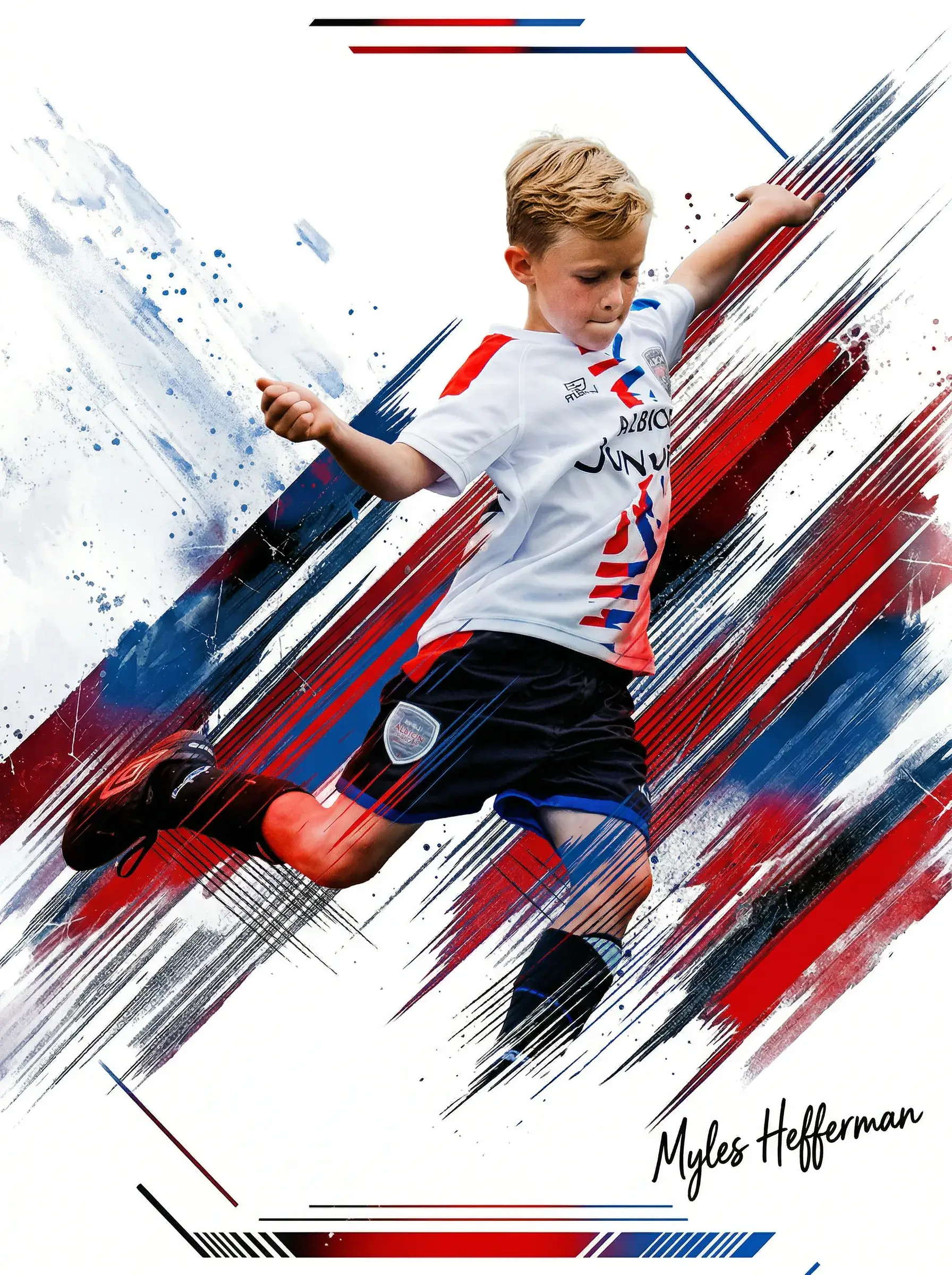
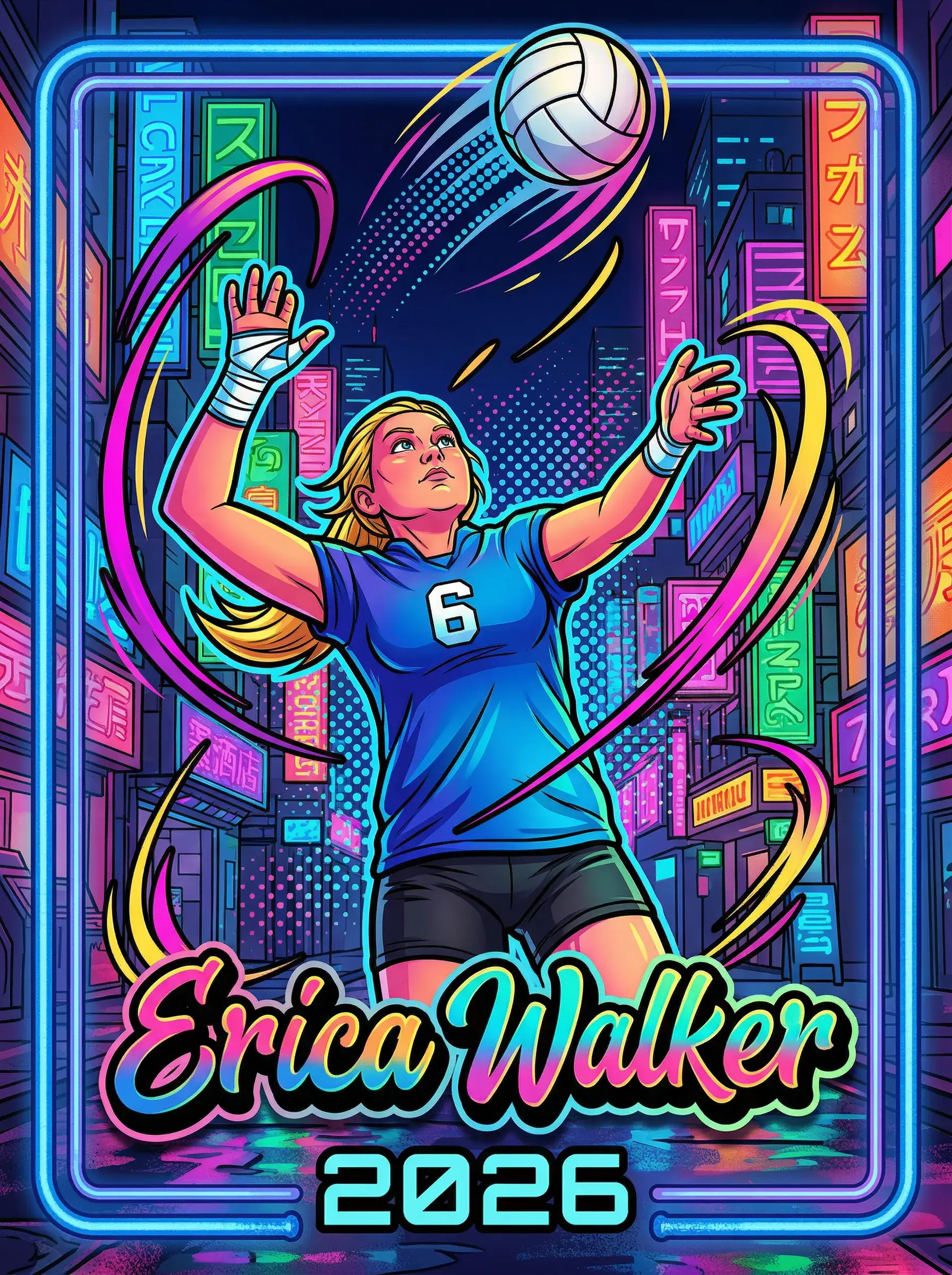
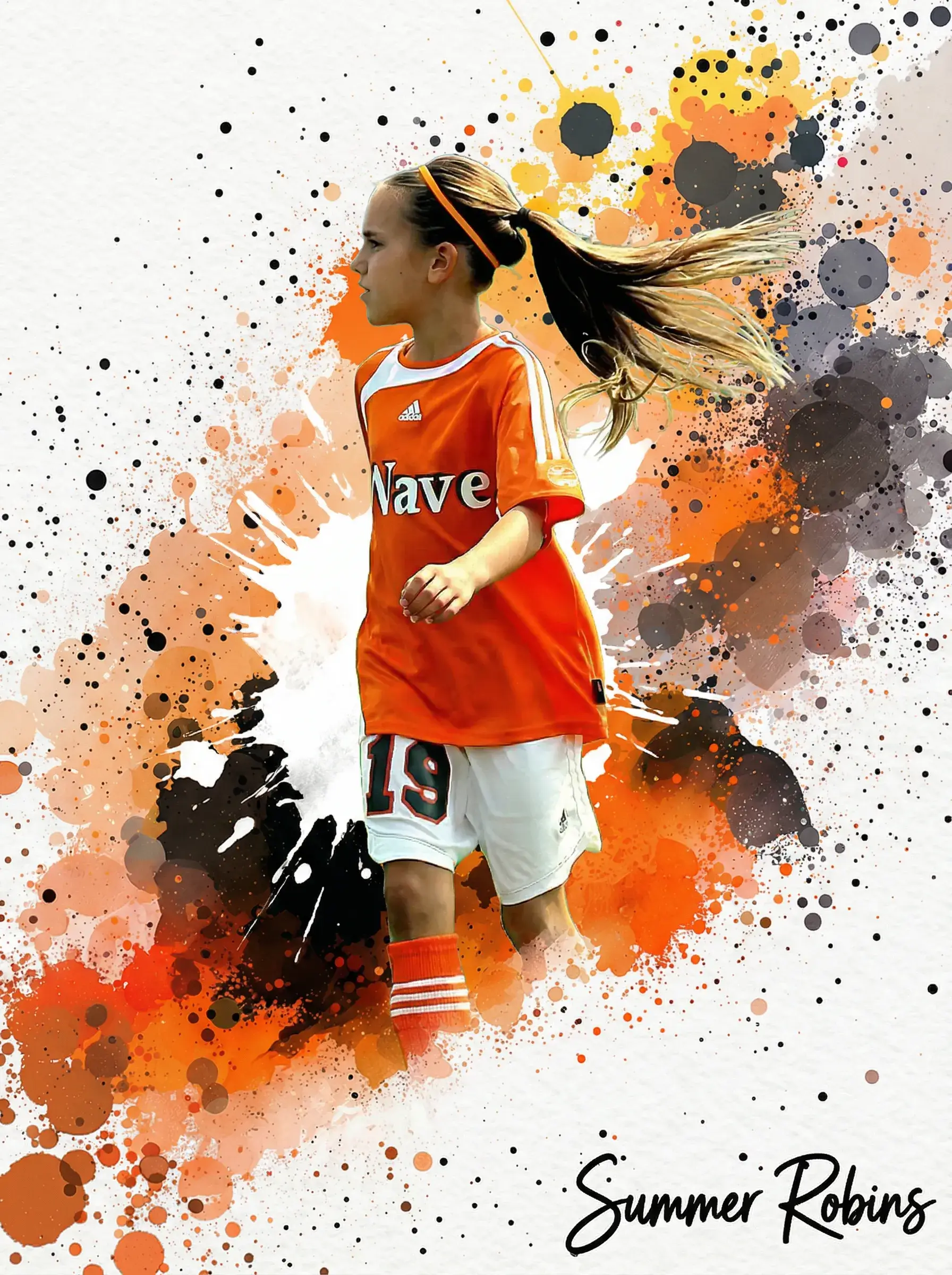
Upload any photo — your kid, your pet, your whole team — pick a pro template, and we print and ship a real, holdable card the next business day.
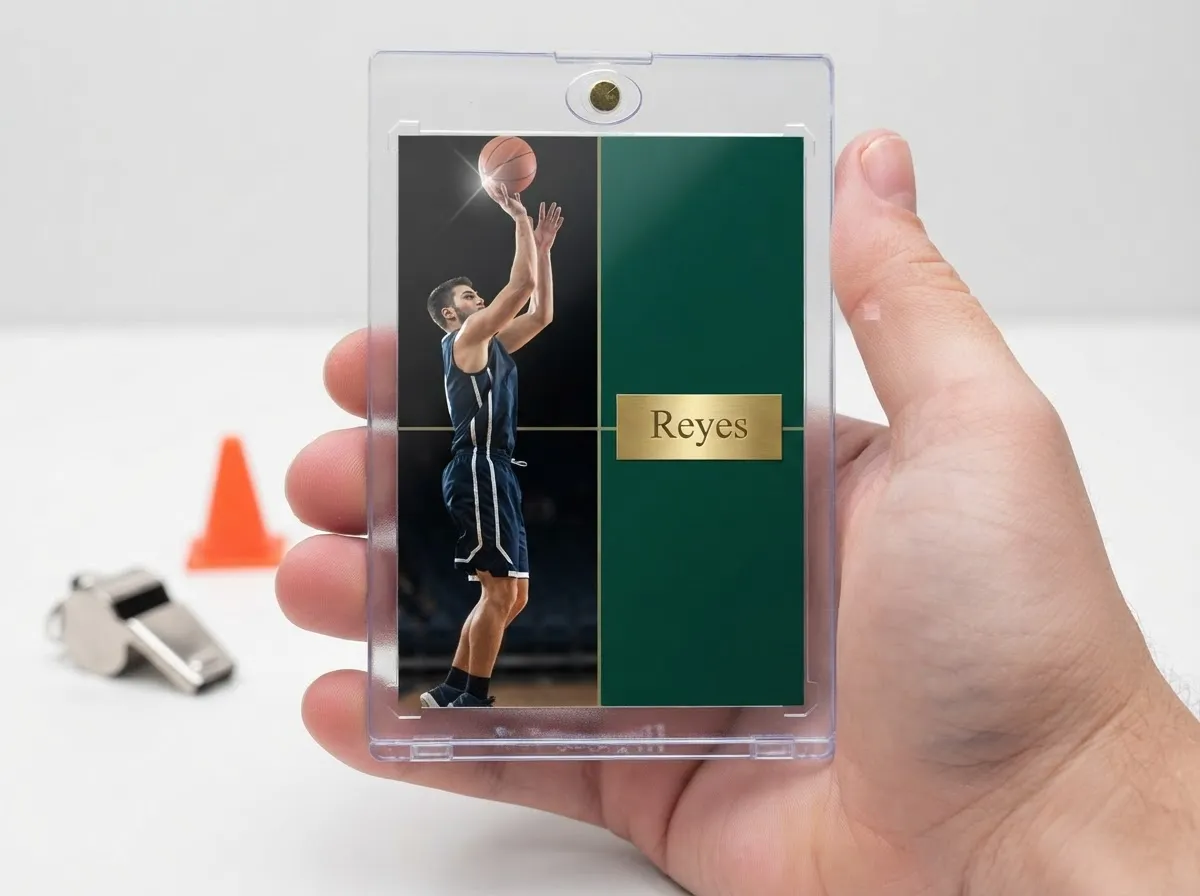
That belief stops a lot of people before they even start. They see pro sideline photographers with 400mm lenses and assume anything less won't cut it. So the phone stays in the pocket, the moment passes, and the season ends with nothing but a team photo everyone hates. The truth about choosing a camera for sport photography is a lot less expensive and a lot less complicated than the gear forums make it sound, especially if the end goal isn't a magazine cover but something you can actually hold.
Here's the reality: most of the photos that end up on our custom cards come from phones, entry-level DSLRs, and hand-me-down mirrorless bodies. What matters more than the camera body is shutter speed, light, and timing — three things you can control on almost any device made in the last five years. We print what you upload, and we've seen phone shots outperform expensive camera files simply because the parent nailed the moment.
Let's separate the myths from what actually produces a card-worthy shot.
We review thousands of uploaded game-day photos every month and ship finished cards to families and teams in all 50 states.
Frequently Asked Questions
What camera settings actually matter most for freezing action shots?
Shutter speed matters more than almost anything else when you're photographing movement. Aim for at least 1/1000th of a second for sprinting, jumping, or swinging motions — anything slower and you'll get motion blur around the hands, feet, or ball. Aperture comes second; a wider aperture like f/2.8 lets in more light so your shutter speed can stay fast even in dimmer conditions. ISO is your adjustment tool: raise it when light is low so shutter speed doesn't have to drop. Most phones handle this automatically in sports or action mode, so you don't need to touch manual settings at all. If you're using a DSLR or mirrorless camera, switch to shutter priority mode and set it yourself rather than trusting full auto. Full auto often prioritizes a clean exposure over a fast shutter speed, which means it'll blur the exact moment you were trying to capture. Get this one setting right and everything else becomes easier.
Is a phone actually good enough, or is that just a myth?
It's genuinely good enough for the vast majority of custom card orders we print. Modern phones have computational sports modes that adjust shutter speed and focus tracking automatically, which used to require a $1,500 camera body just five years ago. The one place phones fall short is optical zoom — digital zoom on a phone degrades image quality fast, so you'll get better results moving physically closer than zooming in. If you're shooting from far bleachers with no way to get closer, a phone photo may come out soft once enlarged for something like our MEGA poster card. But for standard single cards and packs, phone photos routinely produce crisp, printable results. The myth that phones can't handle sports photography stopped being true around 2020. Don't let it talk you out of shooting the game with what's already in your pocket.
How close do I need to be to get a usable shot?
Close enough that the athlete's face and jersey fill a meaningful portion of the frame — as a rough guide, within 30 to 50 feet for field sports and even closer for indoor courts. Distance is the single biggest quality killer we see in submitted photos, more damaging than lighting or even blur. A photo taken from the far bleachers looks fine on a phone screen but turns soft and pixelated once it's enlarged and printed on card stock. If your sport limits how close you can physically get, like football or soccer with sideline restrictions, use whatever optical zoom your camera has rather than cropping after the fact. Cropping in editing software throws away resolution; zooming while shooting preserves it. When in doubt, err toward being closer than you think you need to be. You can always crop out extra background later, but you can't add back detail that was never captured in the first place.
What's the biggest myth about lighting for sports photography?
The biggest myth is that flash fixes bad lighting. It doesn't, and for moving subjects it usually makes things worse. Flash freezes only what's within a few feet of the camera and often creates harsh, flat shadows that look strange once printed. The better fix is raising your ISO manually and finding the best available ambient light, even if that means repositioning yourself in the gym or waiting for a break in cloud cover outdoors. Late afternoon sun, roughly the two hours before sunset, is widely considered the best natural light for outdoor sports because it's warm and low-angled without being harsh. Indoors, position yourself so the gym's overhead lights are in front of or beside the athlete rather than behind them, which avoids silhouettes. Good lighting does more heavy lifting for image quality than almost any camera setting, and it costs nothing to reposition yourself for it.
Can I use an old hand-me-down DSLR instead of buying something new?
Absolutely, and in a lot of cases an older DSLR will outperform a newer point-and-shoot or budget camera. What matters is whether it can hit a fast shutter speed in the lighting you're shooting in, not how recently it was released. Cameras from ten years ago still produce plenty of resolution for a printed card, since card printing doesn't require anywhere near the megapixel count needed for large-format billboards. The one thing to check is autofocus speed and tracking, since older entry-level DSLRs sometimes struggle to keep up with fast-moving subjects like a sprinting athlete or a diving save. If autofocus lags, try pre-focusing on a spot on the field, like home plate or the free-throw line, and waiting for the action to arrive there. That technique works around slower autofocus systems and has been used by photographers long before autofocus even existed.
Does the camera brand or sensor size actually matter for printed cards?
Not nearly as much as marketing suggests. Sensor size affects performance in low light and depth of field, but for outdoor games or well-lit gyms, a smaller sensor phone camera and a larger sensor mirrorless camera produce comparable printable results. Brand matters even less — there's no meaningful difference between major camera brands once you're looking at a photo printed at card size, roughly 2.5 by 3.5 inches for a standard card. Where sensor size shows up is in cropping flexibility; a higher resolution sensor gives you more room to crop tightly without losing detail. If you're shooting for our MEGA 11x15 poster card, a higher resolution file helps it stay sharp at that larger size. For a standard single card or pack, though, nearly any modern sensor delivers plenty of quality. Don't let sensor specs talk you into an upgrade you don't need.
What file format and resolution should I upload for the best print quality?
JPEG at the highest quality setting your camera or phone offers is all you need — you don't need RAW files or special editing software. Aim for a resolution of at least 1500 pixels on the shortest side, which most cameras and phones default to automatically unless you've manually lowered image quality to save storage space. Avoid taking a screenshot of a photo or downloading a heavily compressed version from text messages or social media, since compression strips detail that can't be recovered. If you're unsure whether your file is high enough resolution, check the file size; anything under 500 kilobytes for a full photo is often too compressed for a clean print. Original camera roll files almost always work fine straight out of the camera. When submitting, choose the original file rather than a shared or downloaded copy whenever possible, since sharing platforms frequently recompress images without telling you.
How do I photograph fast sports like hockey or lacrosse without everything blurring?
Fast sports demand the fastest shutter speeds on this list, ideally 1/1500th of a second or quicker, since the athletes and equipment move faster than in most other sports. If you're shooting through glass at a hockey rink, watch for glare and try to angle slightly rather than shooting straight-on, since direct reflections will ruin an otherwise sharp shot. For lacrosse, positioning near the goal crease or along the sideline where plays cluster gives you more chances at a clean shot than trying to track the ball across the entire field. Continuous or burst shooting mode helps enormously here, since it captures a rapid sequence of frames and increases the odds that one lands exactly on the peak moment. Most phones and cameras have a burst mode accessible by holding down the shutter button. Review the burst afterward and pick the single sharpest frame rather than assuming the first or last shot in the sequence is the best one.
Is it worth hiring a professional sports photographer instead of shooting it myself?
It depends on what you're after, honestly. A professional brings faster glass, years of positioning experience, and equipment built specifically for tracking fast action, which can matter for a championship game or senior night you want documented perfectly. But for weekly games and everyday moments, most families get plenty of usable, card-worthy shots on their own once they understand shutter speed and positioning. We've printed just as many standout cards from a parent's phone as from professional sideline photographers. If budget is tight, save the professional hire for one or two marquee games a season and shoot the rest yourself with the settings we've covered here. That approach gives you volume and variety across the season while still capturing a few polished, professional-grade shots for the moments that matter most. There's no wrong answer here, just different tradeoffs between cost and guaranteed results.
Why do my printed cards sometimes look darker or different than the photo on my screen?
This usually comes down to screen calibration rather than anything wrong with the print itself. Phone and computer screens are backlit, which makes colors appear brighter and more vibrant than they'll look on physical card stock, which reflects rather than emits light. Photos taken in slightly underexposed conditions, like late evening games or dim gyms, are the most likely to show this difference since screens compensate more aggressively than print does. To avoid surprises, try to shoot in well-lit conditions in the first place rather than relying on brightening the image afterward. If a photo looks borderline dark on your screen, it's safer to choose a different, better-lit shot for the card rather than hoping the print will brighten it. Our production team reviews uploaded files before printing and will flag anything that looks significantly underexposed, but starting with a well-lit shot avoids the issue entirely.
Can I mix action shots and posed photos on the same order?
Yes, and a lot of families do exactly this across a multi-card pack. Action shots capture the energy and personality of the season, while a posed shot with a clean background often becomes the one grandparents frame or teammates trade. Since our packs allow multiple photos across different templates, you can pair a diving catch or mid-swing shot with a clean team photo or individual portrait in the same order. The same camera settings that work for posed shots, meaning slower shutter speeds and softer lighting, don't need to match the action settings you used mid-game. Just remember to check each photo individually for focus and lighting before uploading, since a posed shot taken in harsh midday sun can look just as flat as a rushed action shot. Mixing styles across a pack tends to produce the most well-rounded set of cards for a season.
What's the single most common mistake people make when shooting for a custom card?
Standing too far away and trying to fix it later by cropping. It's an easy trap, especially at outdoor fields where sideline rules keep you at a distance, but cropping after the fact throws away resolution that can't be recovered once the file is compressed. The second most common mistake is trusting full auto mode in low light, which often slows the shutter speed to get a brighter exposure and ends up blurring the subject instead. Both mistakes are avoidable with small habit changes: physically move closer whenever the situation allows, and manually raise ISO in dim lighting rather than letting the camera slow the shutter. A close, sharp, slightly grainy photo from a budget camera will always outperform a distant, blurry photo from an expensive one once it's printed. If you fix just these two habits, your keeper rate from any given game will improve dramatically.
Free to design, instant preview. Ships the next business day.
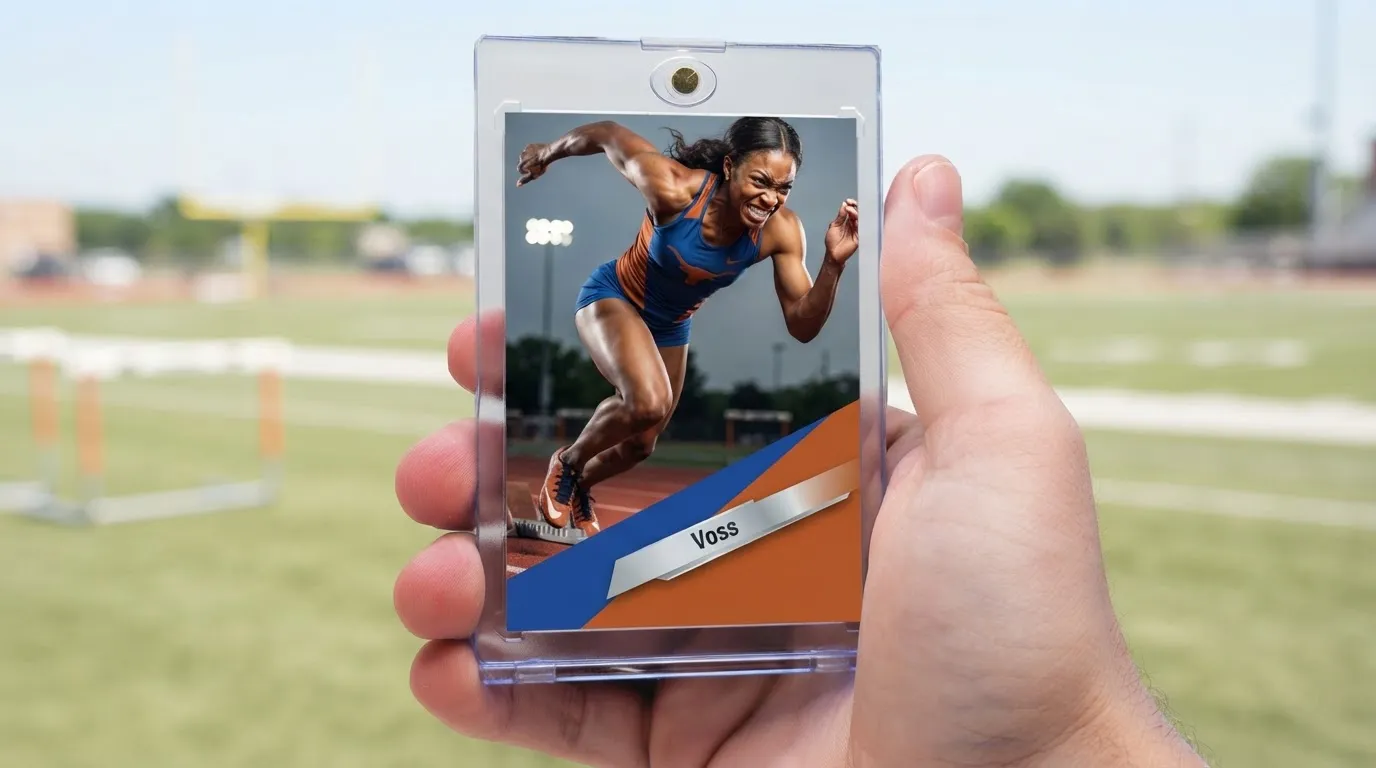
How Do You Pick a Camera for Sport Photography Without Overspending?
It comes down to three settings and one habit, not a shopping list of lenses.
Prioritize shutter speed over megapixels
A camera for sport photography lives or dies on shutter speed, not resolution. Set it to at least 1/1000th of a second and freeze the swing, the sprint, the jump. Most phones from the past three years have a sports or action mode that does this automatically. More megapixels just means bigger files — it doesn't stop motion blur, and blur is the number one reason usable action shots get tossed.
Get closer than feels comfortable
Zoom lenses are nice, but proximity beats glass every time for card-ready detail. Move to the fence line, shoot through the dugout gate, get low at field level. A cropped, grainy photo from far away loses the face and jersey number that make a card feel personal. Closer shots with average gear consistently beat distant shots with excellent gear.
Shoot in daylight or under stadium lights, never mixed
Inconsistent lighting confuses autofocus and washes out skin tones on any sensor, expensive or not. Outdoor afternoon games and well-lit indoor gyms give the cleanest results. If you're stuck shooting under weak gym lighting, raise ISO manually rather than letting the flash fire — flash on a moving subject almost always looks flat once it's printed on card stock.
None of this requires new equipment. It requires better settings and better position.
What Do You Actually Gain From Understanding This Before Game Day?
Knowing what a camera for sport photography needs to do saves you money and saves the moment.
You stop buying gear you don't need
Understanding that shutter speed and positioning matter more than sensor size means you can skip the $1,200 lens upgrade. Most families get card-ready results from what's already in their pocket or closet.
Fewer blurry, wasted shots per game
Once you lock in the right shutter speed, your keeper rate jumps dramatically. Instead of 200 photos with three usable ones, you'll walk away from a single game with a dozen strong options to choose from.
Better source files mean sharper printed cards
A crisp, well-lit, close-up shot translates directly into a cleaner card when it's printed on premium card stock. Muddy or blurry uploads are the top reason a card doesn't look as good as expected.
You capture the moment, not just the pose
Action-ready settings let you catch the diving catch or the mid-stride sprint instead of settling for a posed lineup shot. Those candid, in-motion photos are almost always the ones families choose for the card.

Where Does This Actually Get Used — Beyond the Sideline?
Different sports and settings push different demands on your gear, and knowing the difference changes how you shoot.
Youth soccer and outdoor field sports
Wide open fields give you the best natural light of any sport on this list, but distance is the enemy. A camera for sport photography used at a soccer match should be paired with getting as close to the sideline as rules allow. Late afternoon sun, roughly two hours before sunset, gives the warmest, most flattering light without harsh shadows across faces.
Indoor basketball and volleyball
Gym lighting is the toughest test any camera will face. Fast-moving bodies under fluorescent or LED banks mean you need higher ISO and a wider aperture just to keep shutter speed fast enough. Position yourself along the baseline rather than up in the bleachers — the closer angle compensates for imperfect light.
Wrestling, track, and individual sport moments
Solo athletes give you more predictable framing since you're tracking one person instead of a pack. This is where a mid-range camera or a newer phone genuinely shines, because you can pre-focus on a mat or lane and wait for the peak action moment — the pin, the finish line lean, the personal best.
Does the Camera Really Change What Gets Ordered Most?
We print thousands of custom cards a month from every kind of source file — phone shots, entry-level DSLRs, and borrowed mirrorless cameras from a friend's dad. The pattern holds steady no matter the sport: close, well-lit, in-focus shots become cards families reorder for grandparents and teammates, regardless of what device took them.
What Does It Cost to Turn That Photo Into a Card?
A single custom card runs $17.99, with multi-card packs scaling up to $49.99, plus a MEGA 11x15 poster card at $49.99 for the shots that deserve to go big.
Rookie Box $17.99–$49.99, MEGA 11x15 poster card $49.99, free shipping across the USA, 2-3 day turnaround.
You're not paying for gear upgrades or studio time — you're paying to turn a shot you already have into something printed, protected in a magnetic case, and shipped fast.
Box Options
Simple, collectible pricing. No subscriptions, no hidden fees.
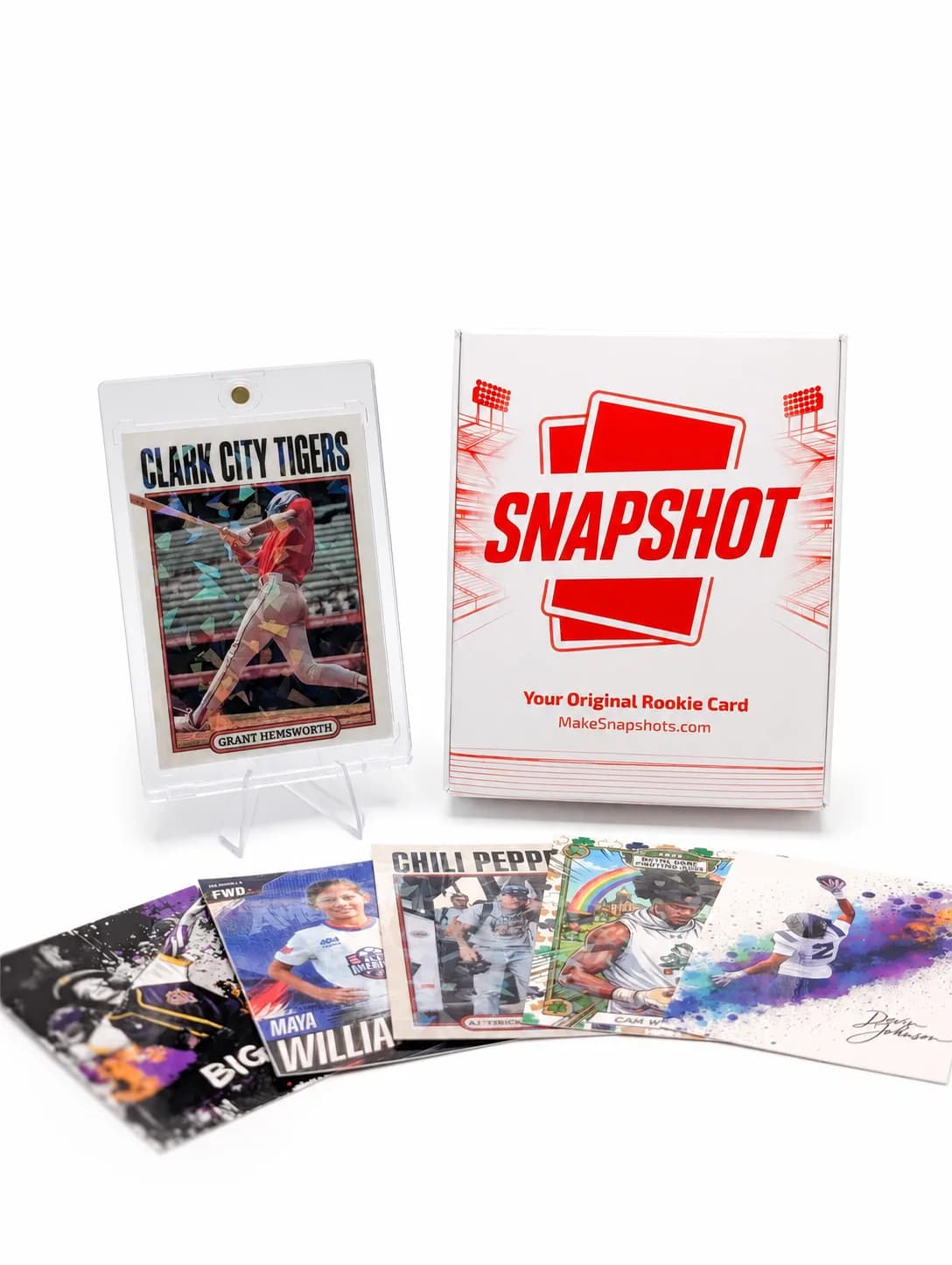
The Rookie Box
Perfect for those unforgettable moments
$17.99 - $49.99
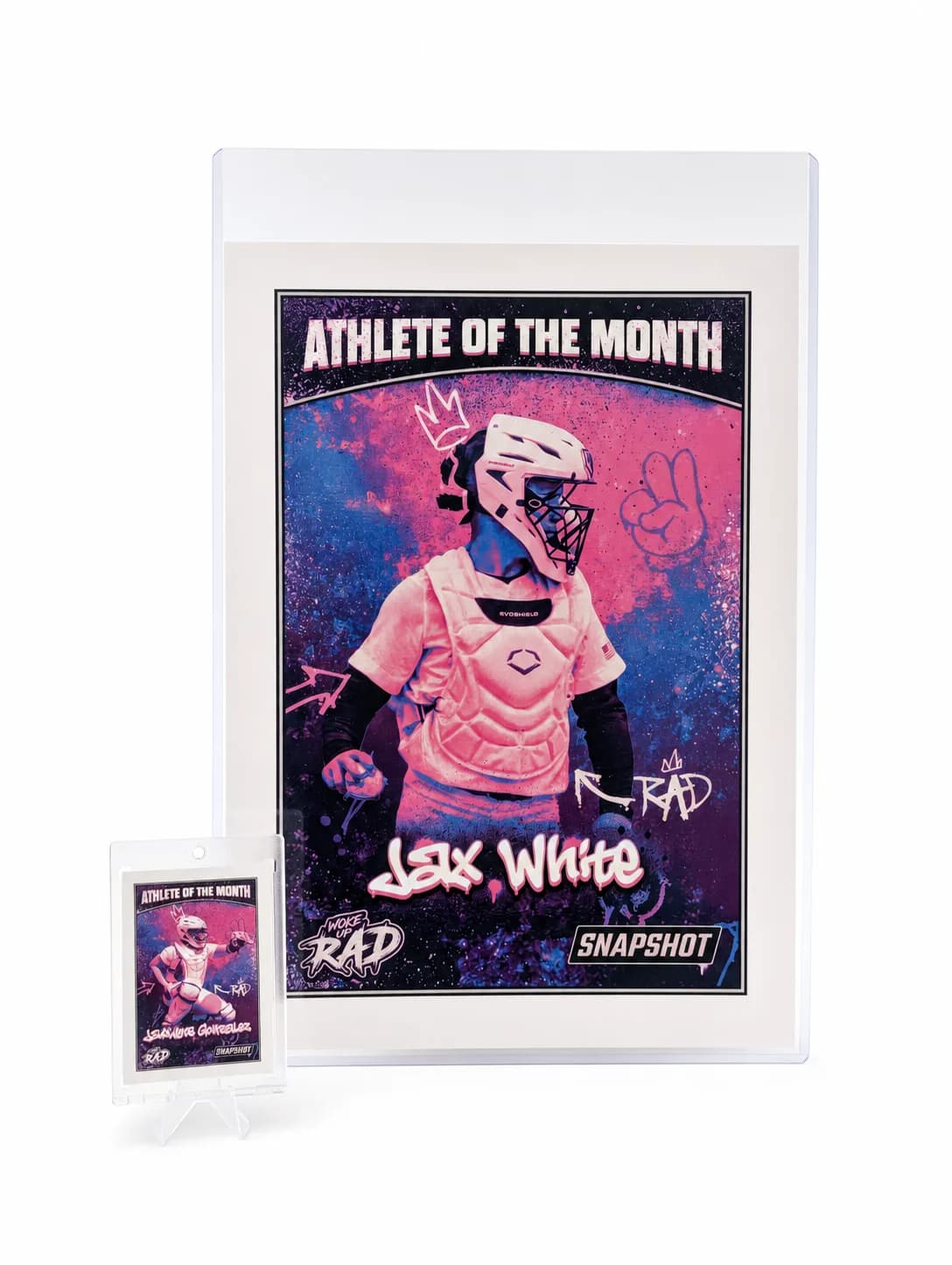
MEGA Card
Their moment, bigger than ever
$49.99
Create for free • Ships the next business day • Made in Des Moines, IA, USA

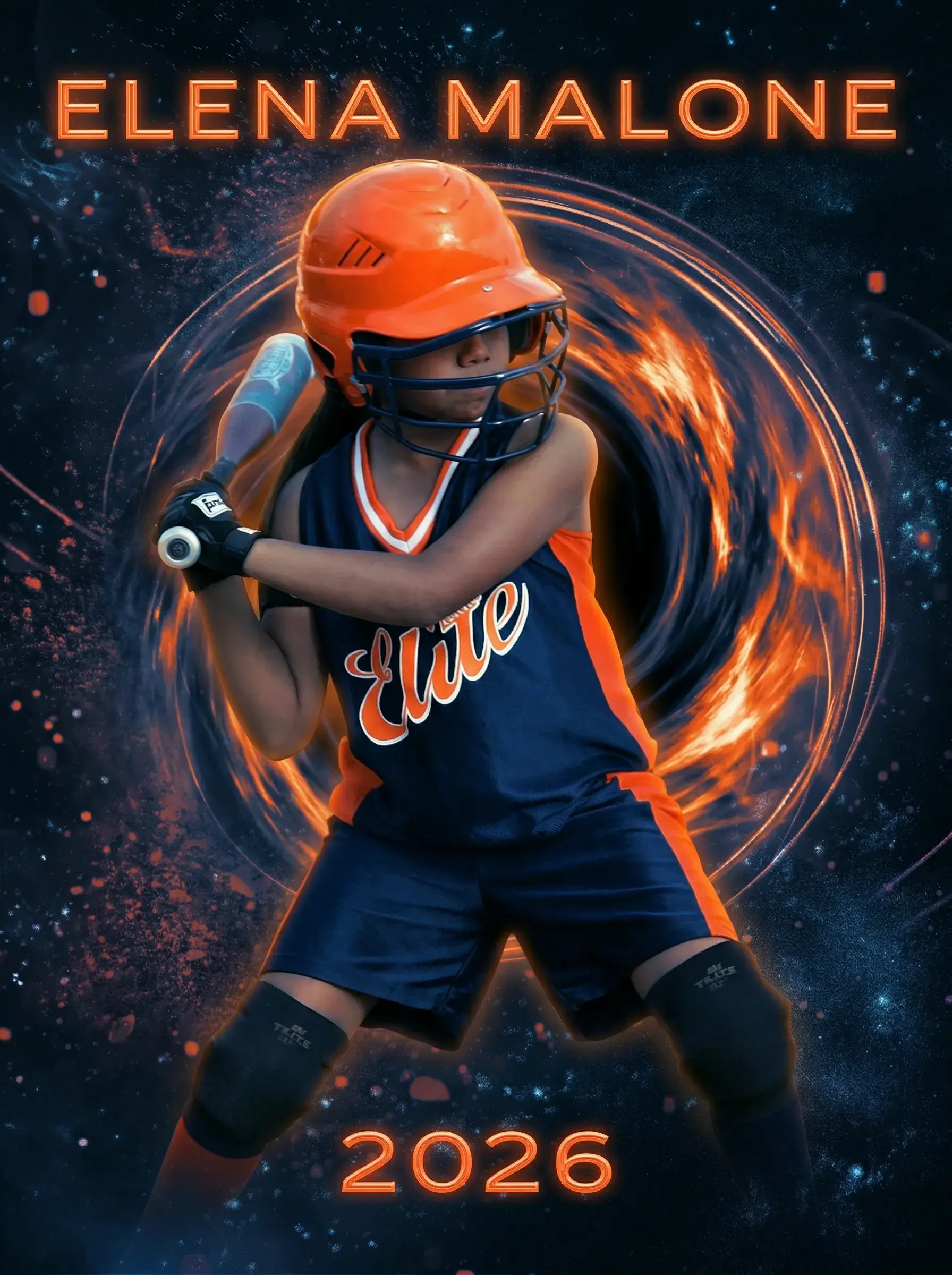
Already Have the Shot? Turn Your Camera for Sport Photography Into a Custom Card
You don't need better gear — you need to upload what you've already got. Pick a pro-style template, and we'll print it on premium card stock with a free magnetic case, shipped in 2-3 days anywhere in the USA.
Upload Your Photo NowNo credit card required | Instant preview | Pro-quality designs
Explore More Card Options
Discover more custom trading card options for every sport and occasion