
Color Grading Sports Photography for Custom Cards
A great sports photo deserves more than a screen. Color grading sports photography is the step most people skip — and it shows.
Upload any photo — your kid, your pet, your whole team — pick a pro template, and we print and ship a real, holdable card the next business day.
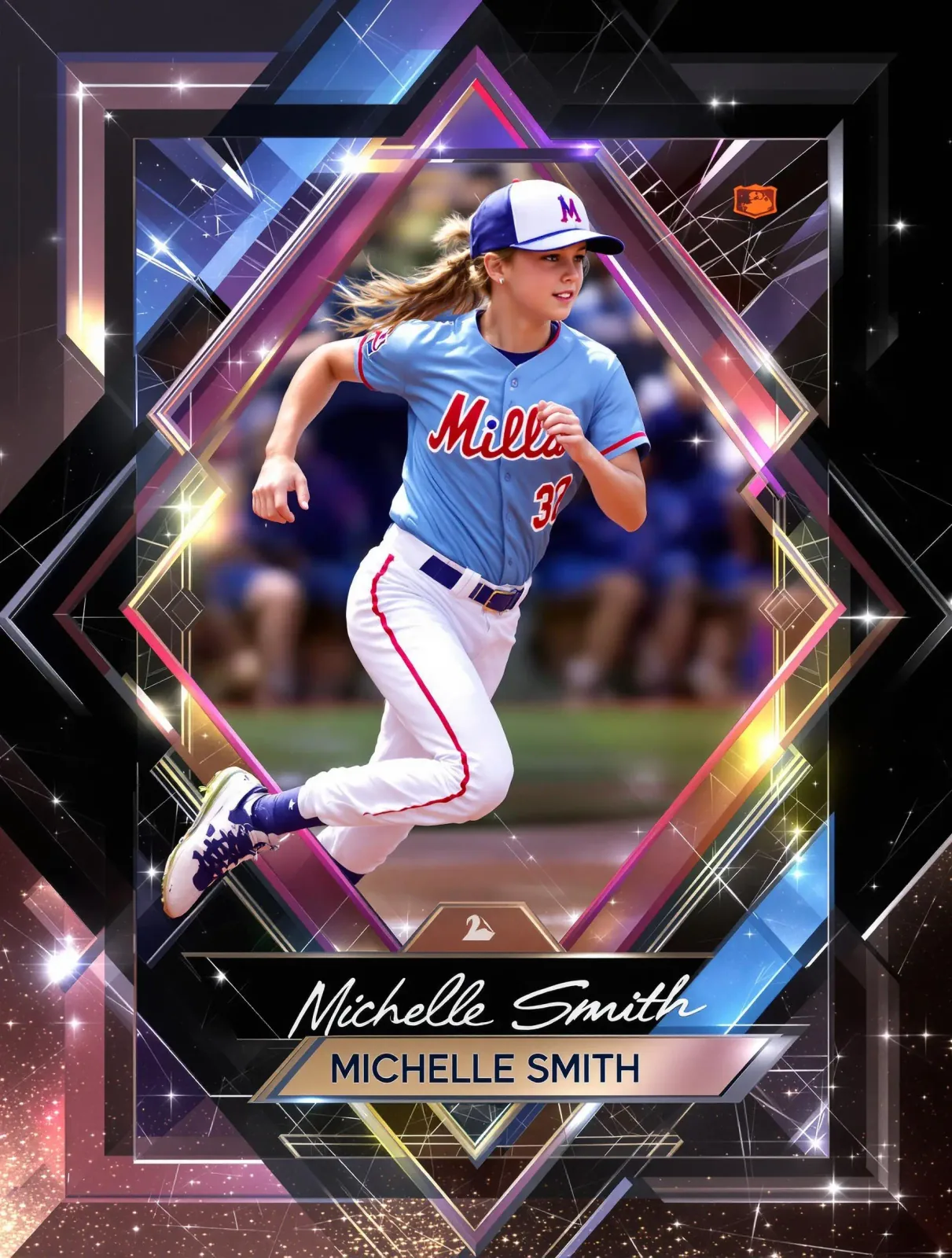
Raw sports photos often look flat, murky, or washed out. Action happens fast, lighting is rarely ideal, and your camera's default processing leaves a lot on the table. Whether you shot under harsh gym fluorescents, fading afternoon sun, or stadium lights with a green cast, the colors you captured aren't necessarily the colors your photo deserves. Skipping color grading before printing means you'll get a card that looks dull, off-tone, or just not quite right — and there's no fixing it after it ships.
Color grading is the process of adjusting hue, saturation, contrast, and tone to make your image pop visually — and, critically, to make it print accurately. When you're creating a custom sports trading card at Snapshot, a properly graded photo produces deeper blacks, truer skin tones, and jersey colors that match reality. You upload, we print on professional card stock and ship in 2–3 days. The quality of what arrives depends heavily on what you send us. This guide shows you how to get it right.
Here's exactly how to grade your sports photos for cards that look like the real thing.
We print and ship custom trading cards to athletes and families in all 50 states every week, from our production facility in Des Moines, Iowa.
Why Athletes and Families Trust Snapshot With Their Best Photos
Snapshot ships custom trading cards to athletes and families across all 50 states every single week — from small-town rec leagues to national club tournaments. Customers consistently mention the print quality and color accuracy as the reason they reorder.
When you've done the work of grading your photo properly, Snapshot's production process makes sure that work translates to the finished card exactly as you intended.
Who's Using Color Grading Sports Photography for Custom Cards
This workflow isn't just for professional photographers — it's for anyone who wants their custom card to look intentional and finished.
Club and Travel Sport Parents
Parents who photograph their child's soccer, volleyball, or swim meets often work with inconsistent lighting and consumer cameras. A quick grading pass before uploading to Snapshot can pull a solid image out of a mediocre RAW file. The result is a card the athlete actually wants to keep — not just something you printed because you felt like it. One well-graded photo produces a card worth framing.
Youth Coaches and Program Directors
End-of-season custom cards for an entire roster require photo consistency. If you're pulling headshots from different photographers, different days, and different lighting conditions, color grading is what makes the set feel cohesive. Matching the white balance and contrast style across 15 player photos means every card in the pack looks like it belongs together — not a random collection of snapshots.
Amateur Athletes Who Want a Card of Their Own
Adult recreational athletes — marathon runners, powerlifters, martial artists, cyclists — are ordering custom cards of their own race photos and competition shots more than ever. These photos often come from event photographers shooting thousands of frames in variable light. Color grading takes the flat default edit and makes it personal, dramatic, and card-worthy. It's the step between 'photo you downloaded' and 'card you'd actually show someone.'
Free to design, instant preview. Ships the next business day.
How Color Grading Sports Photography Produces Better Printed Cards
Most editing apps give you the tools — the difference is knowing which adjustments actually matter for print. These three steps cover the essential workflow.
Correct Exposure and White Balance First
Before touching color, fix the foundation. Drag your exposure to where the athlete's face and uniform are clearly visible without blowing out bright highlights. Then nail white balance — indoor gyms typically run warm (around 3200K), outdoor afternoon fields run cool. Getting white balance right means your jersey's royal blue prints as royal blue, not purple. Every color adjustment you make after this step builds on this base.
Boost Contrast and Saturation with a Light Touch
Add contrast using an S-curve rather than a flat contrast slider — it preserves midtone detail while deepening shadows. For saturation, target specific colors instead of boosting the whole image globally. Bring up the greens in a grass field, deepen the reds in a soccer kit, or push the blues in a swim cap. Over-saturating globally creates neon artifacts that look terrible in print. Selective adjustments are what separate a polished card from an amateur one.
Check Your Image in Print-Ready Color Space
Most phone photos and digital edits live in sRGB color space, which is fine for screens but needs attention before printing. Export your final image as a high-resolution JPEG or PNG (at least 300 DPI at final card size). Avoid heavily compressed files — compression destroys fine edge detail on jersey numbers and face features. Upload directly to Snapshot's card builder, choose your template, and preview the layout before you submit. What you see closely reflects what prints.
Three focused steps. Done right, your photo prints sharp, vivid, and exactly the way you intended it to look.
What Proper Color Grading Does for Your Custom Sports Card
The payoff isn't just aesthetic — it directly affects how the finished card holds up in hand and over time.
Accurate Jersey and Uniform Colors
Team colors are identity. A properly graded image means the hunter green on a lacrosse uniform doesn't print as olive, and the crimson on a wrestling singlet doesn't fade to pink. Your athlete's colors print true — exactly what the card is supposed to capture.
Sharper Contrast Between Subject and Background
A well-graded photo naturally separates the athlete from the background, adding visual punch without any complicated cutouts. Strong contrast reads clearly in print — no muddy midtones, no soft edges that make the subject feel like they're floating in fog.
Skin Tones That Look Natural Under Any Lighting
Indoor sports create some of the worst skin tones in photography. Correct the orange cast from gym LEDs and the green tint from fluorescents, and your athlete looks like themselves — not like they were photographed on another planet.
A Card That Looks Premium, Not Printed at Home
Snapshot prints on professional card stock with sharp offset-quality results. A properly graded photo is what makes the final card indistinguishable from cards you'd pull from a retail pack. The print quality is there — grading is what lets it show.
Pre-Upload Color Grading Checklist for Snapshot Cards
Run through this before you upload — it takes less than five minutes and makes a real difference.
- White balance corrected — no green, yellow, or orange cast from artificial lighting
- Exposure set so face and uniform are visible with no blown-out highlights
- Contrast adjusted using a curve — not just a flat slider
- Jersey and uniform colors checked in HSL panel and boosted selectively if needed
- Skin tones reviewed — natural and free from color cast
- Image exported at maximum quality JPEG or lossless PNG
- Resolution confirmed at 300 DPI or higher at final card dimensions
- Edit reviewed on a second screen before finalizing
Common Color Grading Mistakes That Hurt Your Printed Card
These are the errors that show up most often — and they're all easy to avoid once you know what to look for.
Editing on an uncalibrated phone screen
Your phone's screen is often brighter and more saturated than reality. Check your edit on a second screen before uploading.
Using the global saturation slider instead of HSL
Global saturation boosts every color equally, creating neon artifacts. Use HSL to boost only the specific colors that need it.
Uploading a photo shared through social media
Social platforms compress images heavily. Always upload from the original file, not a downloaded or screenshot version.
Skipping white balance correction
White balance is the single most impactful adjustment for print accuracy. Fix it first, before any other color work.
Crushing blacks to add drama
Fully crushed shadows print as flat black with no detail. Keep a small amount of shadow detail — the card will look richer, not weaker.
Custom Sports Cards for Athletes Everywhere
Sports don't require a zip code to matter. From youth gymnastics studios in small towns to adult kickball leagues in major cities, athletes everywhere are creating moments worth preserving. Custom sports trading cards have become a way to mark those moments permanently — not just with a photo on a phone, but with something physical you can hold, frame, or trade. Snapshot is based in Des Moines, Iowa, and ships to all 50 states with free shipping on every U.
S. order. That means an athlete in rural Montana gets the same professional card stock, the same 2–3 day production window, and the same free magnetic case as someone ordering from a major metro. Whatever sport you're photographing — martial arts, cheerleading, competitive dance, cycling, rodeo, rowing — a well-graded photo uploaded to Snapshot produces a card that looks and feels like it belongs in a collection.
We've printed cards for sports you've heard of and plenty you haven't. If there's a photo, we can make a card.
Snapshot Card Pricing — From Single Cards to Full Packs
Every order ships free in the USA and arrives in 2–3 days, printed on professional card stock and packaged with a free magnetic case.
Single card starts at $17.99. Card packs range up to $49.99. The MEGA poster card — an 11"×15" oversized format — is $49.99 and makes a statement on any wall. Free shipping on all U.S. orders.
You're getting a professionally printed card with a free magnetic case, free U.S. shipping, and 2–3 day turnaround. That's a complete premium product — not just a print.
Box Options
Simple, collectible pricing. No subscriptions, no hidden fees.
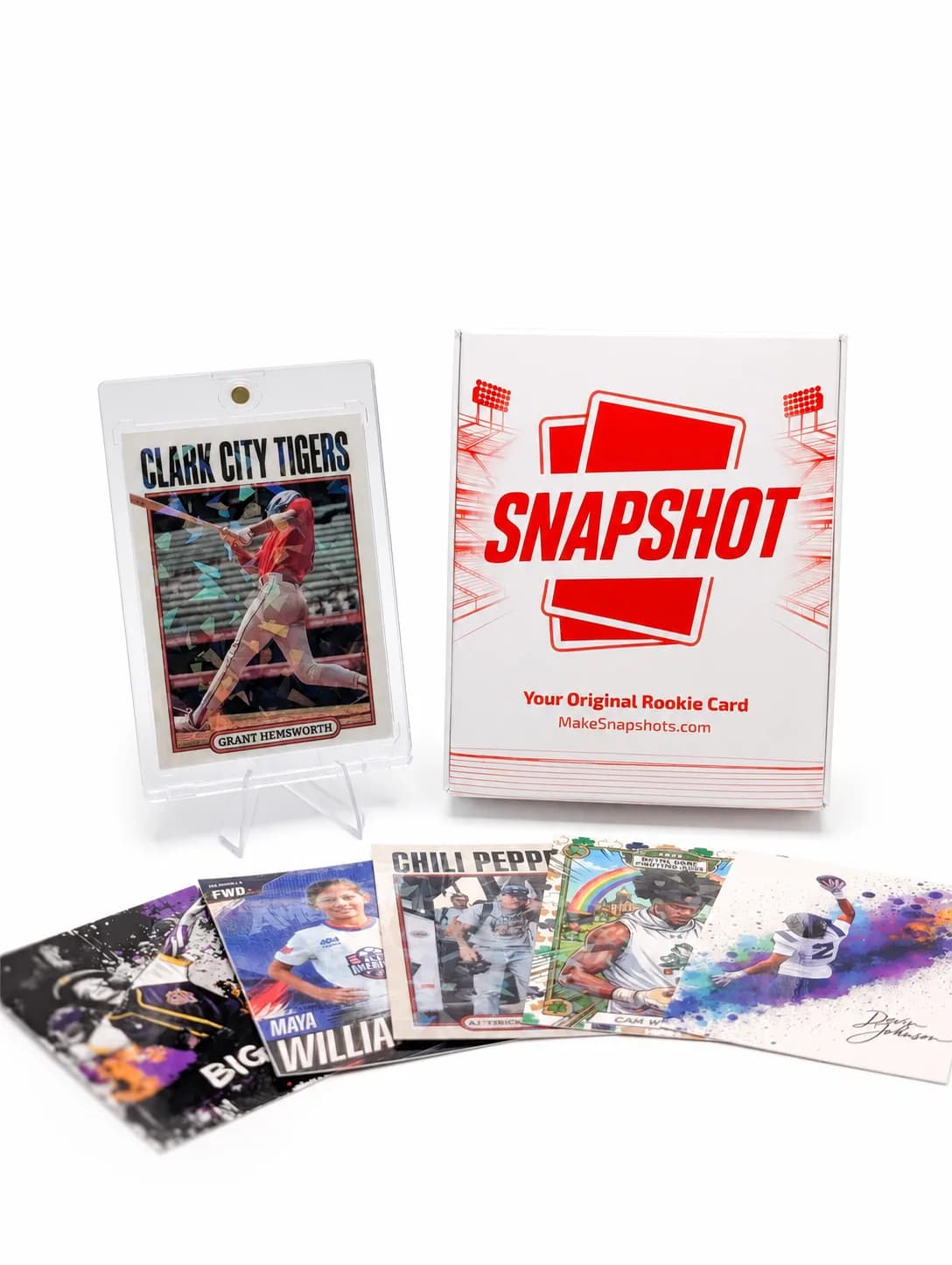
The Rookie Box
Perfect for those unforgettable moments
$17.99 - $49.99
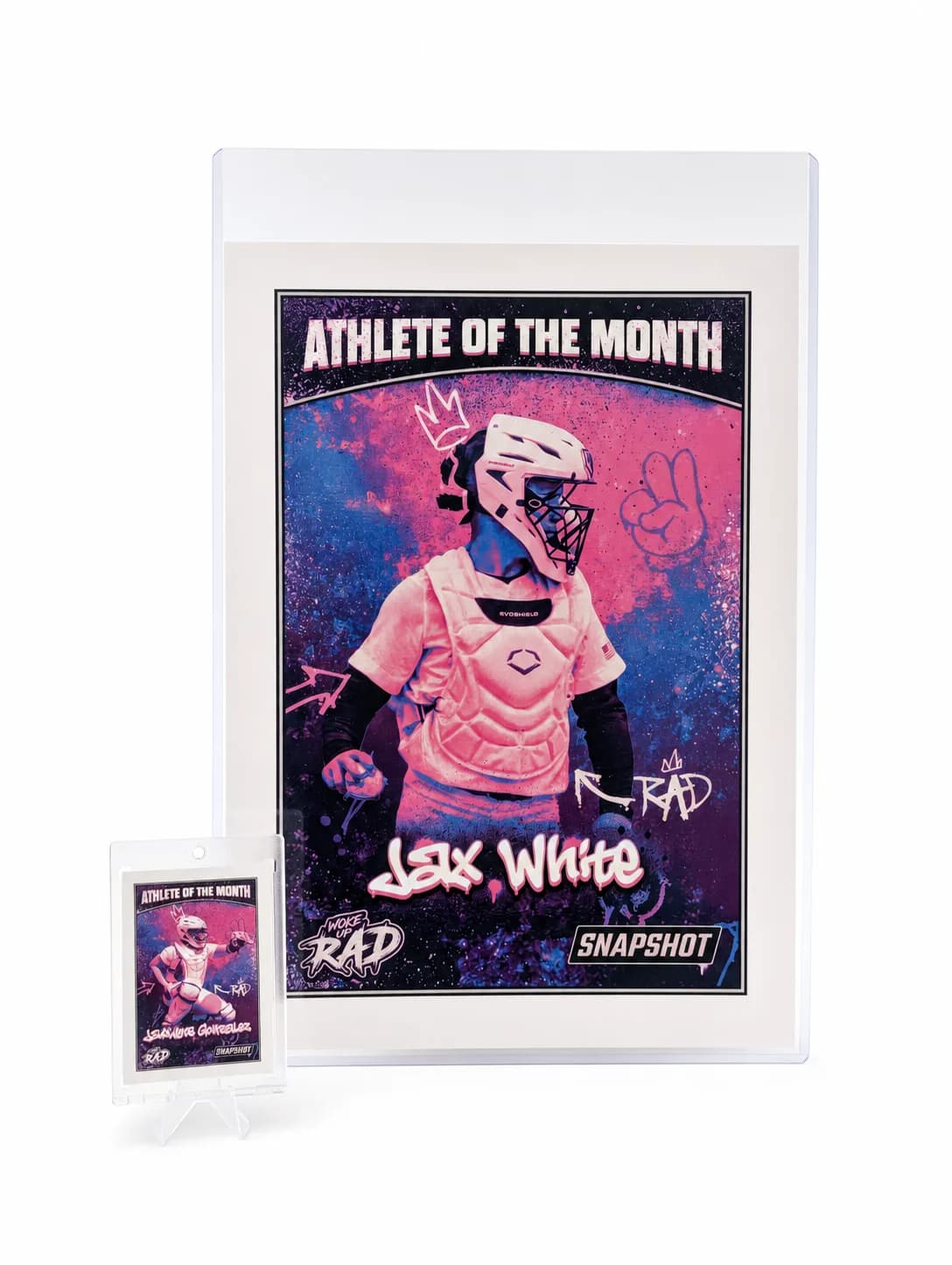
MEGA Card
Their moment, bigger than ever
$49.99
Create for free • Ships the next business day • Made in Des Moines, IA, USA
Frequently Asked Questions
Do I need professional software to color grade my photos?
No. Adobe Lightroom is the industry standard and works extremely well, but free tools like Lightroom Mobile, Snapseed, or even Apple Photos offer enough control for solid results. The key adjustments — white balance, exposure, contrast, saturation, and HSL (hue/saturation/luminance by color channel) — are available in most editing apps. What matters more than the software is understanding what each adjustment does. You don't need a 20-layer editing process. Most sports photos benefit from five or six targeted adjustments done with intention rather than a complex edit done without a clear goal.
What resolution should my photo be before uploading to Snapshot?
For standard trading card sizes, you'll want an image that's at least 300 DPI at the final print dimensions. In practical terms, that means a photo of at least 1000 × 1400 pixels for a standard card — though higher is always better. Most modern smartphone cameras produce files well above this threshold. The issue is usually compression: if you've shared the photo through social media or messaging apps, you may have lost significant resolution. Always export or upload from the original file, not a downloaded or screenshot version. Snapshot's card builder will flag images that are too low resolution before you submit.
How do I fix the green or yellow cast from gym lighting?
Indoor gymnasiums, rec centers, and school gyms usually have fluorescent or LED lighting with a heavy green or yellow-green cast. The fastest fix is adjusting white balance — pull the temperature slider toward blue (cooler) and the tint slider away from green (toward magenta). Most editing apps let you do this numerically: try a color temperature around 4500–5000K and a tint of +10 to +20 magenta as a starting point, then fine-tune by eye. After correcting white balance, check skin tones and jersey colors to confirm they read naturally. HSL adjustments on the green and yellow channels can clean up any remaining cast.
Can I submit a black-and-white or heavily stylized photo for my Snapshot card?
Absolutely. Snapshot prints what you submit, and black-and-white or high-contrast stylized photos can look incredible on trading card stock — especially for certain sports like boxing, martial arts, or track where dramatic single-color treatment fits the aesthetic. The same technical rules apply: make sure your image is high resolution and properly exposed. For black-and-white specifically, pay attention to contrast and tonal range — a flat gray image prints flat. A black-and-white photo with strong blacks, clean whites, and rich midtones prints with the same drama it has on screen.
How much does jersey color accuracy actually matter for a printed card?
It matters more than most people expect. Trading cards are built around team identity, and color is a huge part of that. A navy that prints as black, or a gold that prints as yellow, immediately reads as 'off' to anyone who knows the sport. If you're making cards for a whole team or as an end-of-season gift, color consistency across every card matters doubly. Taking five minutes to set correct white balance and bump the team's primary color in the HSL panel produces a card that feels official — something the athlete will actually be proud to show, not just a novelty.
What's the best way to color grade an action photo versus a portrait-style photo?
Action shots and posed portraits have different priorities. Action photos benefit from higher contrast and punchy saturation — you want the image to feel fast and dynamic, and stronger contrast helps freeze that sense of movement. Be careful with shadows in motion shots: crushed blacks can obscure important background detail. Portrait-style headshots need gentler treatment, especially on skin tones — softer contrast, balanced shadows, and careful white balance so the athlete looks natural and not over-processed. For Snapshot card templates that feature a close crop of the athlete's face, portrait editing principles apply even if the original was an action frame.
Should I color grade on my phone or on a desktop computer?
Either works, but screen calibration matters. Phone screens are often too bright and overly saturated, which means edits that look perfect on your phone can print softer than expected. Desktop monitors vary widely too. The best habit is to check your edit on two different screens — your phone and a laptop or TV — before finalizing. If the photo looks consistently good across both, it'll likely print well. If it looks dramatically different between screens, your phone's brightness or color profile may be misleading you. Lightroom on desktop gives you better reference tools, including a histogram that shows you exactly where your tones sit.
Free to design, instant preview. Ships the next business day.
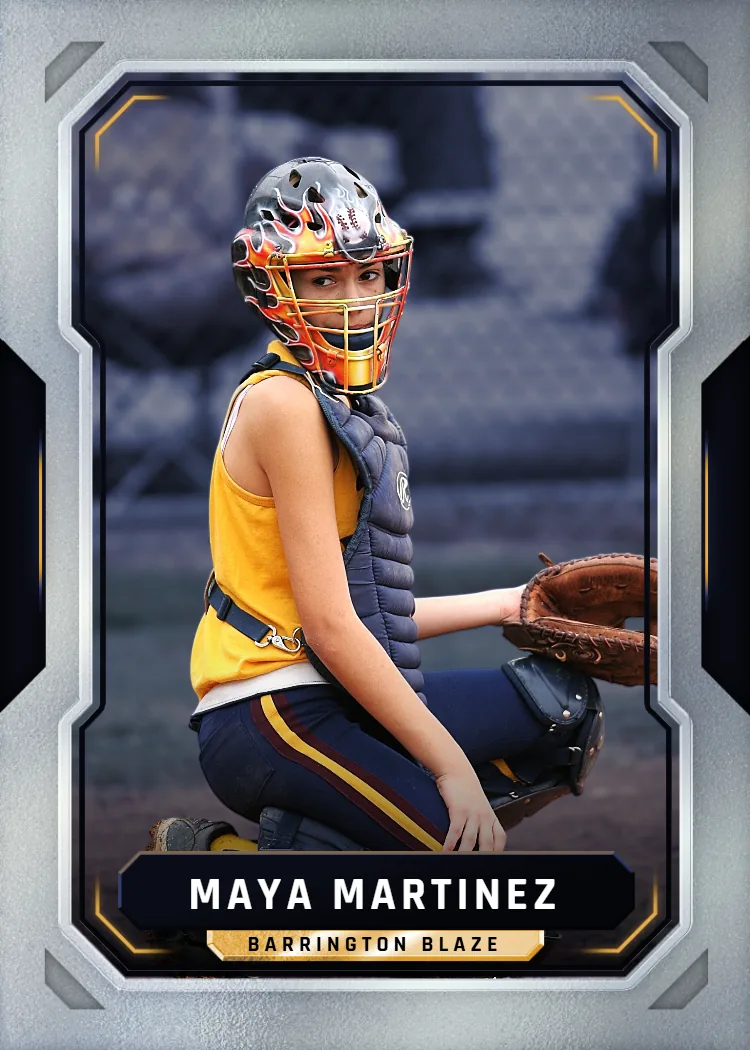
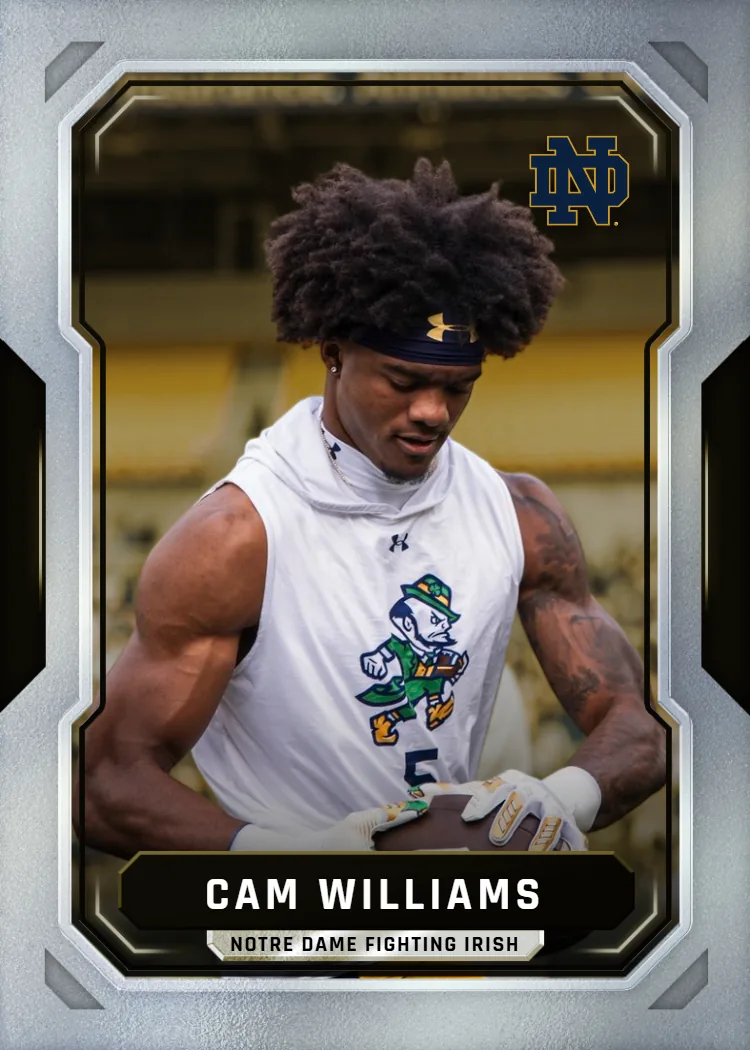
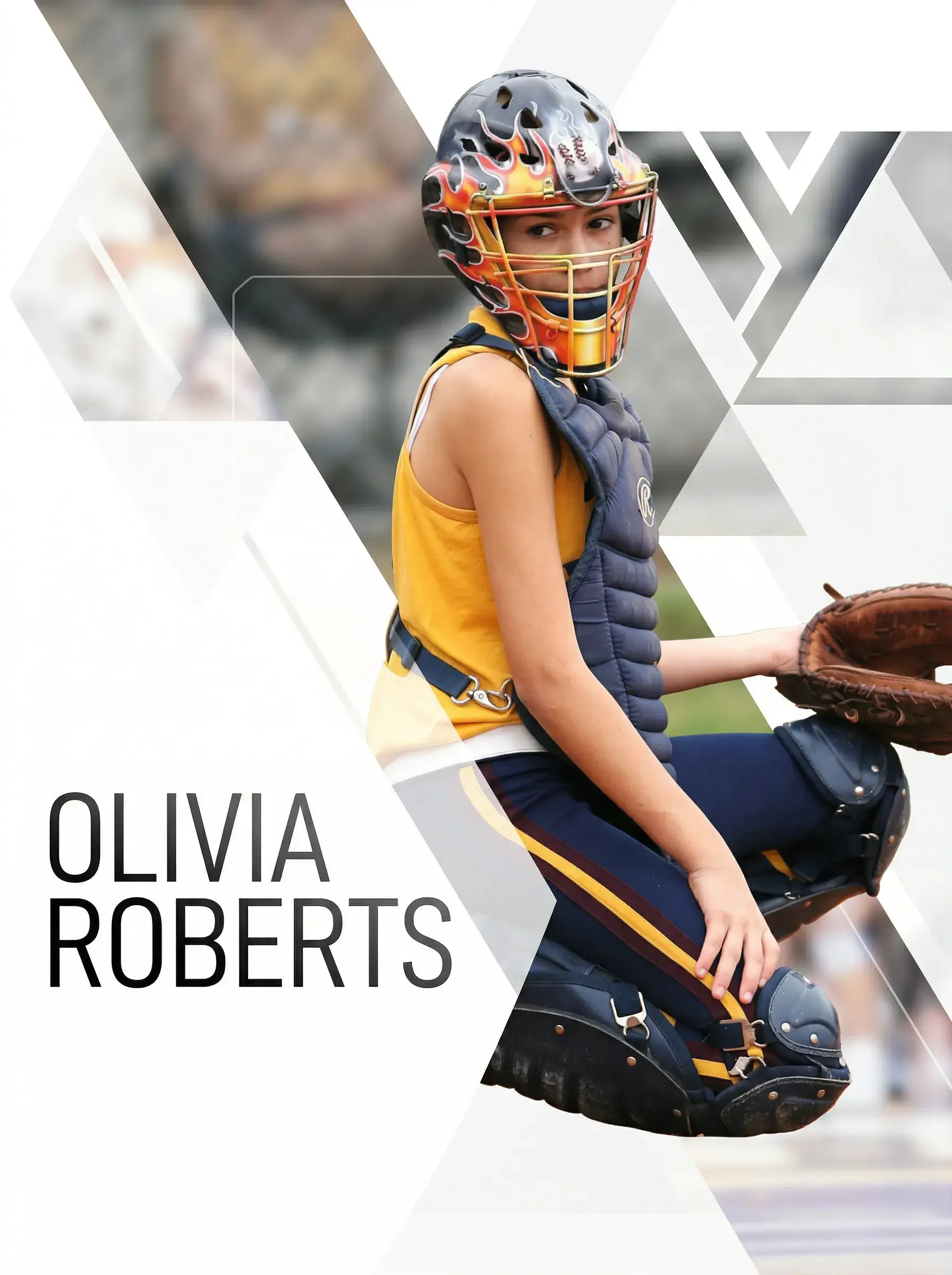
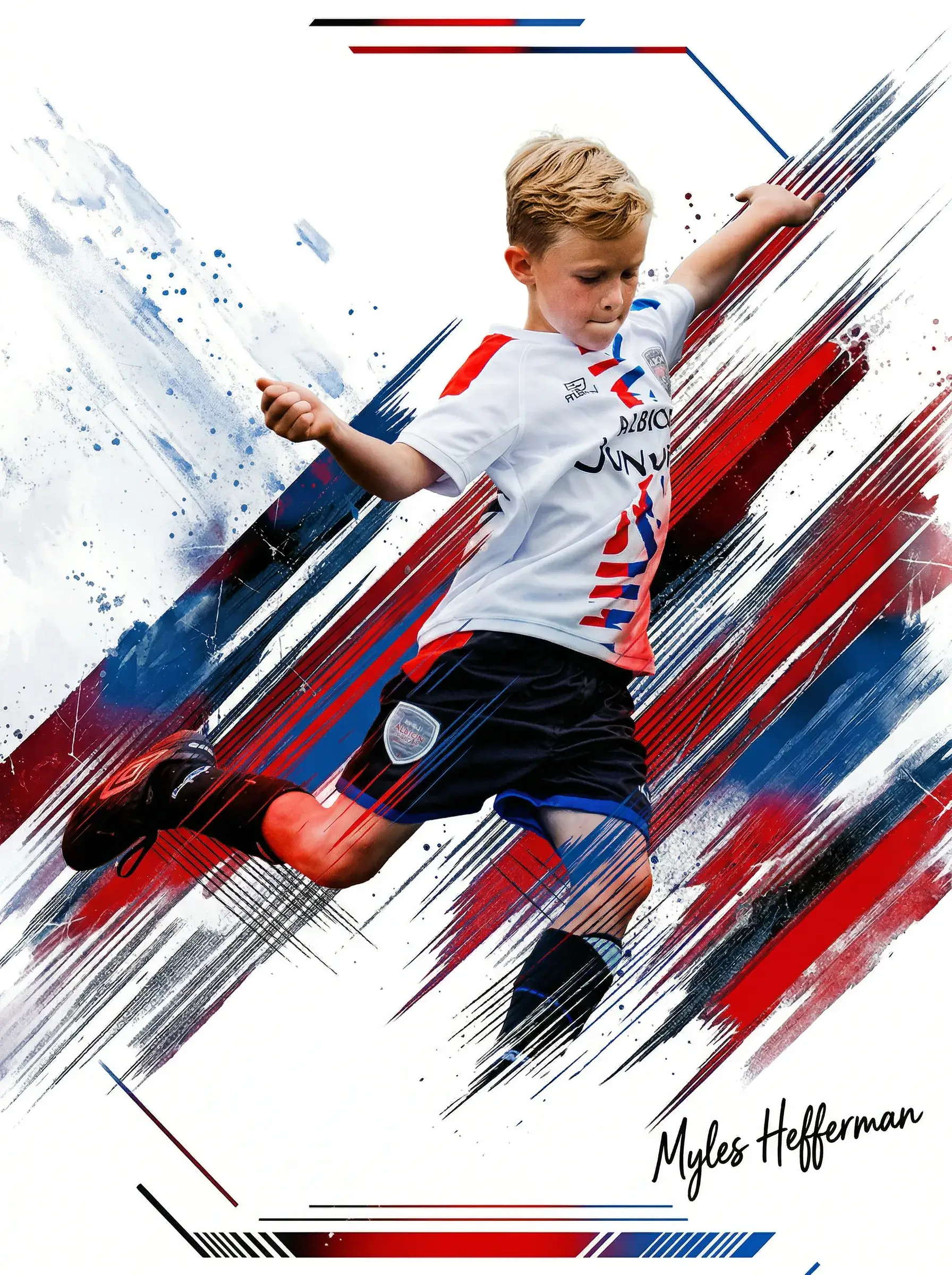
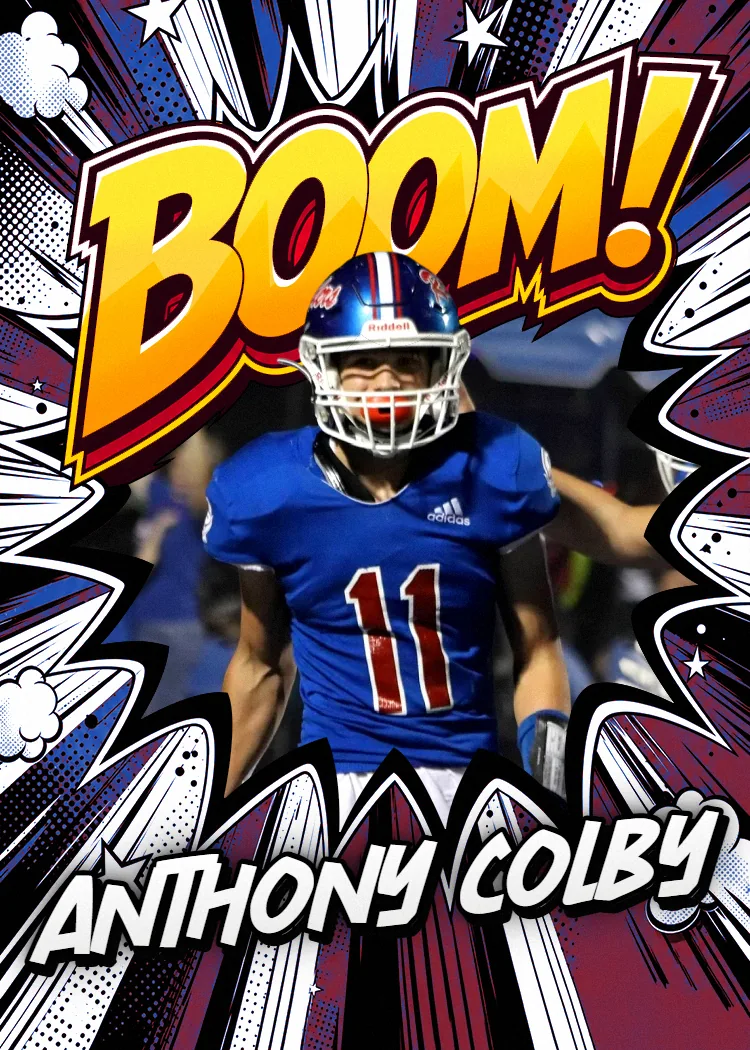
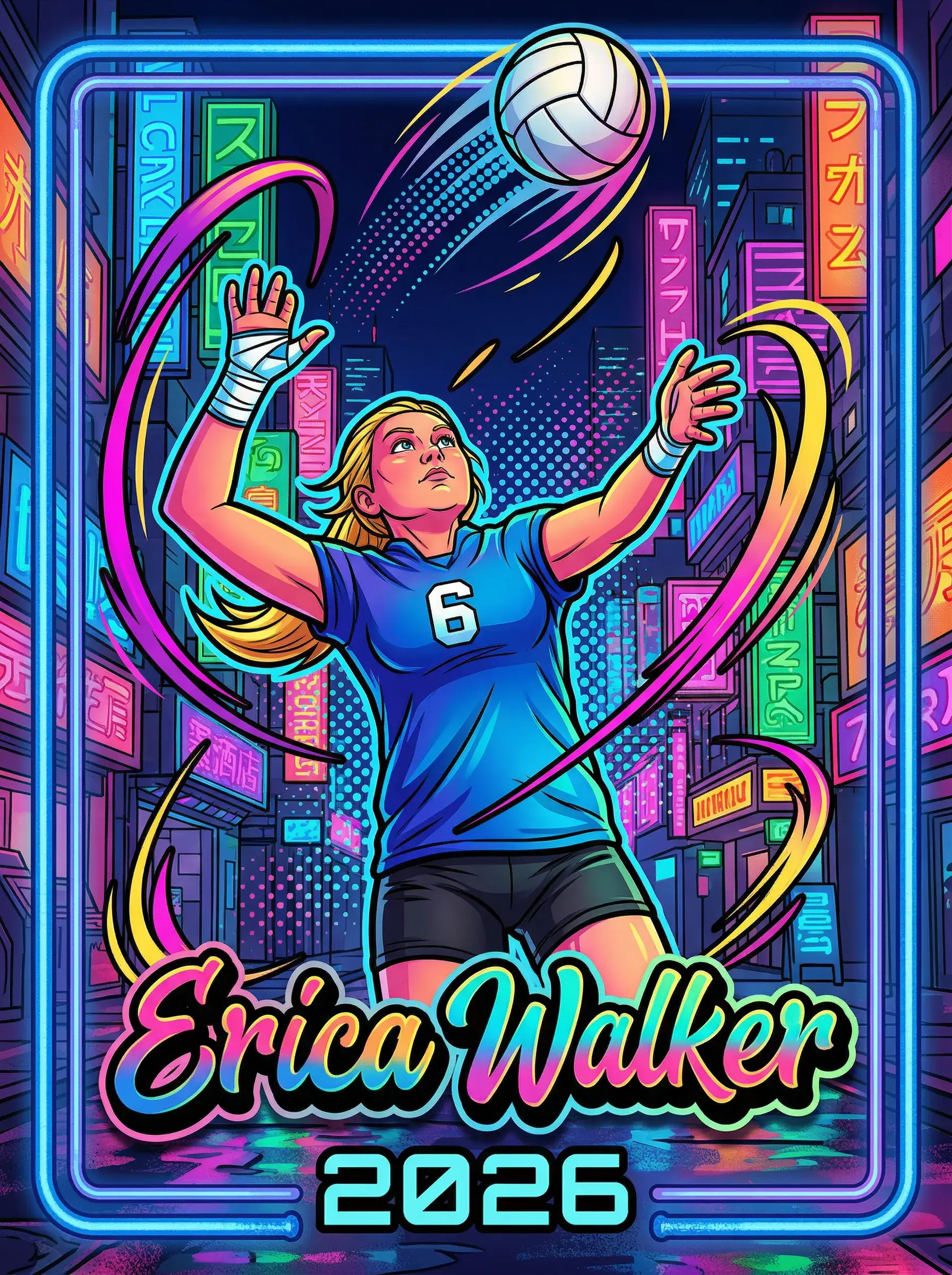
Ready to Turn Your Color Graded Sports Photography Into a Card?
Grade your photo, upload it to Snapshot, and choose from our pro card templates. We'll print it on professional card stock, add a free magnetic case, and ship it to your door in 2–3 days. Free shipping on every U.S. order.
Build Your Card NowNo credit card required | Instant preview | Pro-quality designs
Explore More Card Options
Discover more custom trading card options for every sport and occasion