
Editing Sports Photography That Prints Like a Pro Card
Great editing sports photography work shouldn't end as a phone screenshot — it deserves a real, printed finish.
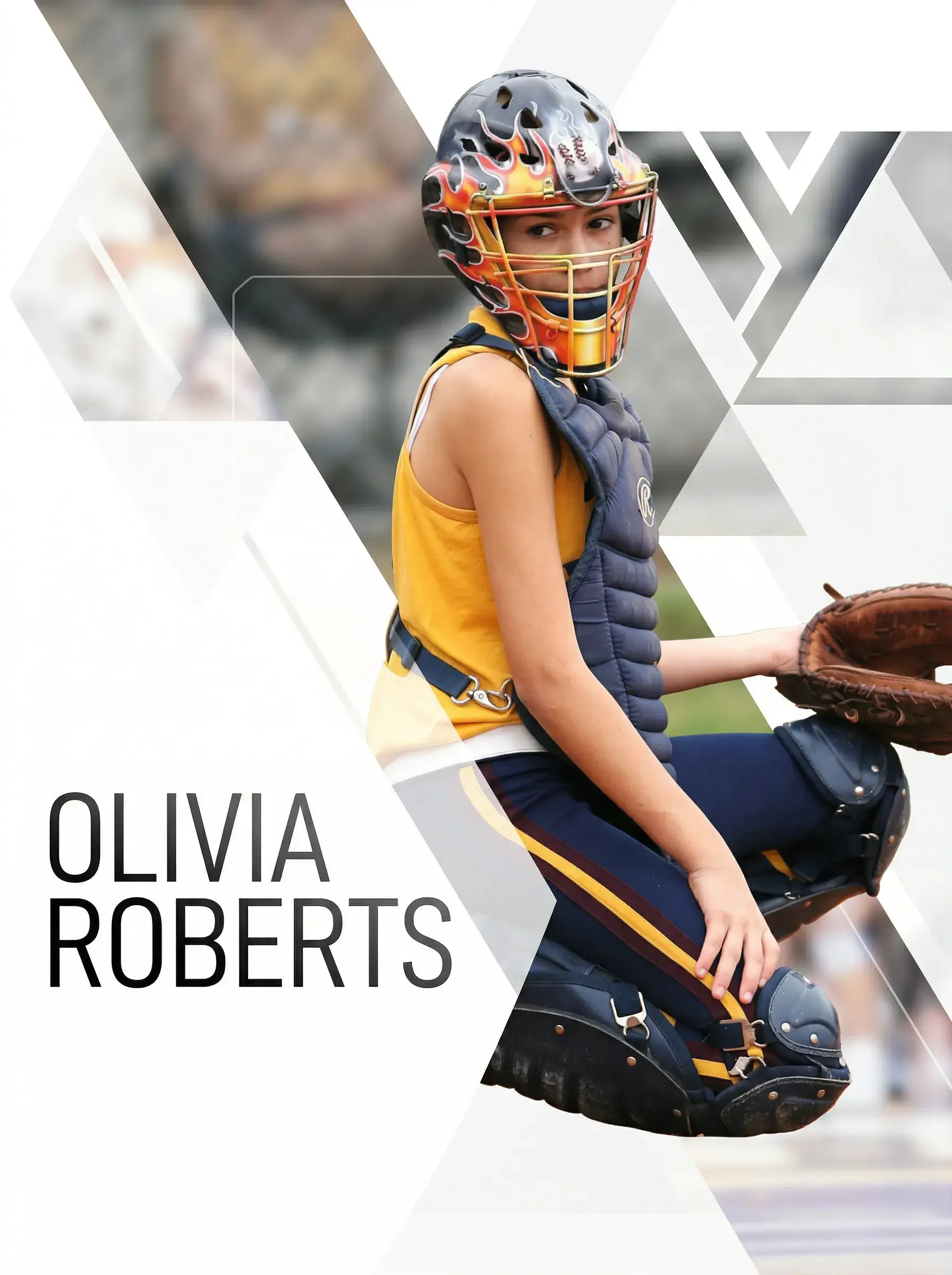
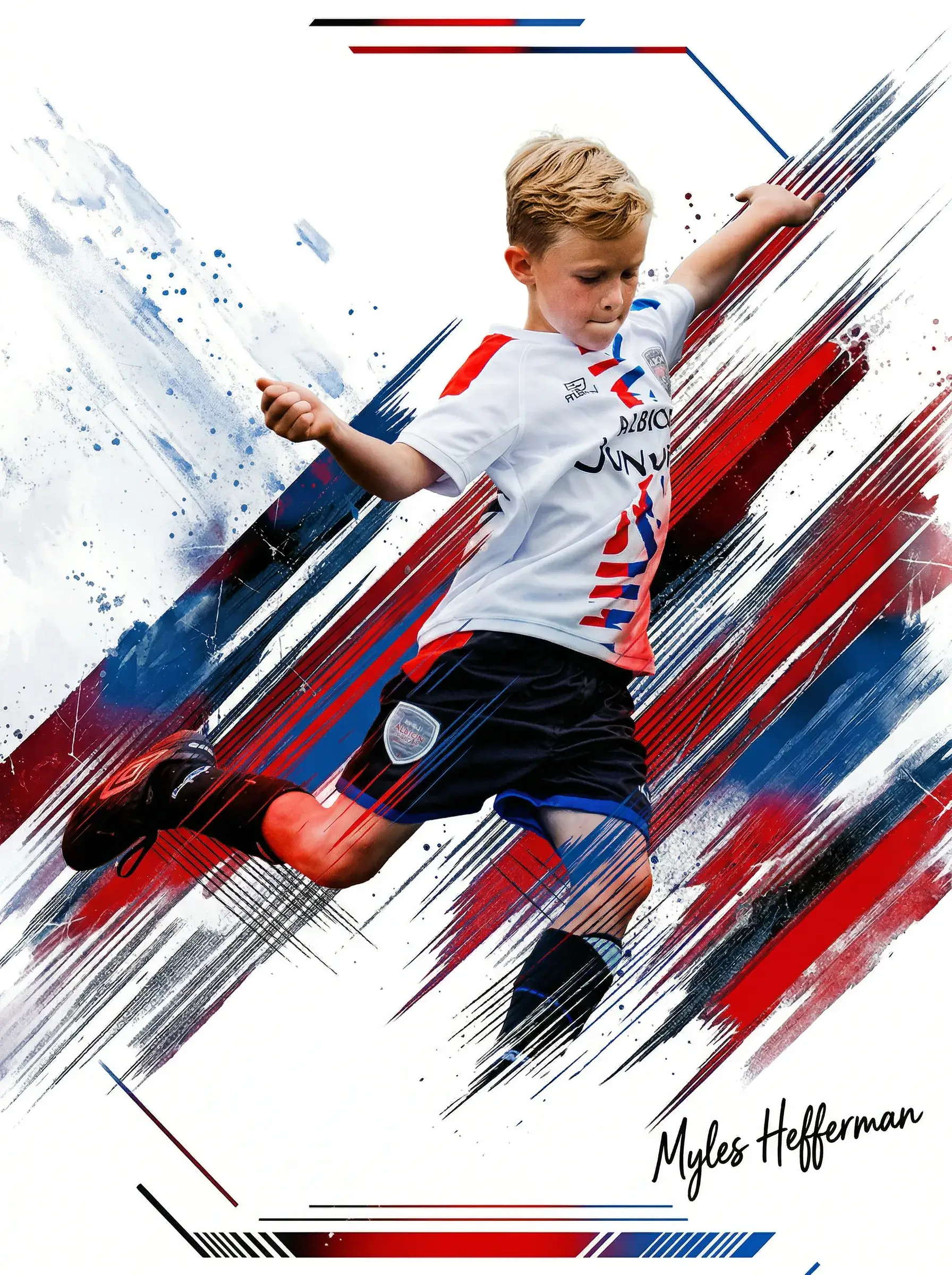
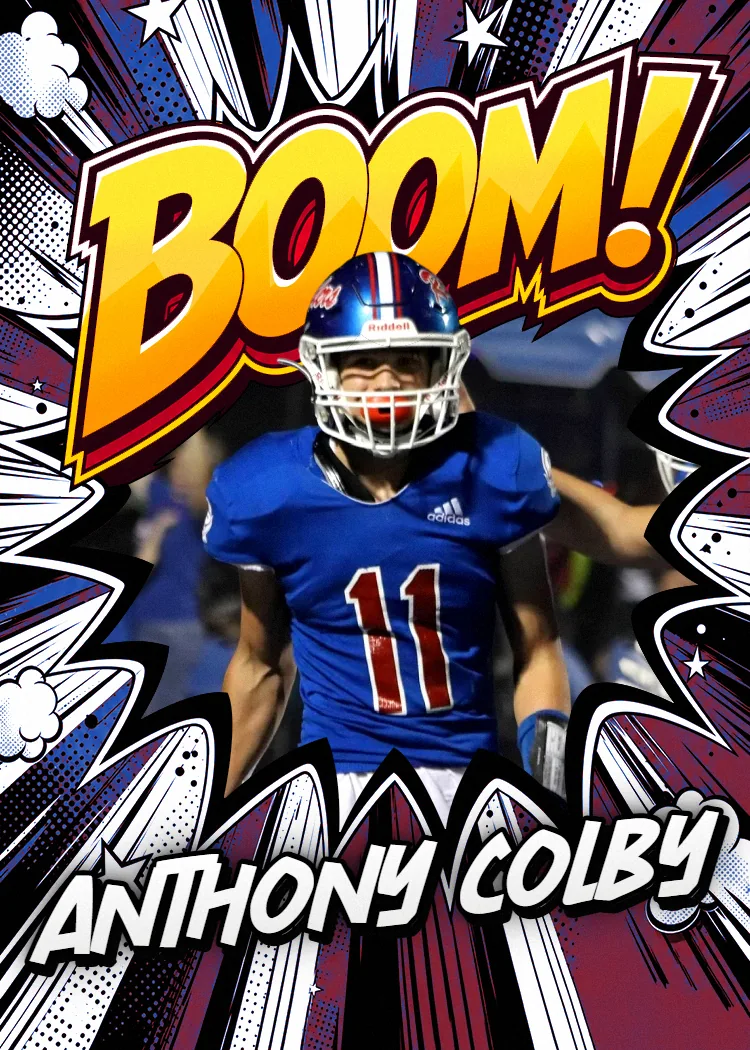
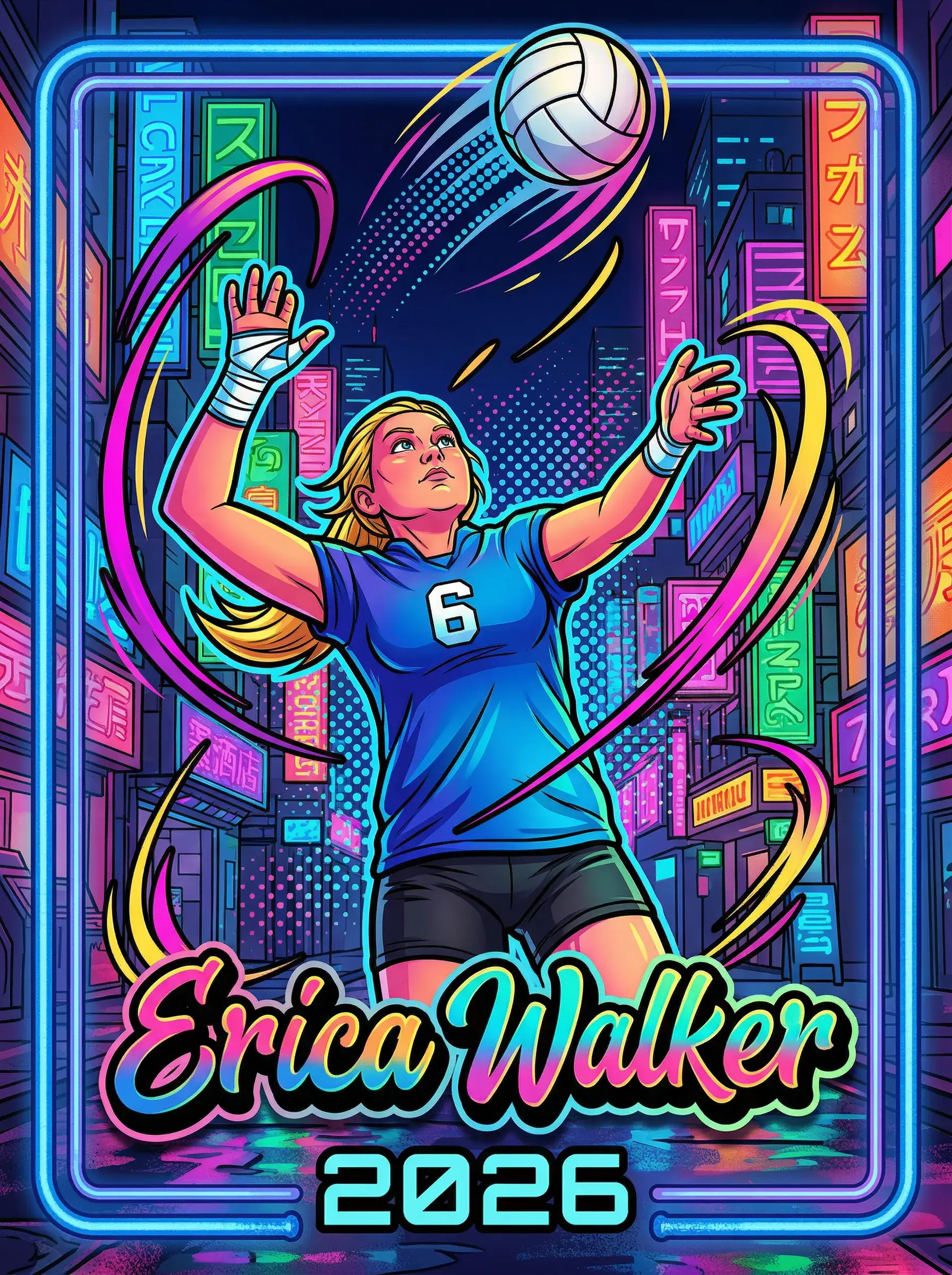
Upload any photo — your kid, your pet, your whole team — pick a pro template, and we print and ship a real, holdable card the next business day.
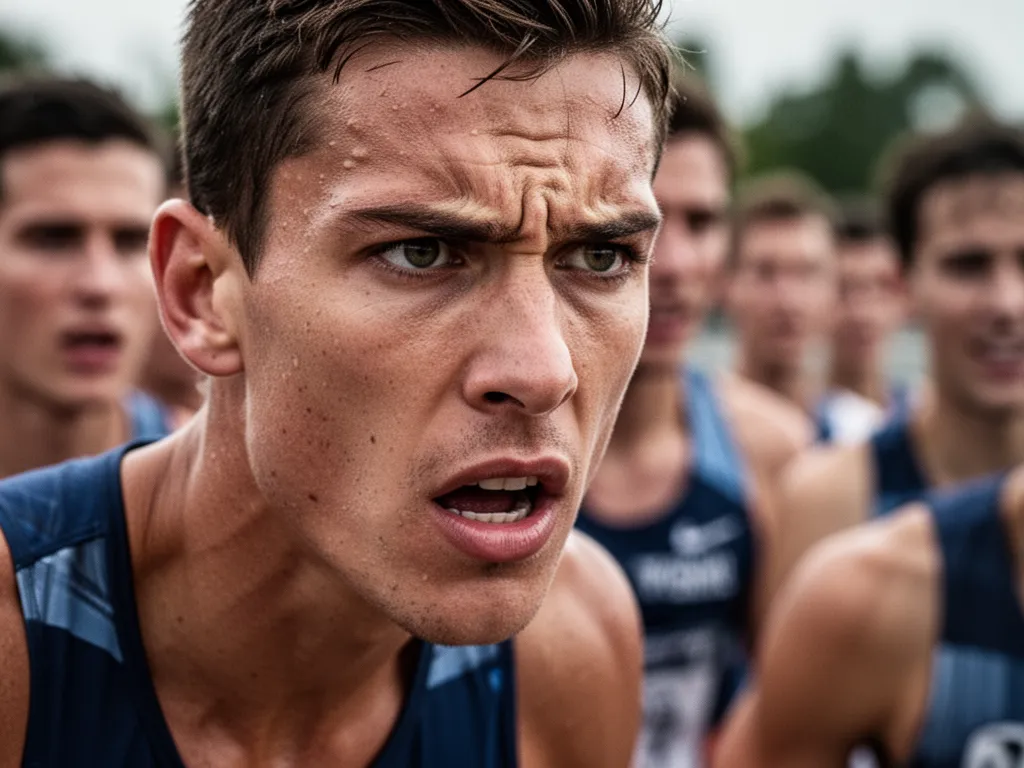
Most athletes, parents, and sports photographers pour real effort into capturing the perfect action shot — the mid-air layup, the sliding tackle, the first-base dive — and then those photos just sit on a hard drive or get buried in a camera roll. Even edited photos that look stunning on a screen lose their impact when they're never physically printed. A JPEG doesn't hang on a wall. It doesn't get handed to a kid after a championship game. It doesn't last twenty years in a shoebox with meaning attached to it.
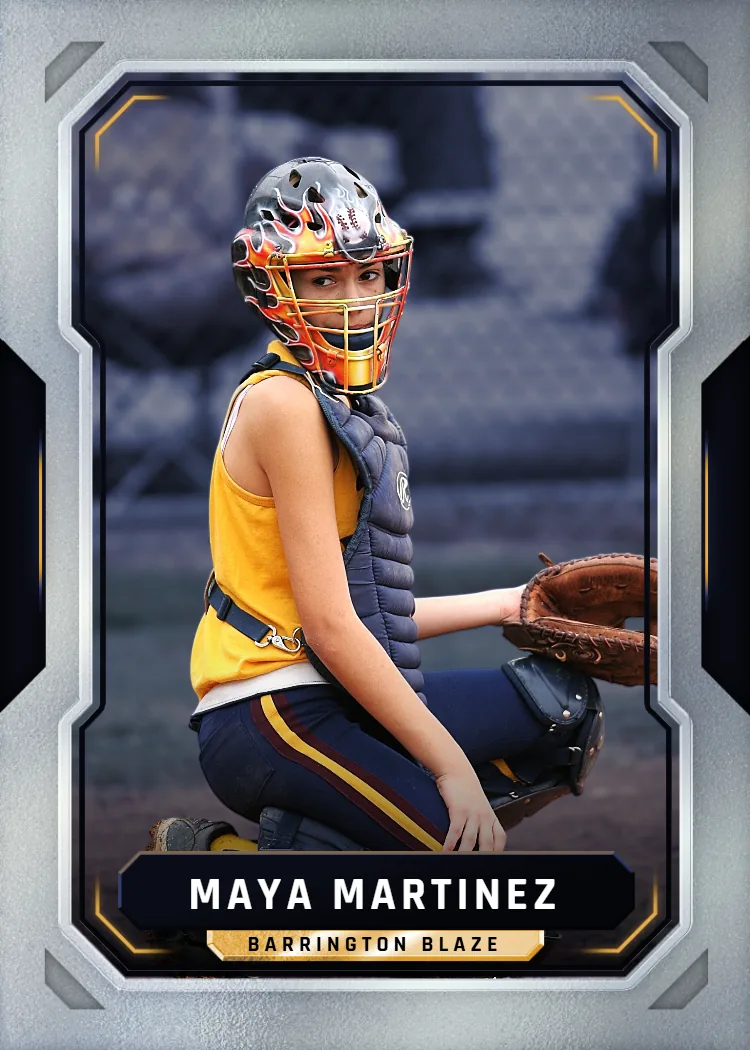
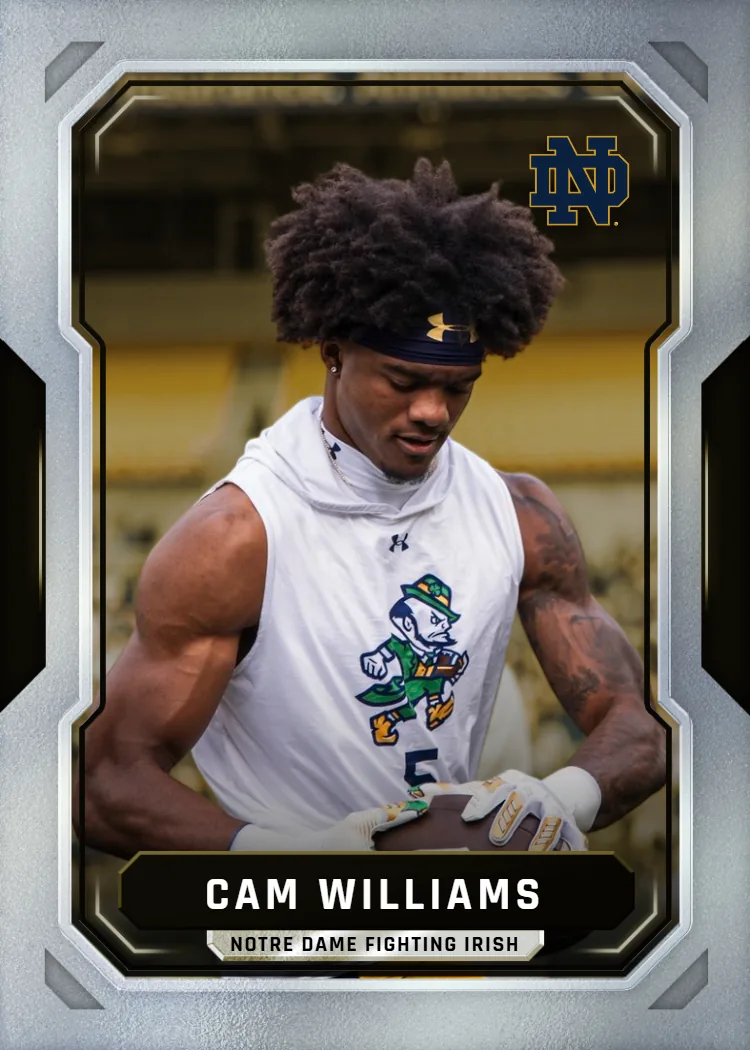
Snapshot turns your edited sports photos into premium custom trading cards that look exactly like something you'd pull from a retail pack. Upload your finished photo, pick from professional sports-card templates, and we print it on premium card stock and ship it to you in two to three business days. Every card ships with a free magnetic case. One card starts at $17.99, and packs go up to $49.99. Free shipping anywhere in the US.
Here's the buyer's guide to getting the most out of your editing work — all the way through to a printed card you're proud of.
We ship custom sports cards to customers in all 50 states every week, and we handle orders from single parents ordering one card to coaches ordering full team sets.
Common Editing Sports Photography Mistakes That Hurt Print Quality
Exporting at web resolution (72 DPI)
Always export at 300 DPI or higher. Web-quality exports look fine on screen but print soft and pixelated on a card.
Over-sharpening before resizing
Apply sharpening as the last step in your editing process, after your photo is resized to its final export dimensions. Sharpen first, resize second, and you'll see halos and artifacts in print.
Leaving the color space as Adobe RGB or ProPhoto RGB at export
Convert to sRGB at export for accurate color matching in print. Skipping this step is the most common reason edited colors look different on the physical card.
Using a heavily filtered or processed look
Faded film presets and heavy vignettes that look stylish on social media can make a card look washed out or murky. Keep contrast and clarity higher for print than you would for screen.
Submitting a photo without reviewing the crop at card proportions
Check your photo at a 5:7 crop ratio before uploading. An athletic pose that looks great uncropped can have an awkward composition once the card template clips the edges.
Your Editing-to-Card Timeline: What Happens and When
Day 0 — Edit and Export
Finish your editing sports photography workflow. Sharpen for print, convert to sRGB, and export at maximum quality as JPEG or PNG at 300 DPI minimum.
Day 0 — Upload and Design
Upload your photo to Snapshot, choose your card template, position your image, and add any text elements. Preview your card and check out. Takes about three minutes.
Days 1–2 — Production
Your card is printed on professional card stock at Snapshot's facility in Des Moines, Iowa. Quality-checked before it ships.
Days 2–3 — Delivery
Your card arrives at your door in the free magnetic case, protected and ready to give or display. Free shipping anywhere in the US.
Free to design, instant preview. Ships the next business day.
What You Actually Get When Editing Sports Photography for Print
Editing for a custom trading card is different from editing for Instagram. These are the four outcomes that matter most when your goal is a physical printed card.
Sharpness That Holds at Trading Card Size
Trading cards are small, which means every detail either holds or doesn't — there's nowhere to hide soft focus. Proper sharpening during editing, applied after resizing, ensures the athlete's face, jersey number, and action details stay crisp through the print process. This is the single edit most people skip.
Colors That Match What You Edited
Export in sRGB color space for the closest match between your editing software and our print output. ProPhoto RGB looks great on a calibrated monitor but can shift noticeably in print. A quick soft-proof step in your editing software before export saves a lot of disappointment on delivery day.
A Keepsake That Lasts
Printed on professional card stock, these cards don't fade or yellow the way home inkjet prints do. Parents keep them. Athletes keep them. Coaches hand them out at end-of-season banquets. A card printed properly from a well-edited photo is something people genuinely hold onto for years.
Versatility Across Sports and Settings
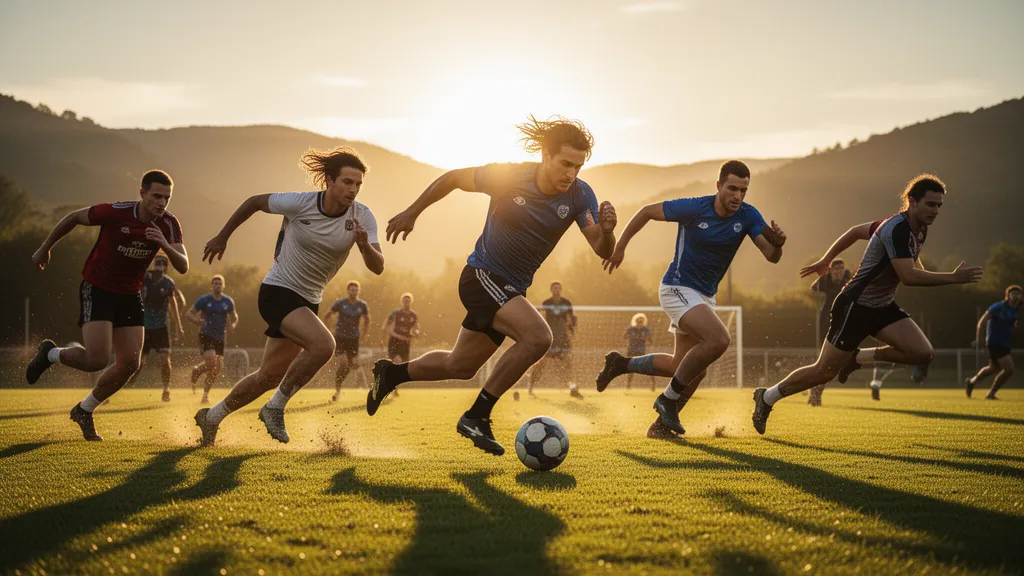
Whether your photo is from a youth soccer sideline at golden hour or a lit indoor gym, good editing solves the same problems: exposure, color cast, motion blur. The card templates work with every sport. There's no sport-specific limitation on what Snapshot can print.
Who's Using Edited Sports Photos to Order Custom Cards
Custom trading cards made from edited sports photos show up in a wider variety of hands than you might expect. Here are three scenarios that show up most often.
Youth Sports Parents and End-of-Season Gifts
A parent shoots their kid's soccer season on a mirrorless camera, edits the best twenty frames, and then... nothing. Custom trading cards solve this completely. Pull the sharpest action shot, run it through your editing workflow, upload it to Snapshot, and you've got a gift the kid will actually care about. Order a pack and hand one to each teammate. It's the kind of thing that ends up on refrigerators and in scrapbooks, not deleted after six months.
Sports Photographers Building a Client Offering
Photographers who shoot youth leagues, high school teams, or local tournaments can add custom cards to their package pricing. It's a concrete deliverable clients understand immediately — everyone knows what a trading card is. After editing the session, upload the hero shot per athlete, generate a card, and include it with the digital gallery delivery. It differentiates your packages without adding hours of work.
Coaches and Athletic Programs at All Levels
High school and club coaches increasingly use custom trading cards as motivational tools — handing them out after standout performances, giving seniors a physical memory from their final season, or using them for team-building. A coach who already has a photographer shooting games has everything needed. The editing step ensures the card looks polished, not like a blurry phone snap that was just cropped and submitted.
Why Customers Keep Coming Back to Snapshot
Snapshot ships custom cards to customers in all 50 states every week, and repeat orders — parents ordering again for a new season, coaches reordering for a different sport — are a consistent part of our business. The free magnetic case that ships with every card is one of the most consistently mentioned details customers bring up, because it signals immediately that the card is worth protecting.
When editing sports photography leads to a card that looks this finished, people notice.
Frequently Asked Questions
How do I handle motion blur in sports photos I want to use for a card?
Motion blur is one of the most common challenges in editing sports photography, especially for indoor events with slower shutter speeds. If the blur is moderate, sharpening tools in Lightroom, Photoshop, or Capture One can recover usable detail — particularly for faces and jersey numbers, which read clearly on a card even with slight movement in the background or limbs. If the subject's face or torso is significantly blurred, it's worth choosing a different frame. A card printed from a soft photo will look soft. Browse your burst sequence — you likely have a sharper frame from a split second earlier or later.
Can I use a photo taken on a smartphone, or do I need a professional camera?
Smartphone photos work well, particularly on current flagship devices that shoot at high resolution with solid dynamic range. The key is that the photo was taken in good light and is in focus on the subject. Night mode and portrait mode photos can both cause issues — night mode uses multi-frame processing that can create ghosting on moving subjects, and portrait mode adds artificial background blur that sometimes looks odd when cropped to card proportions. Shoot in the standard photo mode at the highest resolution your phone allows, and edit from there. If the original file is sharp and well-exposed, it'll print well.
Should I crop my photo to trading card proportions before uploading?
You don't have to — Snapshot's template tool lets you reposition and scale your image within the card frame after uploading. But if you want precise control over how your photo is composed on the card, cropping to a 2.5:3.5 ratio (which simplifies to 5:7) in your editing software first gives you exactly what you expect. This is especially useful for action shots where the athlete's position on the card matters — you don't want a critical pose cropped awkwardly by the template boundaries. Most editing apps let you set a custom crop ratio. Enter 5:7 and crop intentionally before exporting.
What types of sports photos tend to make the best-looking trading cards?
Peak-action frames — the moment of contact, the apex of a jump, the instant of release — tend to translate best to card format because they convey energy in a single frozen image. Clean backgrounds help too; a subject isolated against a sky, a dark gym backdrop, or an out-of-focus crowd reads more clearly than a cluttered sideline. Good light on the subject's face matters more than you might expect at card size — the face is what the eye goes to first. That said, emotional sideline moments and celebration shots make compelling cards too. The subject doesn't always have to be mid-play.
How do Snapshot cards hold up compared to retail sports cards?
Snapshot cards are printed on professional card stock with the same rigid feel you expect from a retail sports card. They're not photo prints on thin paper — they have the snap and thickness of an actual trading card. The free magnetic case that ships with every order protects against corner wear and surface scratches right away. They're designed to be handled, traded, and stored the way actual sports cards are. If you're giving them to kids at a youth league banquet or presenting them to seniors on a high school team, they hold up to the handling those settings involve.
What's the MEGA poster card, and is it worth it for sports photography?
The MEGA is an 11×15-inch poster-sized card — same card design and template system as a standard Snapshot card, but printed at a scale that actually works on a wall. At $49.99 it's the same price as the top-tier pack, and it's the right choice when you have one truly excellent photo you want to display rather than distribute. For a senior athlete's final season photo, a championship celebration shot, or a portrait-style image taken with a quality lens, the MEGA format rewards the resolution and editing quality you put into the original file. It ships in protective packaging and arrives ready to display.
Free to design, instant preview. Ships the next business day.
Turn Your Editing Sports Photography Work Into a Card Worth Keeping
You've done the hard part — you captured the shot and you edited it well. Don't let it sit on a drive. Upload your photo to Snapshot, pick a template, and have a premium custom card printed and shipped in two to three days. Free shipping. Free magnetic case. Made in the USA.
Build Your Card NowNo credit card required | Instant preview | Pro-quality designs
Explore More Card Options
Discover more custom trading card options for every sport and occasion