
Baseball Card Maker Free: Separating Myth From Fact
Typing 'baseball card maker free' into Google gets you a hundred apps promising pro results in three taps. Most don't deliver.
Upload a photo of your player, pet or team, choose an available template, and preview your design before ordering a printed card.

"I created a few AI cards for my kids. I started collecting back on February and the boys love the Kaboom cards. My daughter loves princesses so I made her a Disney card through AI. I looked for a company to actually make the card and found Snapshots. Very easy to use, very fast, excellent price. They actually called me to verify some of the information on the picture and offered to make any changes. I received them very quickly. I rarely leave reviews, but I felt this company deserved to hear that they are doing it right and I will definitely be using them again very soon."
— jimmy P. · 3 months ago
"We had my son’s senior pictures taken at Target field so I wanted to put those images on a baseball card to give out at his graduation party! I had so much fun creating them on the website! I ordered them on a Wednesday night and they were at my door that Saturday! Very quick! I couldn’t wait to open them! They are awesome! Better than I could have ever imagined! The quality is well worth the money! Amazing job! Will definitely recommend to anyone looking for a unique way to capture a forever memory!"
— Greg S. · 5 months ago
"These are great quality cards and look amazing will be ordering more from them."
— Blaine R. · 5 months ago
"I ordered cards on a Monday so they would be shipped and arrive by Friday. The next day through a series of unexpected events and missed communications on my part, I discovered my order was delayed. I reached out to see if there was anyway my order could still be processed and shipped out on time. Graham (CTO) reached out to me personally via email and phone to fix the issue and ensure my order was processed and shipped out on time. I received them on that Friday as I was originally hoping. Upon opening they were better than expected. The card stock is sturdy and the printing was high quality! I would definitely recommend this company and will be making more cards to order."
— Ron D. · 4 months ago
"This was perfect! Ordered and was in my mailbox within a week. They were exactly what I imagined! I can’t wait for my Kickin Nuggets U4 Soccer team to get their player cards!!!"
— Brittany C. · 5 months agoReviews from Google
Here's the problem nobody mentions upfront: most free tools cap you at low-resolution downloads, slap a watermark across your kid's face mid-swing, or lock the good templates behind a subscription wall right when you hit 'export.' You spend twenty minutes cropping and color-correcting a photo from last Saturday's tournament, only to find out the final file is too pixelated to print at home, let alone anywhere else. That's not a card maker — that's a preview generator with extra steps.
Snapshot skips the bait-and-switch. Production takes one business day; shipping time is quoted at checkout for your address. No subscription, no watermark, no 72-dpi disappointment. Single cards start at $17.99.
Let's separate what free tools can actually do from what people assume they do.
See your photo on a card
Pick a photo and preview it on a real Snapshot template, right here.
Your photo stays on your device.
Frequently Asked Questions
Is there really a baseball card maker free option that gives good results?
Sort of, but with real limits. Plenty of free apps let you drag a photo into a template and preview it on-screen, and that part genuinely costs nothing. Where it breaks down is the output stage — many cap your download resolution, add a watermark unless you pay, or export a file too small to print sharp at actual card size. You can absolutely use a free tool to mock up an idea or test a layout before committing to anything. But if the goal is a physical card you'll hold, mail, or display, a browser preview isn't the finish line. Think of free apps as a sketchpad, not a print shop. Once you like a design, you still need a print-ready file and actual card stock production to get a finished product. That's the gap Snapshot fills — real templates, resolution checks, and printing built into one step instead of two separate ones.
Why do free card maker apps add watermarks?
It's their business model, plain and simple. Building and hosting a design tool costs money, so free apps need a way to convert users into paying customers eventually. The watermark is the nudge — you get to design for free, but removing that stamp requires a subscription or one-time fee, often revealed only after you've already invested ten or fifteen minutes customizing your card. It's not necessarily dishonest, but it's frustrating if you didn't expect it. Some apps disclose this upfront in fine print; others don't make it obvious until the export button. If you're testing an idea, this is fine. If you're making something for a real gift or keepsake, budget for the fact that free almost never means finished. Snapshot avoids this entirely by pricing the print itself, not the design tool — so there's never a watermark to remove because there's never one added in the first place.
Can I use a phone photo, or does it need to be professional quality?
A phone photo works fine in most cases, as long as it's reasonably sharp and well-lit. Modern phone cameras capture more than enough resolution for a standard card print, especially if you're not zooming in digitally before uploading. What matters more than the camera is the framing — a photo taken from far away and cropped in tight afterward can lose quality fast, even if the phone itself is a good one. Blurry action shots, extremely dark dugout photos, or heavily zoomed screenshots from a video are the ones that cause print problems. If you're unsure, upload it and see — Snapshot's system flags files that won't print cleanly before your order goes to production, so you're never guessing. In general, a candid shot taken close to the action, in daylight or decent stadium lighting, prints beautifully. Save the truly dark or grainy ones for the digital-only apps.
How is a printed custom card different from just editing a photo myself?
The difference is structure. Editing a photo in an app like Canva or Photoshop gives you a flat image — a picture with some text and borders added. A real trading card template includes things a general photo editor doesn't account for: proper stat box placement, team-color accents, rookie-style banding, and proportions matched to actual card dimensions so nothing gets cut off in printing. Snapshot's templates are built to mirror pro sports-card layouts specifically, not stretched from a generic frame. There's also the print side — a photo edited at home and sent to a random printer can come out with color shifts, wrong sizing, or flimsy paper stock. When it's built and printed as one process, the colors, cropping, and card stock are all calibrated together. That's the difference between 'a photo with a border' and something that actually looks like it belongs in a pack.
What actually ships when I order — is it just a printed photo?
No, it's a full card experience, not a single sheet. Your card arrives printed on professional card stock, sized and finished like an actual trading card, and it comes packaged in a free magnetic case that snaps shut to protect it. That case matters more than people expect — it turns a flat print into something display-worthy, whether it sits on a shelf, a desk, or gets handed to a grandparent as a gift. Depending on what you order, you might also get a pack of multiple cards or the MEGA 11x15.4 poster card, which is a large-format print rather than a pocket-sized card. Production takes one business day; shipping time is quoted at checkout for your address. So no, it's not just a photo printout — it's a finished product built to actual card specifications.
Do I need special software or design skills to make a custom card?
Not at all — that's really the whole point. You don't need Photoshop experience, a design background, or any special software installed. The process is built around uploading a photo you already have and picking from templates that are already designed and proportioned correctly. You're choosing layouts and colors, not building anything from scratch. If you can attach a photo to an email, you can complete the process. This matters especially for parents or grandparents who want to make a card for a kid's season but don't have time to learn design tools. The templates do the heavy lifting — stat placement, borders, team-style accents — so your only real job is picking the photo you like best and confirming the layout looks right before it goes to print.
Can I make a card for a rec league or beer-league team, not just Little League?
Absolutely, and it's actually one of the more popular uses. Adult rec leagues, weekend softball teams, and beer-league baseball groups often want custom cards as a fun end-of-season gift, a joke gift for the worst error of the year, or a keepsake for a team that's disbanding after a good run. These don't need to look serious — plenty of customers pick goofy poses, dugout candids, or postgame photos rather than polished action shots. The templates still work the same way regardless of skill level or age group; there's no requirement that the subject be a kid or a competitive athlete. If your league has an inside joke or a nickname worth immortalizing, a printed card handles that better than a group text with a meme in it. It becomes something people actually keep in a wallet or glovebox.
How long does it take from upload to delivery?
Typically one business day from when your order goes into production until it ships, and that timeline holds steady across the year rather than only during slow seasons. This is meaningfully different from ordering through a general print-on-demand site, where turnaround can stretch to a week or two depending on their backlog. If you're working toward a specific date — an end-of-season party, a birthday, a holiday gift — it's smart to order at least a week ahead just to build in a buffer for standard shipping transit time after production wraps. Most customers find the actual wait shorter than expected, especially compared to ordering from an unfamiliar overseas print shop where the timeline is far less predictable.
What if my photo isn't high enough resolution to print well?
That's exactly the scenario Snapshot's system is built to catch before it becomes a problem. When you upload a file, resolution gets checked against what's needed for a clean print at actual card size, so you're not left guessing whether it'll come out sharp or grainy. If there's an issue, you'll know before the order goes to production, not after a card shows up blurry. This is one of the biggest differences from free design apps, many of which will happily let you export a low-resolution file with zero warning. If a photo doesn't pass, the fix is usually simple: find a slightly larger version of the same shot, or choose a different photo taken a bit closer to the action rather than zoomed and cropped after the fact. It's a small step, but it's the one that prevents the most common regret people have with any printed photo product.
Can I order more than one card, or is it strictly single cards?
You can order however many fit the moment. Single cards are priced at $17.99 for something like a one-off gift or personal keepsake, but packs are available up to $49.99 for customers making cards for an entire team, a group of siblings, or multiple seasons worth of photos. There's also the MEGA 11x15.4 poster card at $49.99, which works well as a large display piece rather than a pocket card — popular for team photos or a standout action shot that deserves to be seen at a bigger size. Coaches and team parents often order packs so every kid on the roster gets a card from the same season, which keeps pricing predictable rather than ordering one at a time. Whatever the count, everything ships together with free shipping over $30 across the USA, so there's no per-item shipping penalty for ordering more than one card at once.
Is this only for professional-level photos, or does an everyday snapshot work?
An everyday snapshot works completely fine, and honestly, those are the ones that tend to mean the most. You don't need a DSLR camera or a hired photographer crouched behind home plate. A phone photo taken from the bleachers, a dugout candid, or even an older photo scanned from a physical print can all work as long as the resolution holds up at card size. Some of the most requested cards are the least 'professional' looking — a muddy slide into home, a goofy dugout face, a first-ever hit. The templates are designed to make any photo look intentional and structured, stat boxes and borders included, regardless of how polished the original shot was. If anything, an unposed, real moment tends to make a better keepsake than a stiff posed photo, so don't hold back on submitting the imperfect ones.
What happens if I don't like how the card design turns out?
You get to see the layout before it's finalized, which is the main safeguard against surprises. Because you're choosing from set templates rather than building freehand, most of the guesswork around spacing, cropping, and color placement is already handled — but you still confirm the final look before it moves into production. This is different from some free tools where the preview quality doesn't match the exported file, leading to a mismatch between what you expected and what actually downloads. If a photo doesn't crop well in a particular template, switching to a different layout or a different photo usually solves it quickly. The goal is that what you approve is what gets printed, without a gap between preview and final product. That consistency is part of why people choose a dedicated printing service over a purely digital design app for anything meant to be a physical keepsake.
Free to design, instant preview. Free US standard shipping on orders $30+. Review delivery options at checkout.
How Does a Baseball Card Maker Free Tool Actually Compare to a Printed One?
Free apps handle the design step; they don't handle print, cardstock, or shipping — that's where the process actually diverges.
Upload your photo
Whether it's a dugout candid, a swing captured mid-arc, or an old Little League team photo scanned off a shelf, you upload it straight to Snapshot's system. No cropping guesswork — we'll guide you on framing so the final card doesn't chop off a glove or a cap brim.
Choose a real sports-card template
This is where free tools tend to fall apart, honestly. Snapshot's templates mirror actual pro card layouts — stat boxes, team colors, rookie-style borders — instead of a generic clip-art frame stretched to fit. You pick the look, we handle the alignment.
We print and ship it
Your card gets printed on professional card stock, not home printer paper or a phone screen export. It ships the next business day with a free magnetic case, and shipping's free anywhere in the USA. That's the step no free app can replicate.
Design is free everywhere. A finished, printable, holdable card isn't — and that's the actual product.
Before You Upload: Photo Checklist for a Clean Print
- Photo is well-lit — avoid dark dugout or shadowed shots
- Taken close to the action, not zoomed in digitally after the fact
- No heavy cropping from a much larger original image
- Player's face and jersey number are clearly visible
- File is the original size from your phone or camera, not a screenshot
- You've picked a template that matches the mood — action shot vs. posed portrait
What Do You Actually Get With Snapshot Over a Free App?
Four differences show up the moment the box arrives.
No watermark, ever
Free tools often bury the 'remove watermark' option behind a paywall you don't discover until checkout. Every Snapshot card ships clean — your photo, your player, nothing stamped across the jersey.
Print-ready resolution guaranteed
A phone photo that looks fine on-screen can print blurry if the file's too small. We check resolution before production, so you're not gambling on a $10 print that shows up pixelated.
A card you can actually hold
A digital file lives in a camera roll and gets buried within a week. A printed card sits on a dresser, goes in a wallet, or gets mailed to grandparents — that's the point of a card in the first place.
Fast turnaround, flat pricing
Single cards run $17.99, packs top out at $49.99, and the MEGA 11×15.4 poster card is also $49.99. No tiered subscription, no surprise fee once you're ready to print.
Who's Actually Searching for This, and Why?
Most searches for a baseball card maker free tool fall into three buckets.
Little League parents wanting a keepsake
A parent's got a great photo from opening day — the kid mid-swing, dirt on the uniform, pure focus on the face. They want something better than a phone wallpaper. A printed card with a real stat layout turns that one photo into something that gets passed around at Thanksgiving, not just liked on Instagram.
Adult rec-league players making a joke card
Beer-league softball and weekend baseball teams love making custom 'rookie cards' for teammates — usually as a gag gift or end-of-season memento. A free app image doesn't hold up as a physical joke gift; a printed card with a magnetic case does.
Collectors customizing personal memorabilia
Some people want a card of themselves, their kid, or a favorite local player that doesn't exist commercially. Since no manufacturer makes a card of your neighborhood travel-ball star, a custom print is the only route — and it needs to look like a real card, not a Canva export.
Does Snapshot Actually Deliver What It Promises?
We print and ship custom cards to families, coaches, and collectors across all 50 states, from Little League parents to weekend softball leagues. Orders move through production in Des Moines, Iowa, and out the door within the stated standard window consistently, not just on good weeks.
What Does a Baseball Card Maker Free Search Actually Cost You in the End?
Free design tools cost nothing upfront but often nickel-and-dime you at export or print time. Snapshot's pricing is flat and printed-in.
Single custom card: $17.99. Card packs: up to $49.99. MEGA 11"x15.4" poster card: $49.99. Free shipping over $30 across the USA on every order.
You pay once, get a professionally printed card with a magnetic case, and never hit a hidden watermark fee or subscription wall.
Box Options
Simple, collectible pricing. No subscriptions, no hidden fees.
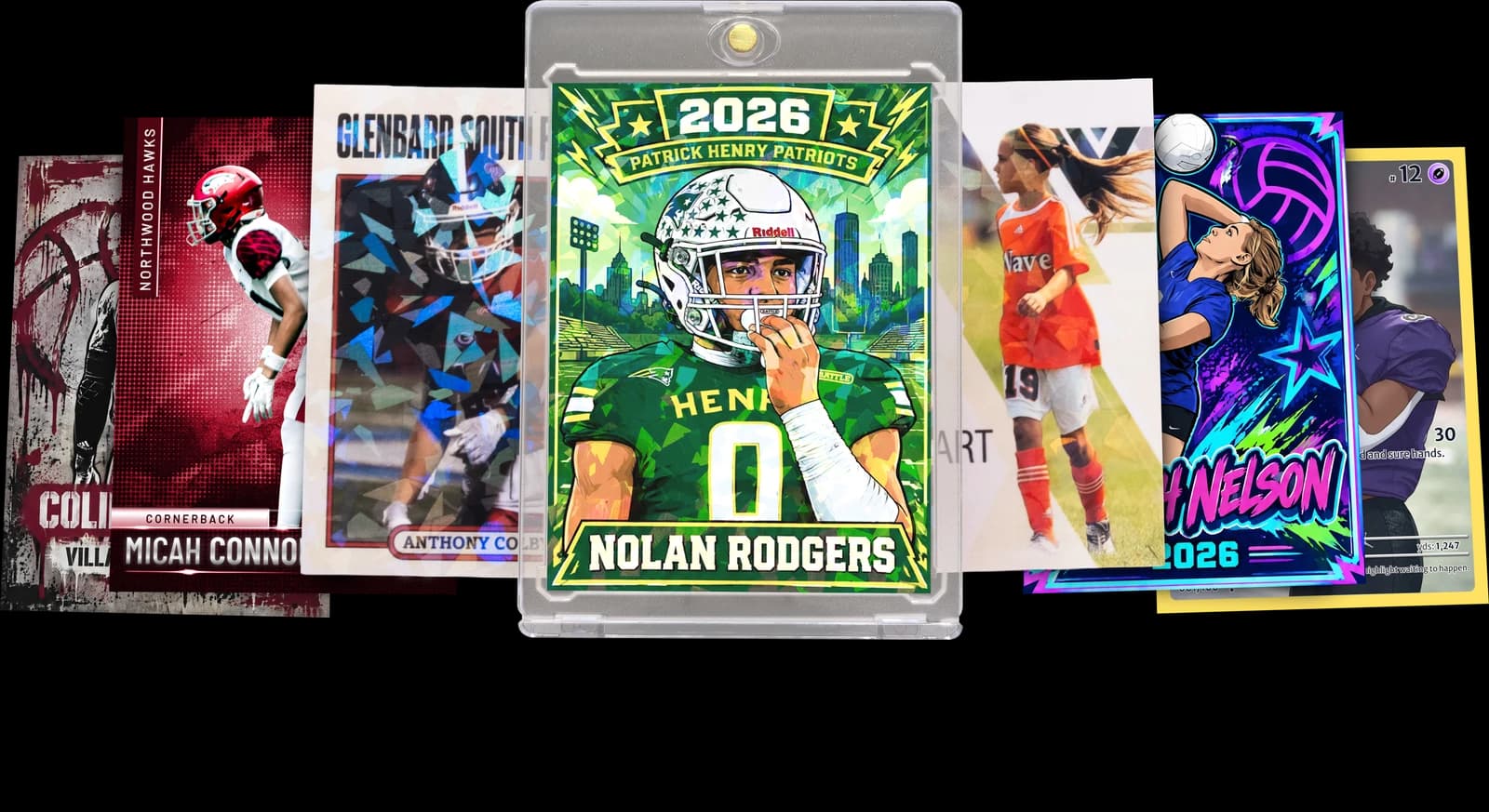
The Rookie Box
Perfect for those unforgettable moments
$17.99 - $49.99
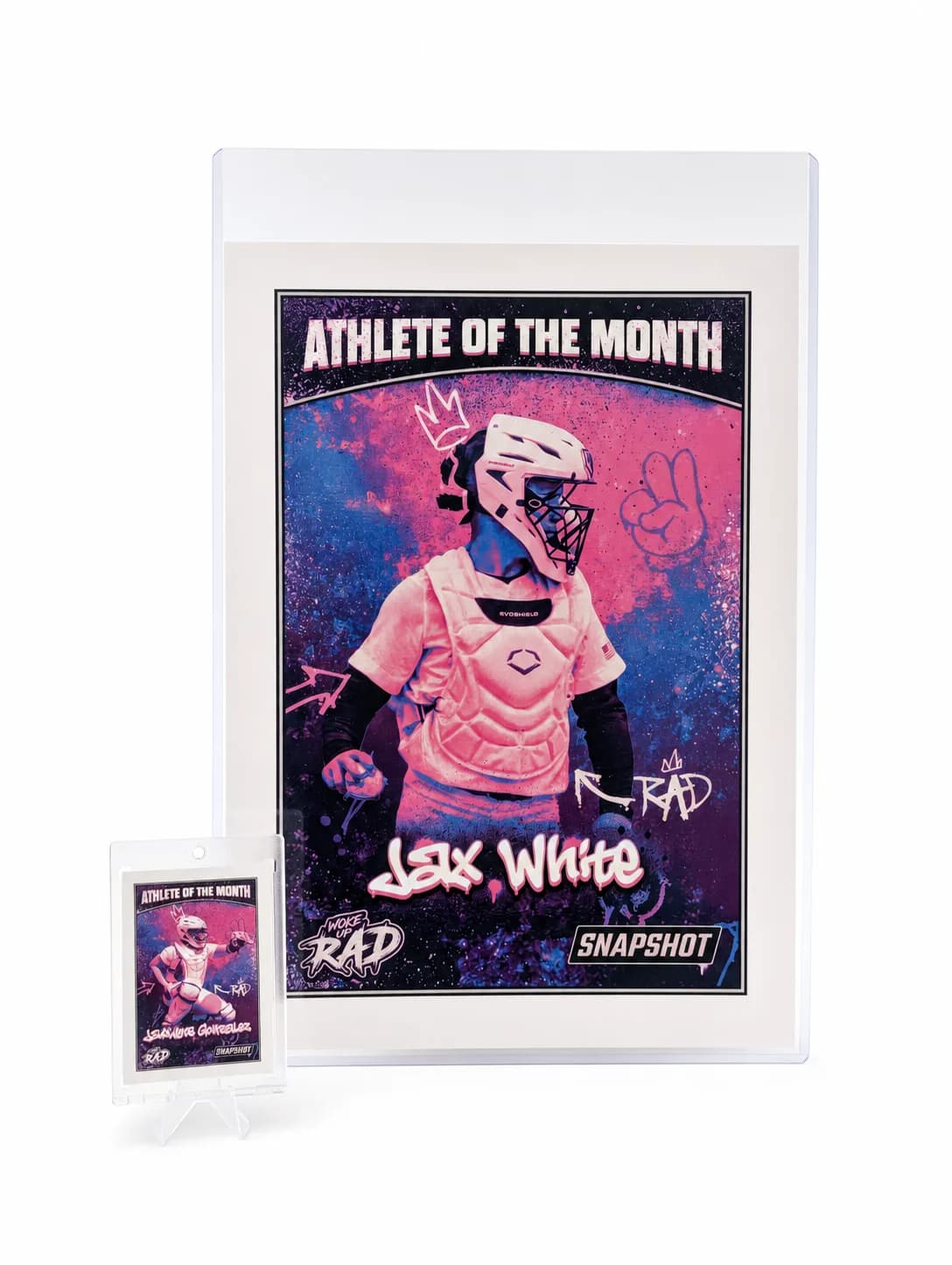
MEGA Card
Their moment, bigger than ever
$49.99
Create for free • Ships the next business day • Made in Des Moines, IA, USA
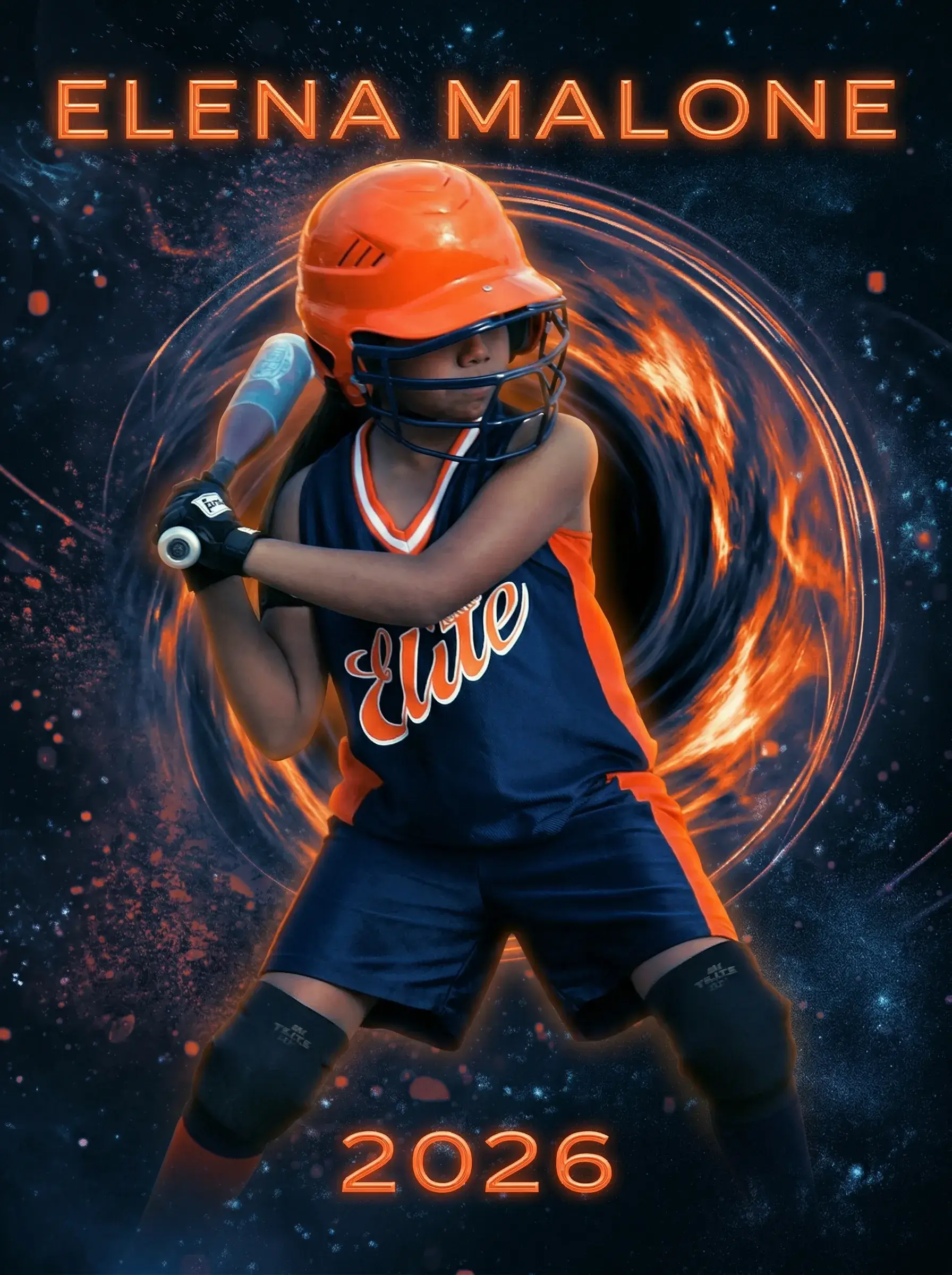
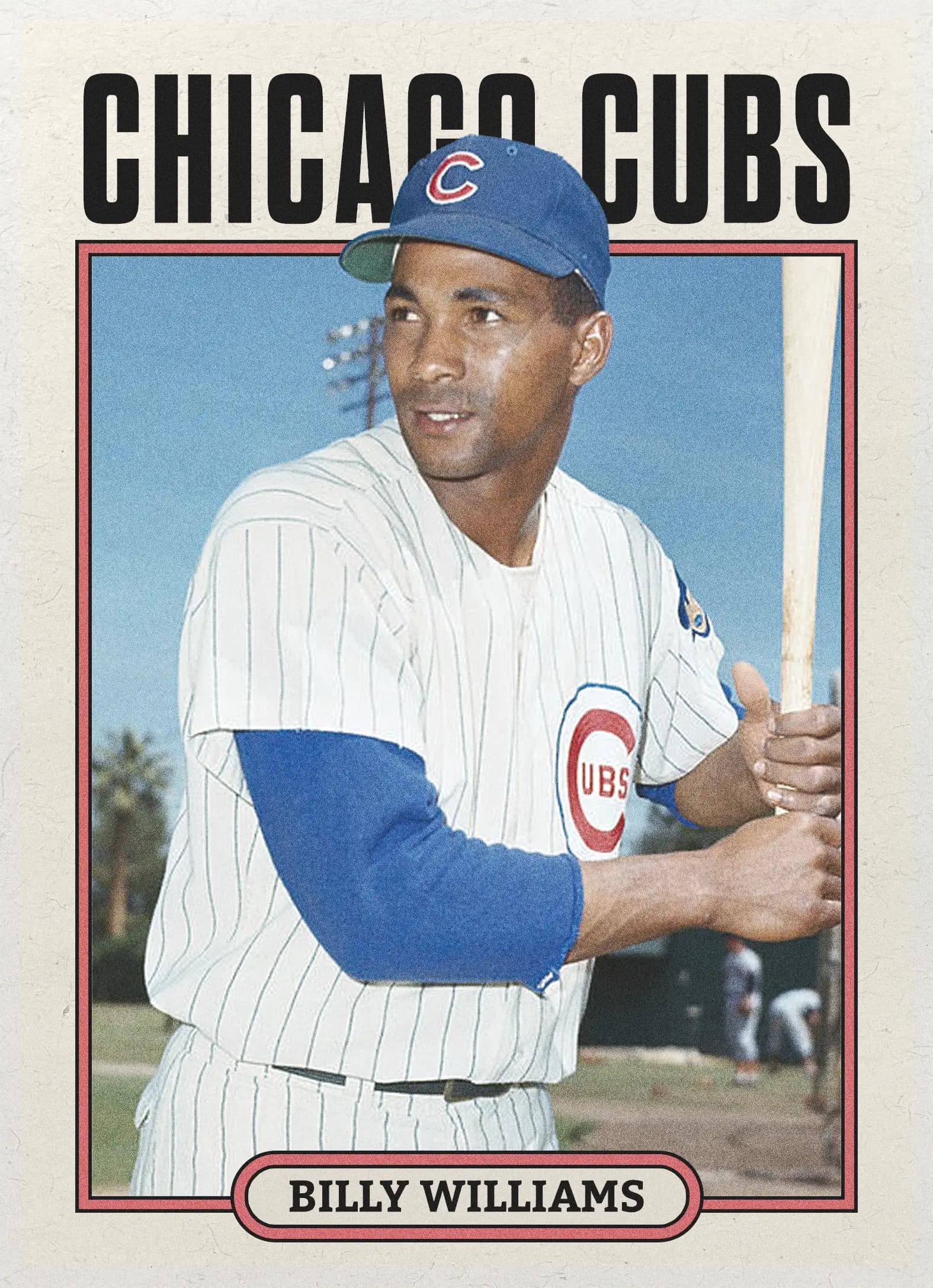
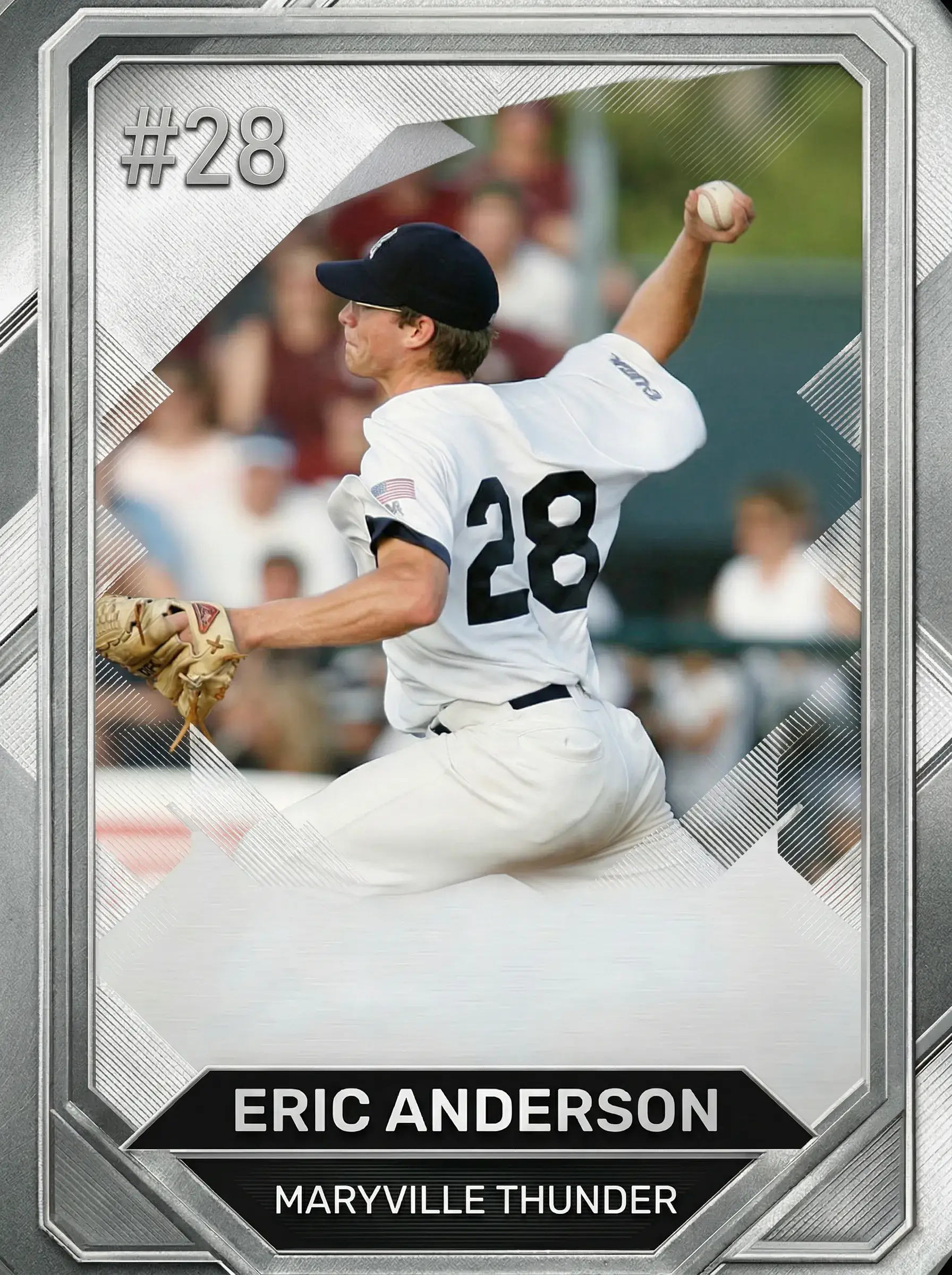
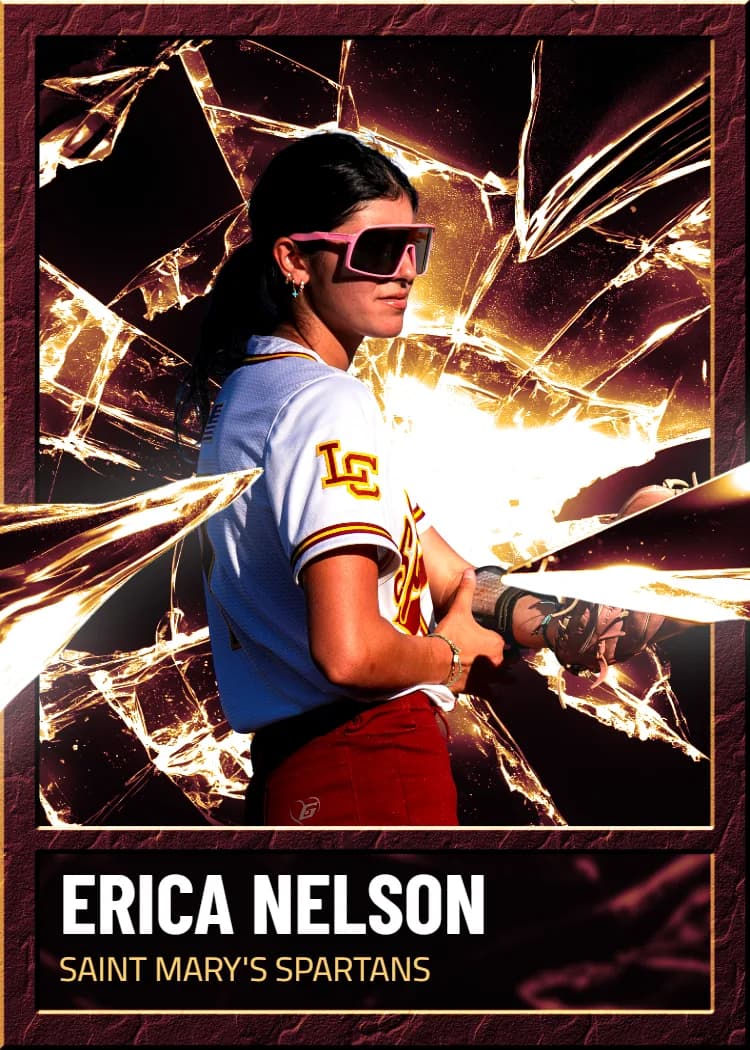
Skip the Baseball Card Maker Free Guesswork — Print It Instead
You've seen what free tools can and can't do. Production takes one business day; shipping time is quoted at checkout for your address.
Create Your Card NowNo credit card required | Instant preview | Pro-quality designs
Explore More Card Options
Discover more custom trading card options for every sport and occasion