
Sports Photography Software vs. Just Printing the Card You Want
You want one great card, not a new piece of software to learn on a Tuesday night.
Upload a photo of your player, pet or team, choose an available template, and preview your design before ordering a printed card.

"I created a few AI cards for my kids. I started collecting back on February and the boys love the Kaboom cards. My daughter loves princesses so I made her a Disney card through AI. I looked for a company to actually make the card and found Snapshots. Very easy to use, very fast, excellent price. They actually called me to verify some of the information on the picture and offered to make any changes. I received them very quickly. I rarely leave reviews, but I felt this company deserved to hear that they are doing it right and I will definitely be using them again very soon."
— jimmy P. · 3 months ago
"We had my son’s senior pictures taken at Target field so I wanted to put those images on a baseball card to give out at his graduation party! I had so much fun creating them on the website! I ordered them on a Wednesday night and they were at my door that Saturday! Very quick! I couldn’t wait to open them! They are awesome! Better than I could have ever imagined! The quality is well worth the money! Amazing job! Will definitely recommend to anyone looking for a unique way to capture a forever memory!"
— Greg S. · 5 months ago
"These are great quality cards and look amazing will be ordering more from them."
— Blaine R. · 5 months ago
"I ordered cards on a Monday so they would be shipped and arrive by Friday. The next day through a series of unexpected events and missed communications on my part, I discovered my order was delayed. I reached out to see if there was anyway my order could still be processed and shipped out on time. Graham (CTO) reached out to me personally via email and phone to fix the issue and ensure my order was processed and shipped out on time. I received them on that Friday as I was originally hoping. Upon opening they were better than expected. The card stock is sturdy and the printing was high quality! I would definitely recommend this company and will be making more cards to order."
— Ron D. · 4 months ago
"This was perfect! Ordered and was in my mailbox within a week. They were exactly what I imagined! I can’t wait for my Kickin Nuggets U4 Soccer team to get their player cards!!!"
— Brittany C. · 5 months agoReviews from Google
Most people search for sports photography software expecting a quick fix, then hit a wall. These programs are built for team photographers shooting hundreds of athletes at once — batch editing, background swapping, roster syncing. They cost real money, take weeks to learn, and most of that power goes unused if you just want one great card of your kid, your rec league team, or your own weekend softball squad. You end up paying for a professional tool to do a job that doesn't need one.
Snapshot skips the software step entirely. Upload a photo you already have, pick from pro-style sports card templates, and get a premium printed card shipped the next business day with a free magnetic case. No editing suite, no plugins, no rendering time. It's built for the person who wants the result a sports photography software setup promises, minus the setup.
Here's how the actual process compares, step by step, to doing it the software route.
See your photo on a card
Pick a photo and preview it on a real Snapshot template, right here.
Your photo stays on your device.
What Do You Actually Gain by Skipping the Software Route?
The benefits aren't abstract — they show up in time saved and headaches avoided.
No Learning Curve
You don't need to know layers, masking, or export presets. If you can attach a photo to a text message, you can build a card. That's the entire skill requirement.
No Subscription Fees
Sports photography software often runs on monthly licenses or per-seat pricing. Snapshot charges per card or pack, once, with no recurring fee tied to a tool you'll use twice a year.
Print-Ready by Design
Templates are pre-built for actual card dimensions and printing, so there's no guessing about bleed, DPI, or color space. What software calls 'export settings,' we've already solved.
Fast Turnaround
Editing in software takes as long as your patience allows. Snapshot's process is bounded — pick a template, confirm, and it ships the next business day, every time.
Free to design, instant preview. Free US standard shipping on orders $30+. Review delivery options at checkout.
Does This Actually Hold Up for Real Teams?
Snapshot prints and ships custom cards from its Des Moines, Iowa facility to teams and families across all 50 states, from youth leagues to weekend adult teams. The consistent request is the same: people want a card that looks professionally produced without learning a professional tool to get there.
How Does Sports Photography Software Compare to Snapshot's Process?
Software asks you to import, edit, and export. Snapshot asks you to upload, pick, and confirm.
Upload Your Photo
Any photo works — a phone shot from the sideline, a posed team photo, an old print you scanned in. There's no resolution gate to clear or file format to convert first. You skip the import screen entirely and go straight to picking a design, which is the step most photo software makes you wait for.
Choose a Pro Template
Snapshot's template library covers dozens of sports and layout styles, from rookie-card looks to modern die-cut designs. Instead of building a layout from scratch in an editing program, you're selecting one that's already sized and structured for print. This is usually the part that eats the most time in traditional software.
Print and Ship
Once you confirm the design, your card goes to production on premium card stock and ships the next business day, magnetic case included. There's no export settings menu, no color profile mismatch between your screen and the printer. What you see is what prints.
Three steps, no manual, no render queue — just a card in your mailbox.
From Upload to Doorstep: The Full Timeline
Day 1 — Upload your photo and choose a template — most people finish in under 15 minutes.
Day 1 — Preview and confirm your card design; order enters production.
Day 2-3 — Card prints on premium card stock and ships with a free magnetic case.
Day 3-6 — Card arrives via free US shipping over $30, ready to display or gift.
Sports Photography Software vs. Snapshot
| Factor | Snapshot | Software |
|---|---|---|
| Learning curve | Under 15 minutes | Days to weeks |
| Cost structure | Pay per card, no subscription | Monthly or annual license |
| Design work required | Pre-built pro templates | You build the layout |
| Turnaround | Ships the next business day | Depends on your editing time |
Who Actually Needs This Instead of Sports Photography Software?
Different people land on this search for different reasons — here's where Snapshot fits best.
Parents Documenting a Season
You've got 40 photos from one season and no interest in learning editing software to turn one into a keepsake. Upload the best shot, pick a template that matches the sport, and you've got a printed card ready before the season's even over. No timeline pressure, no tech frustration.
Team Managers and Coaches
Running an end-of-season gift order for 15 players doesn't require a photography suite — it requires a fast, repeatable process. Managers upload each player's photo, apply the same template across the roster, and order in packs so every kid gets a consistent, professional-looking card without anyone touching editing software.
Adult League and Weekend Athletes
Rec league softball, pickup basketball, garage-league flag football — these teams rarely have a photographer, let alone editing software, on hand. A phone photo from last Saturday is enough. The template does the design work that software would otherwise require you to build by hand.
What Does Sports Photography Software Cost You vs. a Printed Card?
Software licenses can run monthly whether you use them or not. Snapshot's pricing is per card, with nothing recurring.
Single cards start at $17.99, packs run up to $49.99, and the MEGA 11"×15.4" poster card is $49.99. Free shipping over $30 applies across the USA.
One flat price, no subscription, no software to renew next year — just a printed card that ships free over $30.
Box Options
Simple, collectible pricing. No subscriptions, no hidden fees.
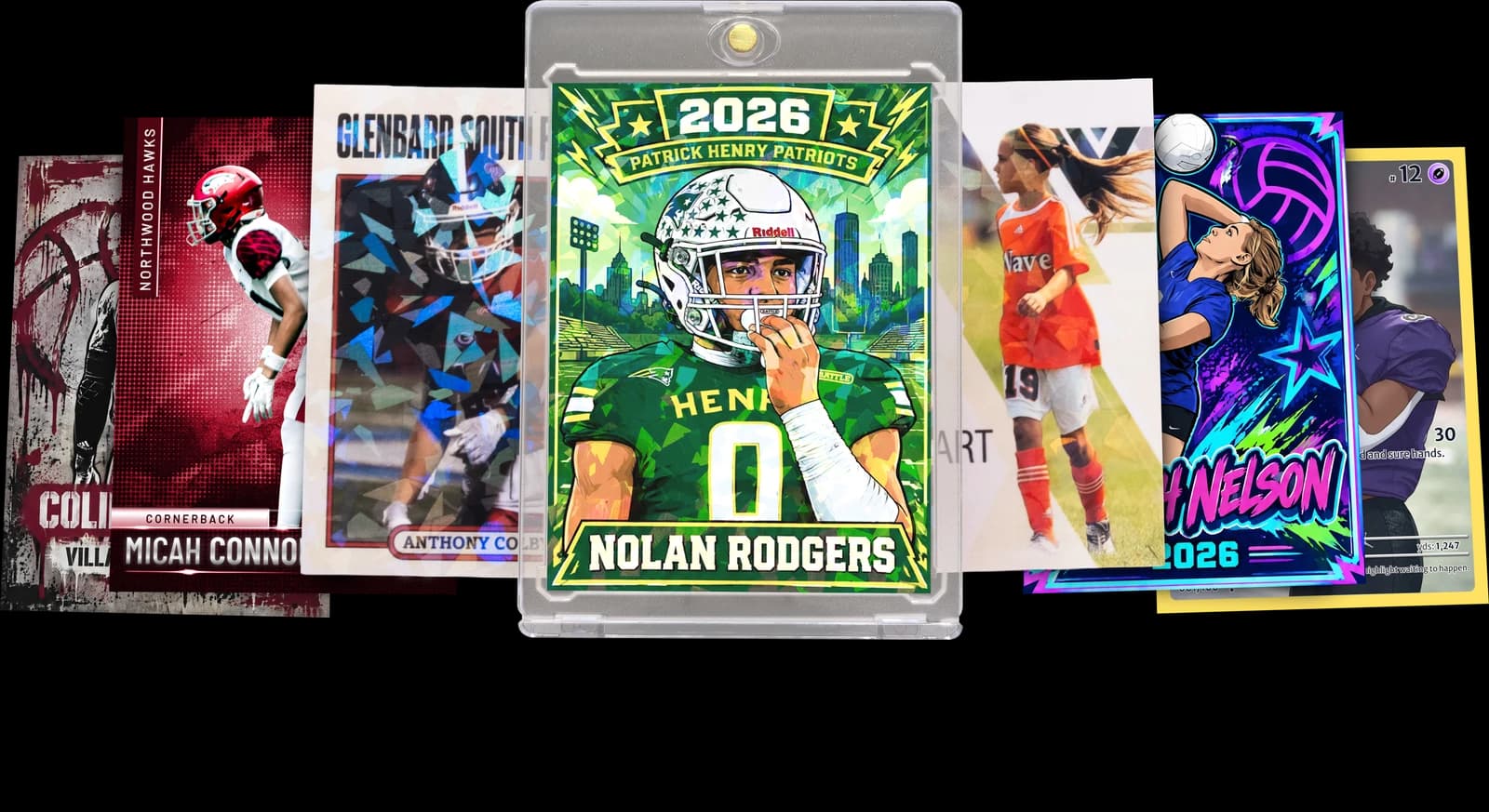
The Rookie Box
Perfect for those unforgettable moments
$17.99 - $49.99
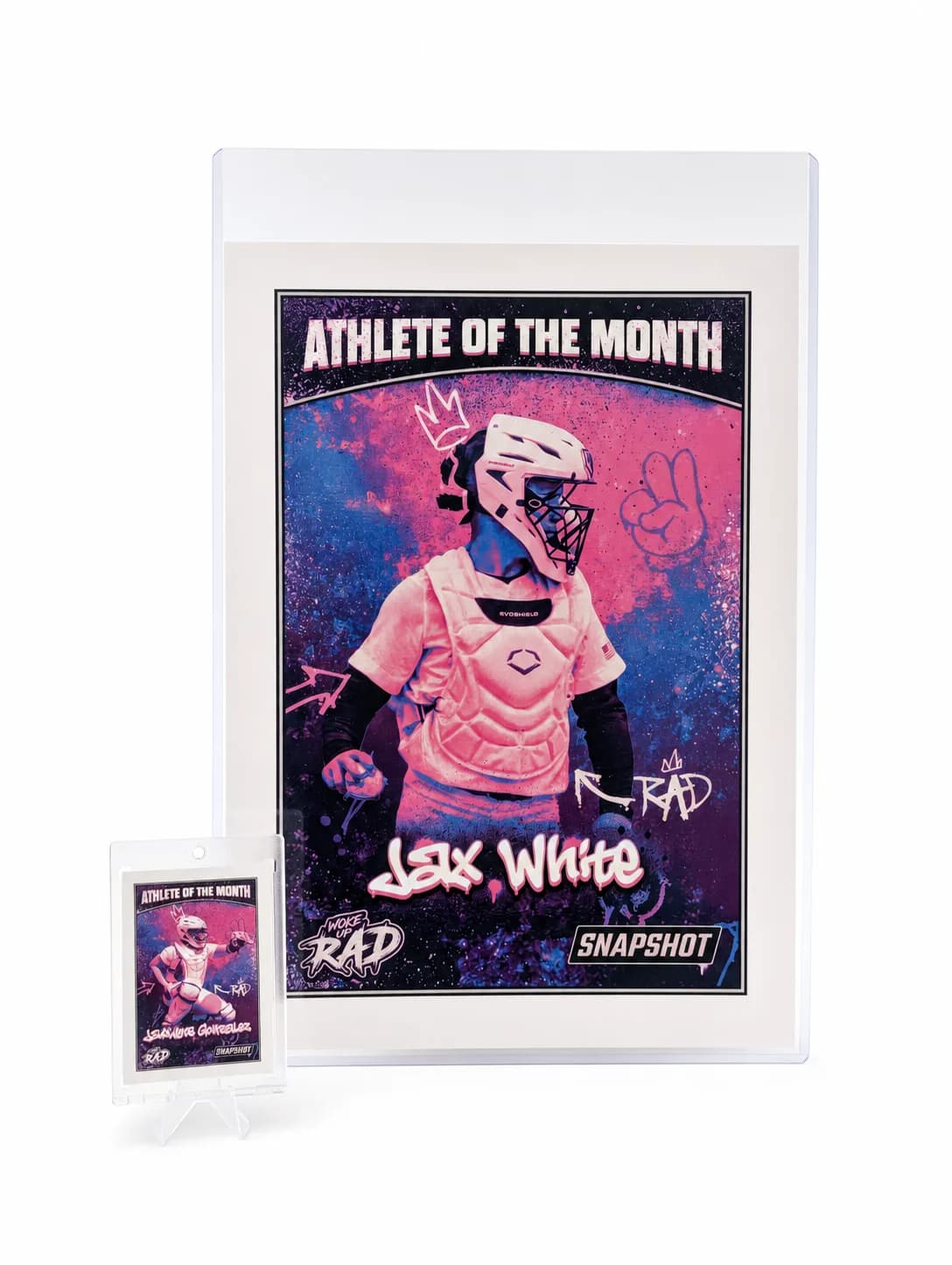
MEGA Card
Their moment, bigger than ever
$49.99
Create for free • Ships the next business day • Made in Des Moines, IA, USA
Frequently Asked Questions
Will my card look amateur without professional editing?
No — the templates themselves are built to a professional sports card standard, so the design quality doesn't depend on how the photo was edited beforehand. What actually affects the final look is photo clarity and lighting, not whether the image passed through editing software first. Templates handle layout, color blocking, borders, and typography, the elements that typically require design skill to get right. That's the part sports photography software would otherwise ask you to build manually, and it's already done here. Print quality also matters more than people expect; a card printed on premium card stock reads as polished even if the source photo is a casual phone shot. We regularly hear from customers surprised at how sharp a simple photo looks once it's placed in a finished template and printed. If your photo is reasonably clear and well-lit, the resulting card will look like it came from a professional set, not a DIY project.
How long does the whole process take from photo to printed card?
Most people finish the upload and template selection in under fifteen minutes, and the physical card ships the next business day after that. There's no waiting on software to render exports or process batch edits, which is often the slowest part of a traditional photography software workflow. Once you've chosen a template and confirmed your photo placement, the order moves directly into production at the Des Moines facility. This predictability is one of the bigger differences from editing software, where your own time investment varies a lot depending on your skill level and how particular you are about the layout. Here, the timeline is set by the production process, not your familiarity with a design tool. If you're ordering for a specific event or deadline, that consistency is usually the deciding factor.
What if I only have an old, low-quality photo?
Older or lower-resolution photos can still work, though results depend on how much detail the original image actually has. Photo editing software might let you attempt sharpening or upscaling, but that process has real limits and can introduce its own distortion if pushed too far. With Snapshot, the honest answer is that the template will use whatever detail exists in your uploaded photo, so a heavily pixelated or very small image will show that limitation on the printed card. That said, plenty of older phone photos and scanned prints have enough resolution to look great once placed in a template. If you have a choice between multiple photos of the same moment, choosing the largest, clearest file available gives the best outcome. There's no harm in trying an older photo since you'll see the template preview before committing to the order. When in doubt, a photo that looks sharp when viewed at full size on a computer screen is generally a safe bet for printing.
Is there a limit to how many cards I can order at once?
There's no meaningful cap for team or league-sized orders, and Snapshot handles multi-card orders regularly for rosters of various sizes. You can order a single card for $17.99, move up to a pack for a full team, or go with the MEGA 11"×15.4" poster card at $49.99 for a larger commemorative piece. Teams ordering photography-software-free sets typically go the pack route since it's priced for volume and keeps every player's card consistent in style. If you're coordinating an order for an entire league rather than one team, it's usually just a matter of placing multiple pack orders, since each order processes through the same fast production timeline. There's no requirement to use design software to prep files in bulk beforehand — each photo gets uploaded and placed individually into the chosen template. Whether you're ordering for one athlete or fifty, the per-card process stays the same, just repeated.
Do I need a specific file type or camera to get a good result?
No specific camera or file type is required — standard JPEG or PNG photos from a phone, tablet, or camera all work fine. This is a meaningful difference from professional sports photography software, which often expects RAW files or specific export formats before an image is usable in the workflow. Because Snapshot's templates handle the layout and design work, the input photo just needs to be reasonably clear, which most modern phone cameras produce without any adjustment. You don't need to convert file formats, resize manually, or strip metadata before uploading. If your photo came from a scanned print, that works too, provided the scan itself is reasonably sharp. The lack of technical requirements is intentional — the goal is for someone with zero photography or editing background to get the same finished quality as someone who's spent years learning a professional tool.
Can I preview the card before it prints?
Yes, you'll see how your photo looks placed in the chosen template before the order is finalized and sent to production. This preview step is where most adjustments happen — swapping to a different photo, trying another template, or repositioning the image within the frame. It's a much shorter version of what you'd do manually inside editing software, minus the technical controls you'd otherwise need to understand. Because there's no ambiguity between what's on screen and what prints, you're not guessing about color shifts or cropping surprises once the card arrives. If something doesn't look right in the preview, that's the moment to fix it, since production begins shortly after confirmation. Most customers move through this step quickly because the templates are designed to work well with a range of photo types, so major adjustments usually aren't necessary.
Why not just use free photo editing apps instead?
Free photo editing apps can adjust brightness, contrast, or crop a photo, but they don't build a finished, print-ready sports card layout for you. You'd still need to design borders, add team colors, place text, and format everything to actual card dimensions manually, which is a design task, not a filter or edit. That gap is exactly what sports photography software and, separately, Snapshot's templates are built to close, just through very different amounts of effort. A free app might get your photo looking sharper, but it won't turn that photo into something that resembles an actual printed trading card. Snapshot skips the editing-app step almost entirely, since photo quality adjustments aren't required before upload, and jumps straight to the part free apps can't do: professional layout and print production. If you enjoy editing your photos first for fun, that's fine — you can still upload the edited version. But it's not a required step, which is the core difference.
What happens if I need to reorder for a new season?
Reordering is straightforward since there's no software license to renew and no saved project file you need to track down. You simply upload new photos for the current season and go through the same template selection process again. Many coaches and team managers do this every year, often choosing a similar template style for visual continuity across seasons, though switching designs is just as easy if you want a fresh look. Since pricing is per order rather than subscription-based, there's no ongoing cost between seasons — you only pay when you're actually placing a new order. This matters more than it sounds, since photography software licenses often keep billing whether you're actively using them or not. With Snapshot, a gap of a full year between orders changes nothing about the process; it works exactly the same the second time as the first.
Is this really worth it compared to just learning the software myself?
It depends on how often you'd realistically use that software, and for most people the honest answer is not often enough to justify the time. Learning professional editing or design software to produce one card, or even one team's worth of cards, is a lot of investment for an occasional need. Snapshot is built around that reality — you get a professionally designed result without the weeks of learning curve that sports photography software typically requires for someone starting from zero. If you're a working photographer who edits images constantly, that calculus changes, and full software makes more sense for your workflow. But for a parent, coach, or player ordering a handful of cards a year, paying per card and skipping the software entirely usually works out faster and simpler. The time saved alone is often worth more than the software's subscription cost would have been.
Free to design, instant preview. Free US standard shipping on orders $30+. Review delivery options at checkout.
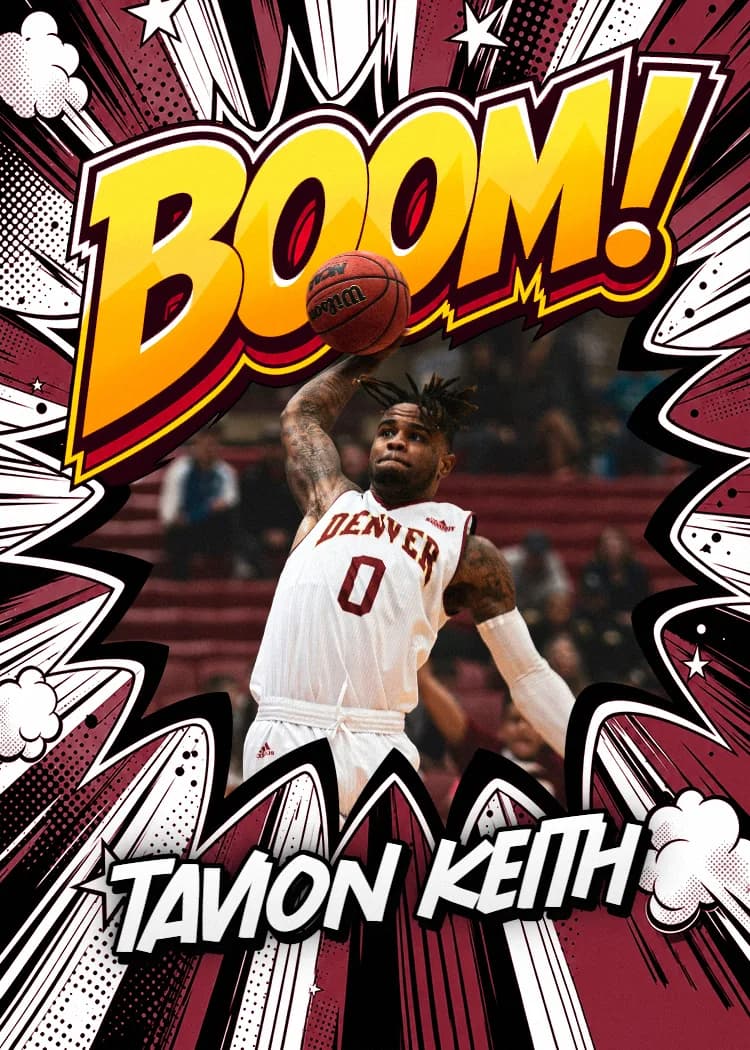
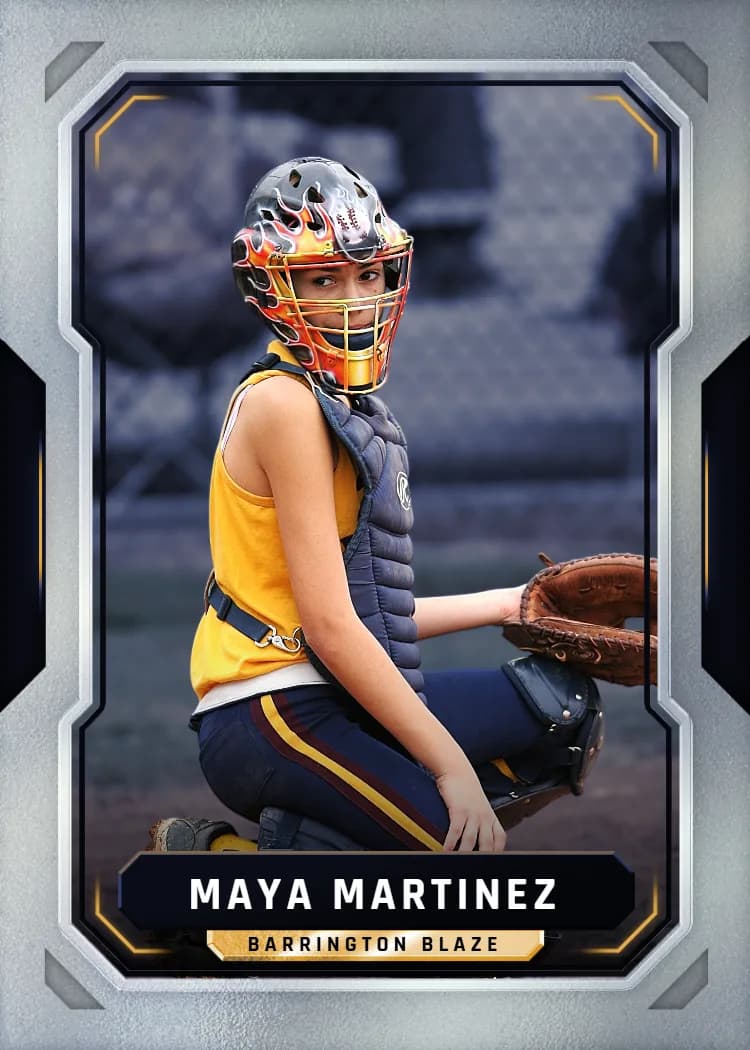
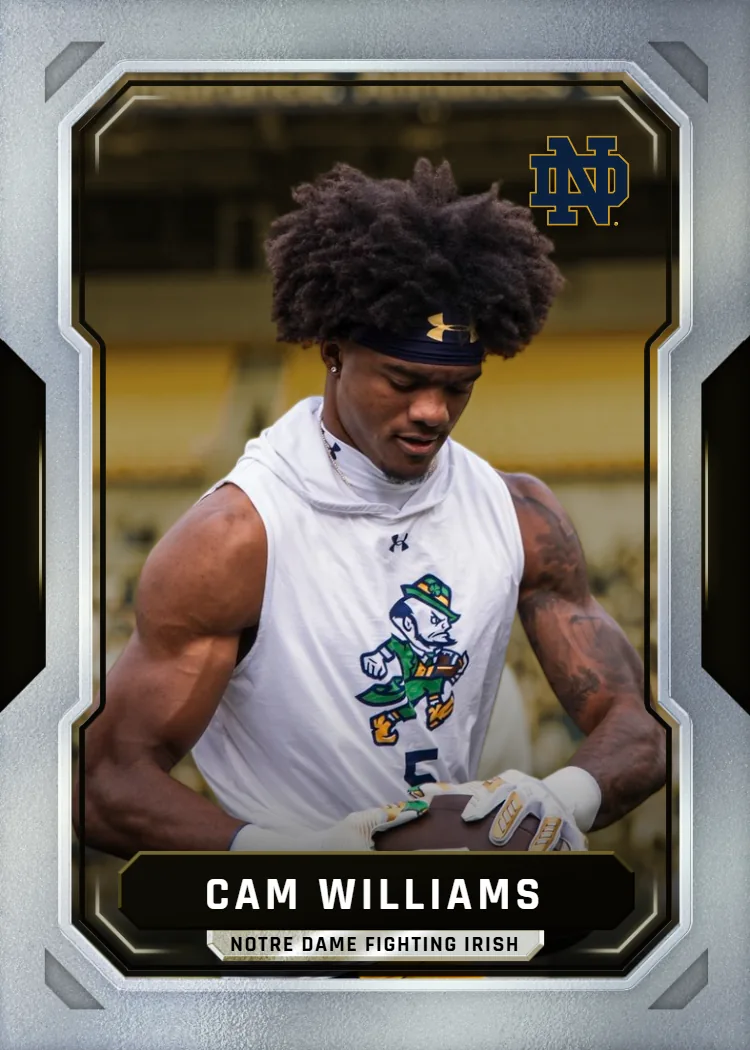
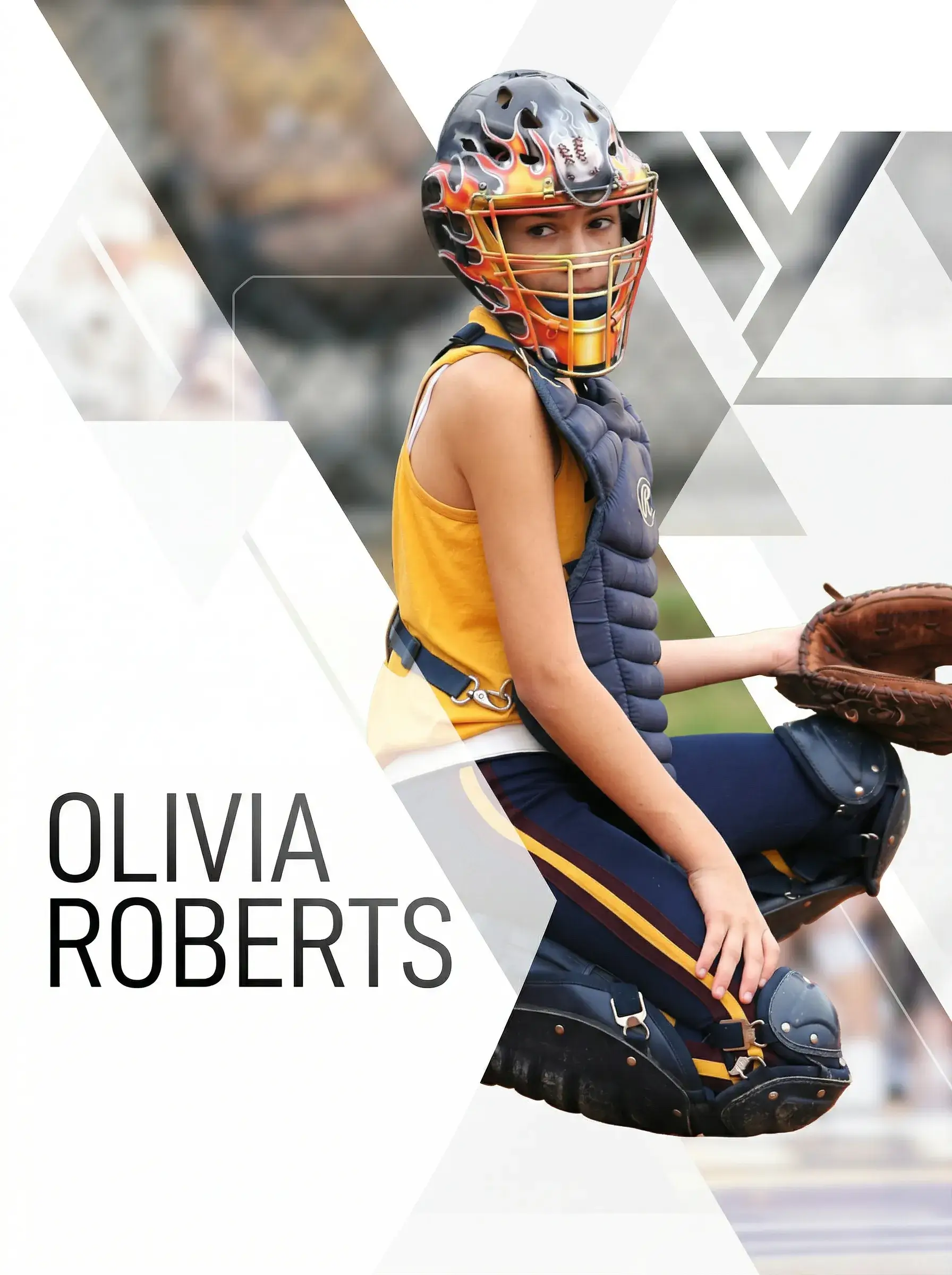
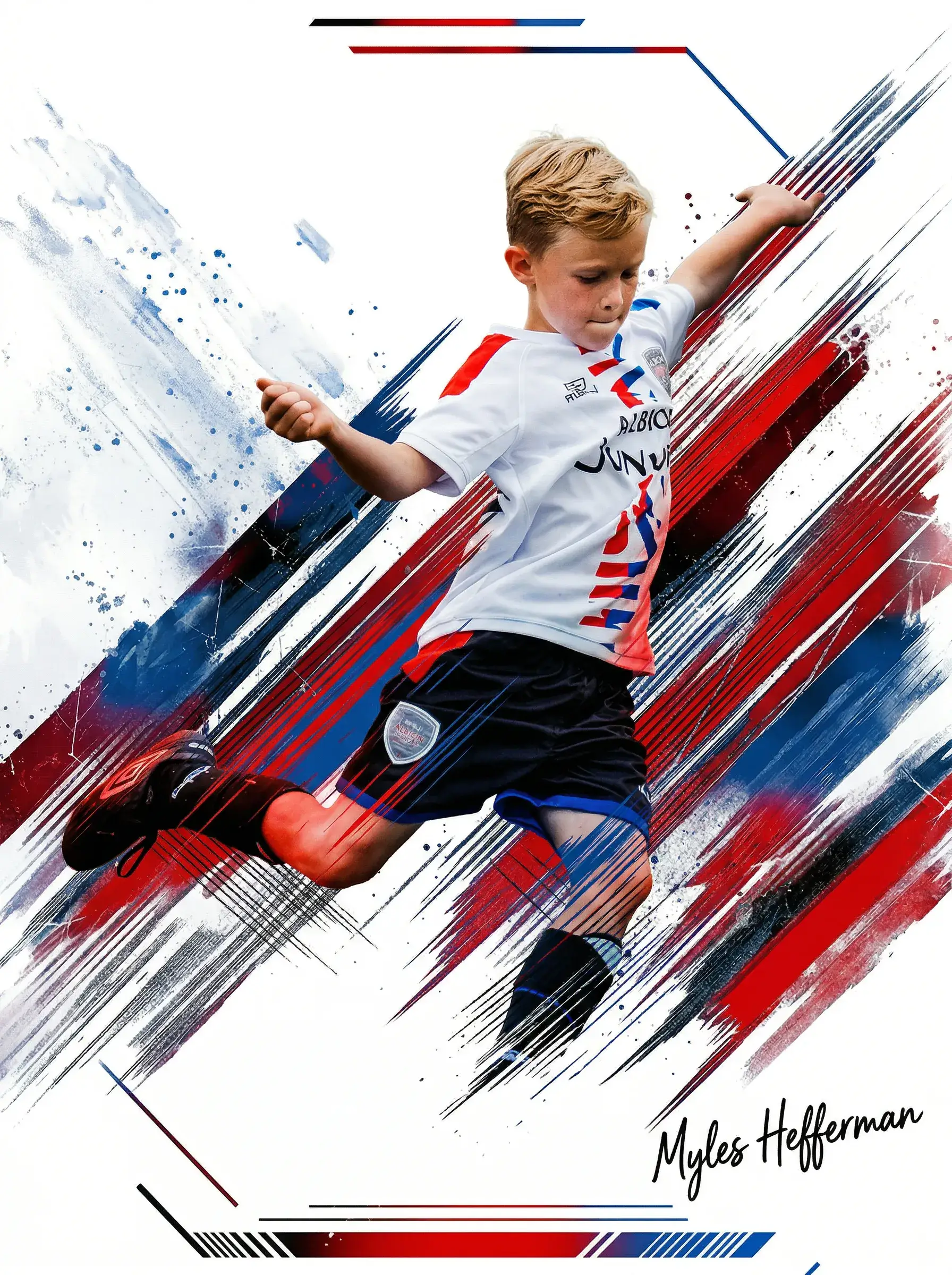
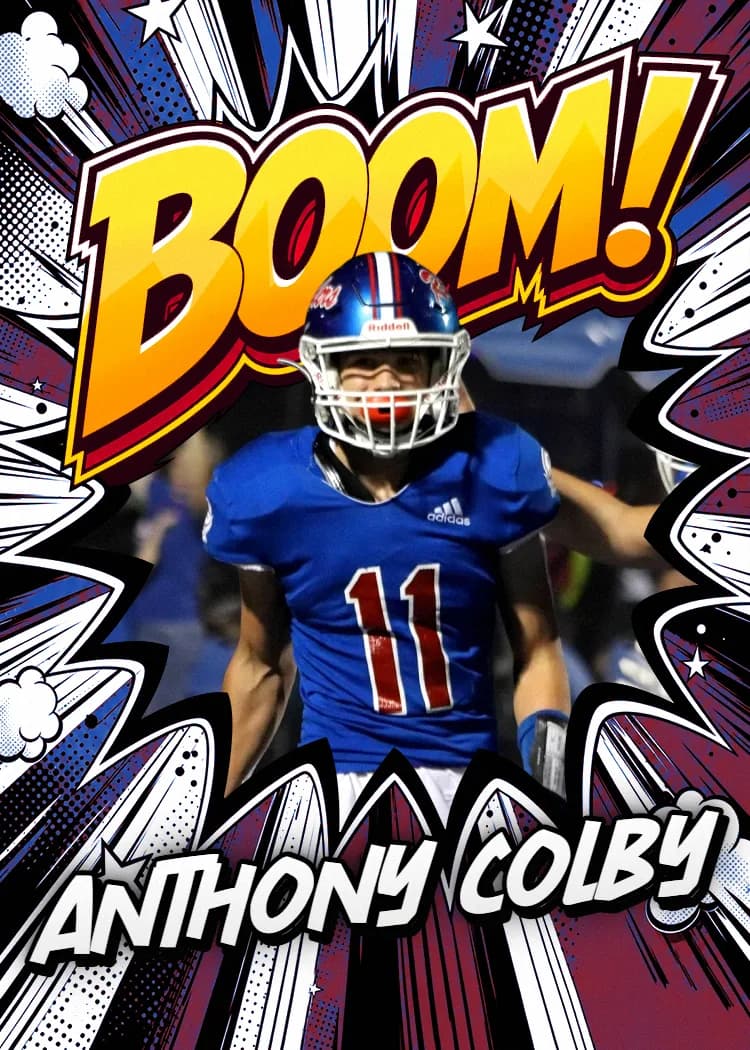
Ready to Skip Sports Photography Software and Just Print the Card?
Upload a photo, pick a template, and let Snapshot handle the rest. No software, no learning curve — just a premium printed card shipped free over $30 the next business day.
Create Your Card NowNo credit card required | Instant preview | Pro-quality designs
Explore More Card Options
Discover more custom trading card options for every sport and occasion