

Why bleed exists
Cutting is never perfect to the thousandth of an inch. If artwork stopped exactly at the finished edge, a cut a hair outside the line would leave a white sliver along that side. Printing the artwork slightly past the edge and trimming into it guarantees color all the way to the border.
Snapshot's numbers
The finished card is 2.5 by 3.5 inches. Bleed is 1/16 inch on each side, so the printed area is 2.625 by 3.625 inches, and the card is trimmed back to size after printing. In pixels at the 450 DPI print resolution, that bleed area is 1181 by 1631.
A MEGA Card follows the same idea at its own size: an 11 by 15.4 inch finished card printed with its own bleed and trimmed.
What this means for your card
For a template card, nothing. The builder renders the design across the bleed area and the trim lands where the template expects it.
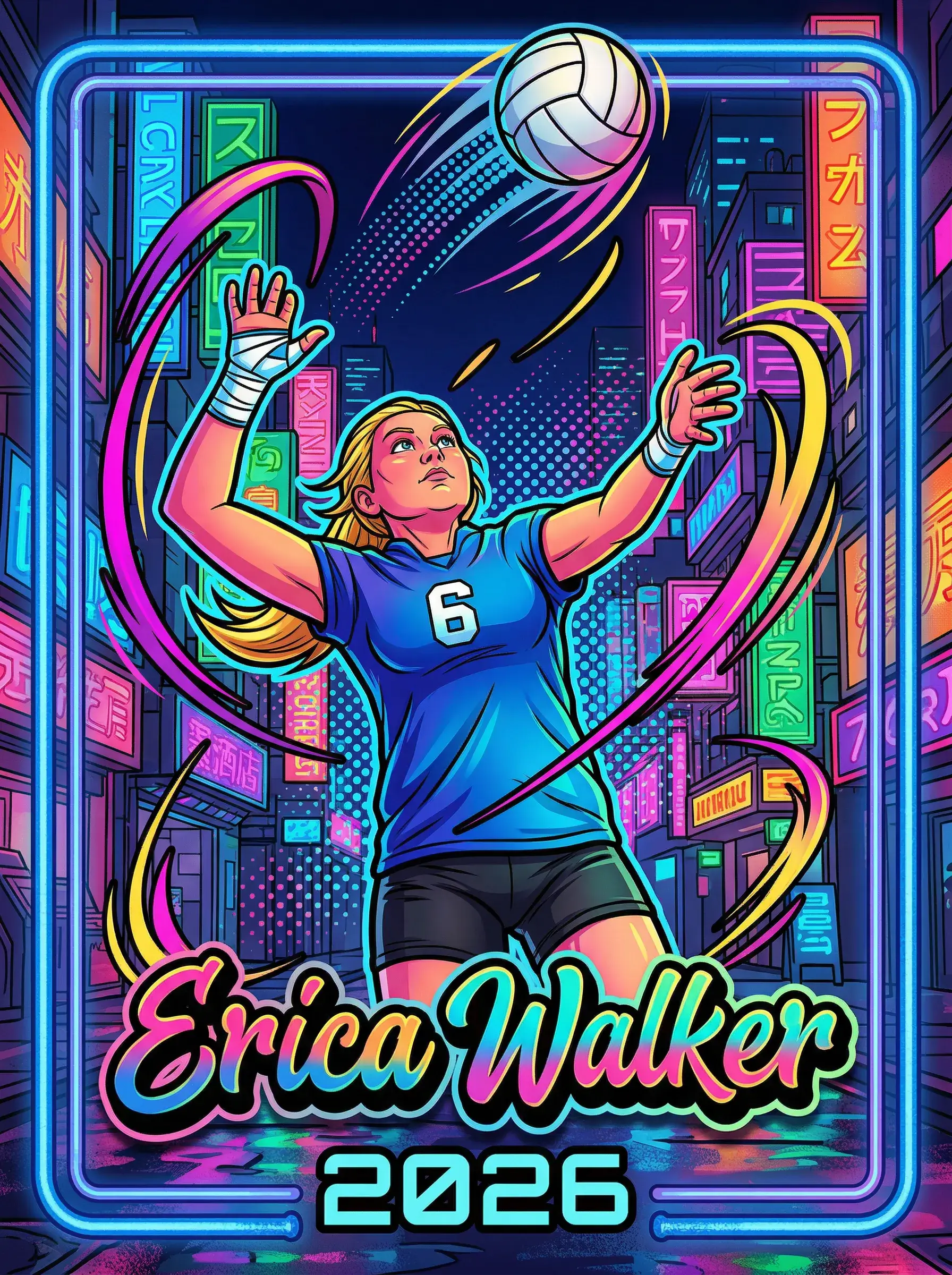
For a design you upload, two habits matter. Let backgrounds and frames run to the very edge of the image so the trim has something to cut into. And keep names, numbers, logos, and faces a comfortable distance inside the edge, since the outer sliver of your image is the part that may be trimmed.
Bleed and the safe area
Printers often describe a safe area, the inner region guaranteed to survive the trim. On a 2.5 by 3.5 inch card, treating roughly the outer eighth of an inch as edge zone and everything inside it as safe is a sound rule for uploaded artwork.