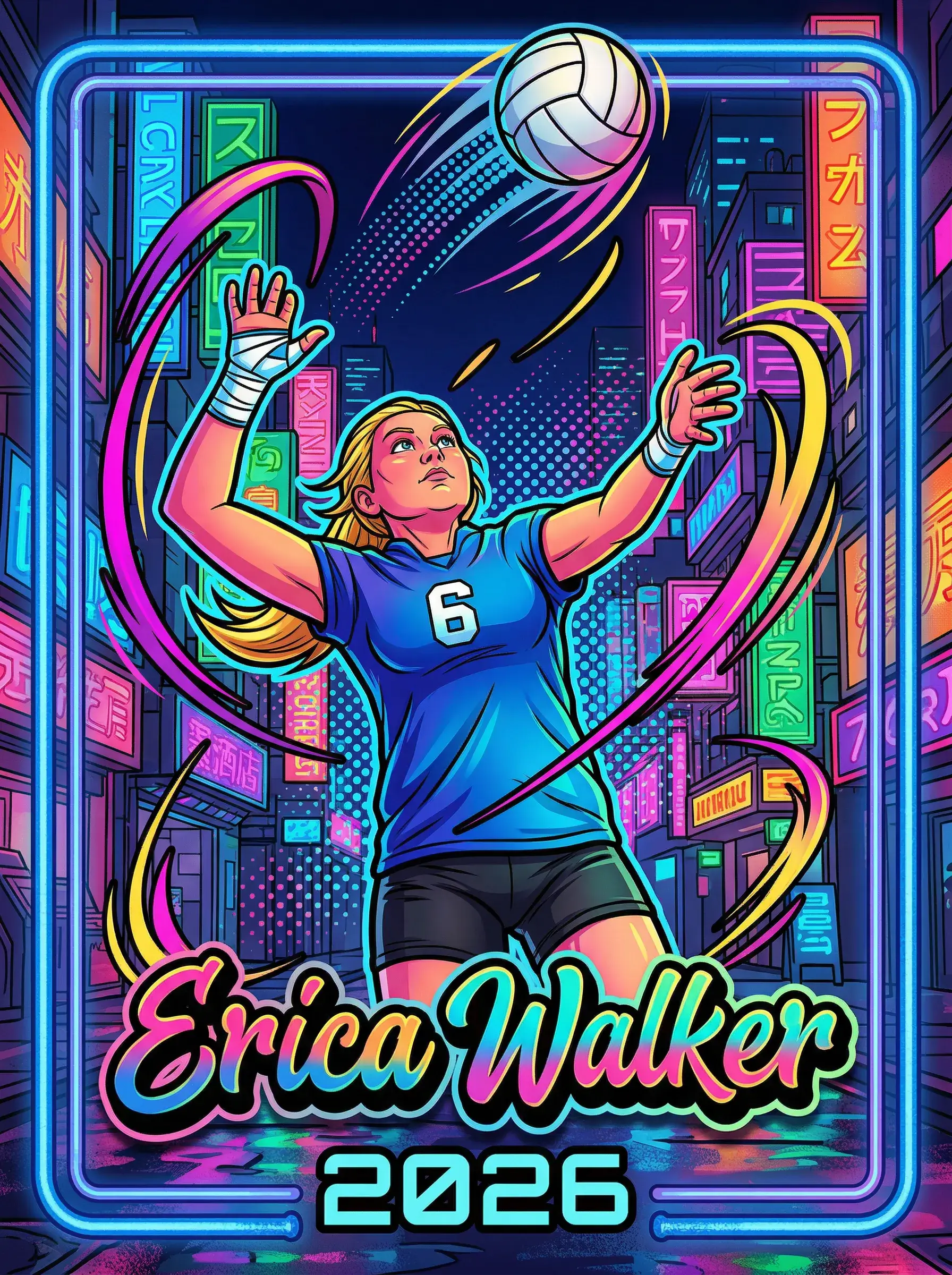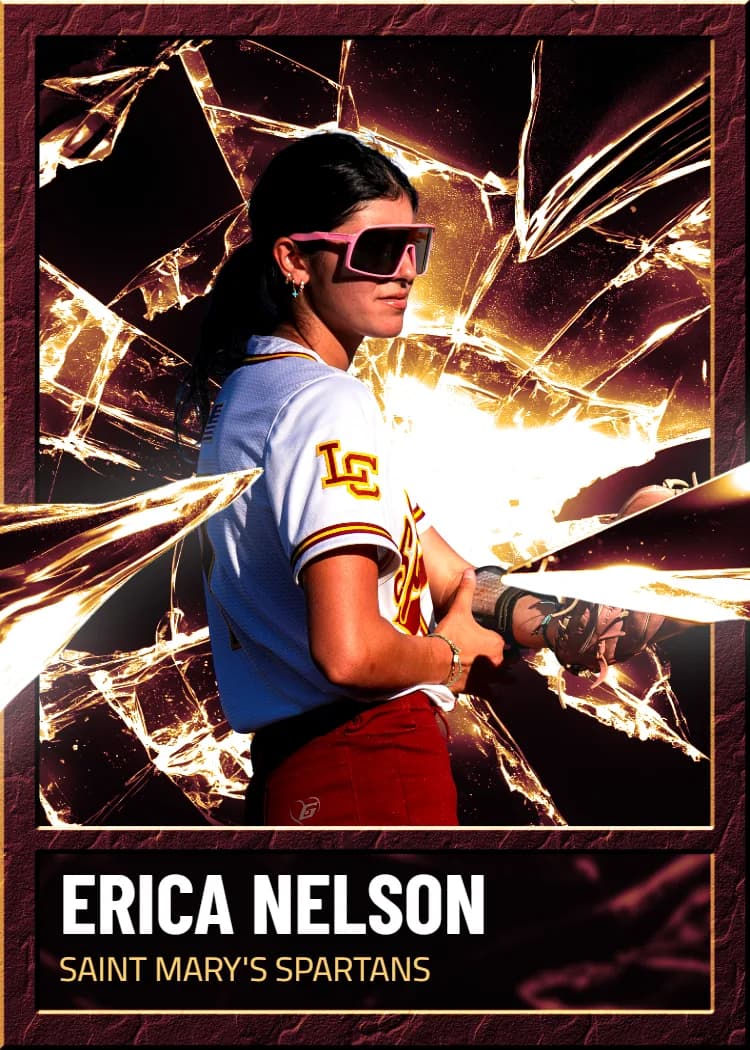


What to prepare
The upload takes a finished front image. It should already be at the card's 2.5 x 3.5 proportions, which is a 5:7 ratio; an image at another ratio is stretched to fill the card frame rather than cropped, so crop it yourself first.
For resolution, 1500 x 2100 pixels is the ideal size, which is the card at 600 DPI. 750 x 1050 pixels is the minimum for acceptable quality. Formats accepted are JPG, PNG, HEIC, and WebP.
How the upload works
Sign in, start a box at /create, and choose the option to upload your own design. After you pick the file you see a card-ratio preview with a rotate option; confirm it to upload. The card then takes a back, and it sits in the box like any template card, with the same price and the same holographic toggle.
Keep important content off the edges
A printed card is trimmed to 2.5 x 3.5 inches from a slightly larger printed area, so the outer edge of your image is where the cut lands. Keep names, logos, and faces comfortably inside the edges rather than touching them, and let backgrounds run to the border.
Rights
You must have the right to print what you upload. Team and league logos, and other people's artwork or photographs, need permission from their owners; the terms of service prohibit creating cards with copyrighted sports team logos without it.