
The Magic Card Maker Guide: Turn Any Photo Into a Custom Card
One photo. A few clicks. A printed card shipped within one business day — no design skills needed.
Upload your own artwork or photo, choose an available template, and preview your design before ordering a printed card.
- Upload Any Image
- Preview Your Design
- Magnetic Case with Rookie Box
- Free US shipping over $30
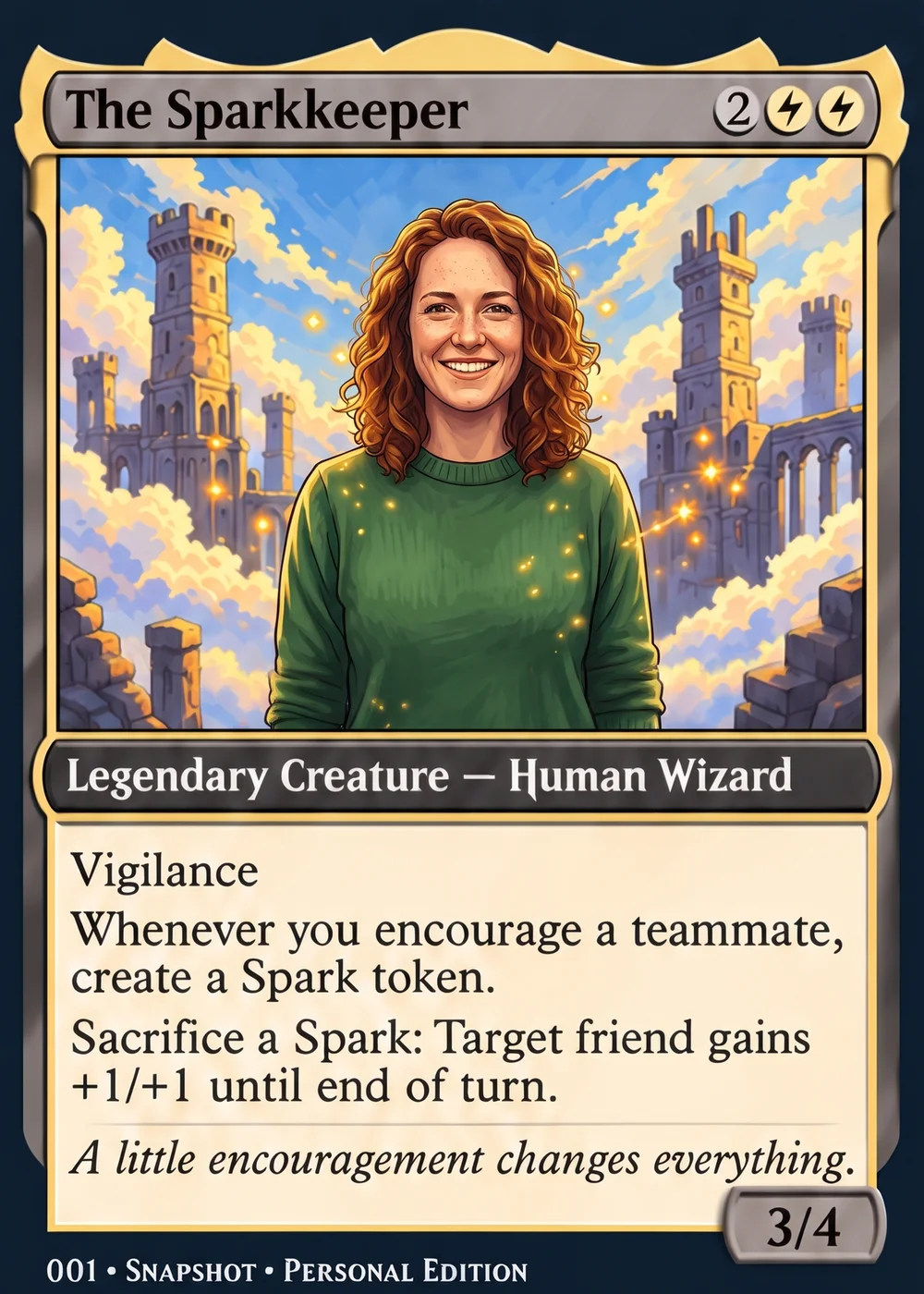
Free to design
- Cards printed
- 50,000+
- To ship
- 1 day
- US shipping
- Free over $30
- To design
- Free
Overview
Most people typing 'magic card maker' into a search bar aren't looking for the actual trading card game — they want a way to turn a personal photo into something that looks like a real, professionally printed card. Maybe it's a pet, a kid's birthday, a grandparent, a hobby milestone. The problem is that most tools built for that purpose are clunky, watermark everything unless you pay extra, or produce flimsy prints that curl at the edges before long. You end up with a PDF you can't do anything with, not an actual physical card you can hold, display, or hand to someone.
Snapshot solves that gap. Production takes one business day; shipping time is quoted at checkout for your address. No design software, no templates that only work for one specific sport, and no guessing whether it'll actually look good in print.
Here's what to know before you pick a magic card maker for your next project.
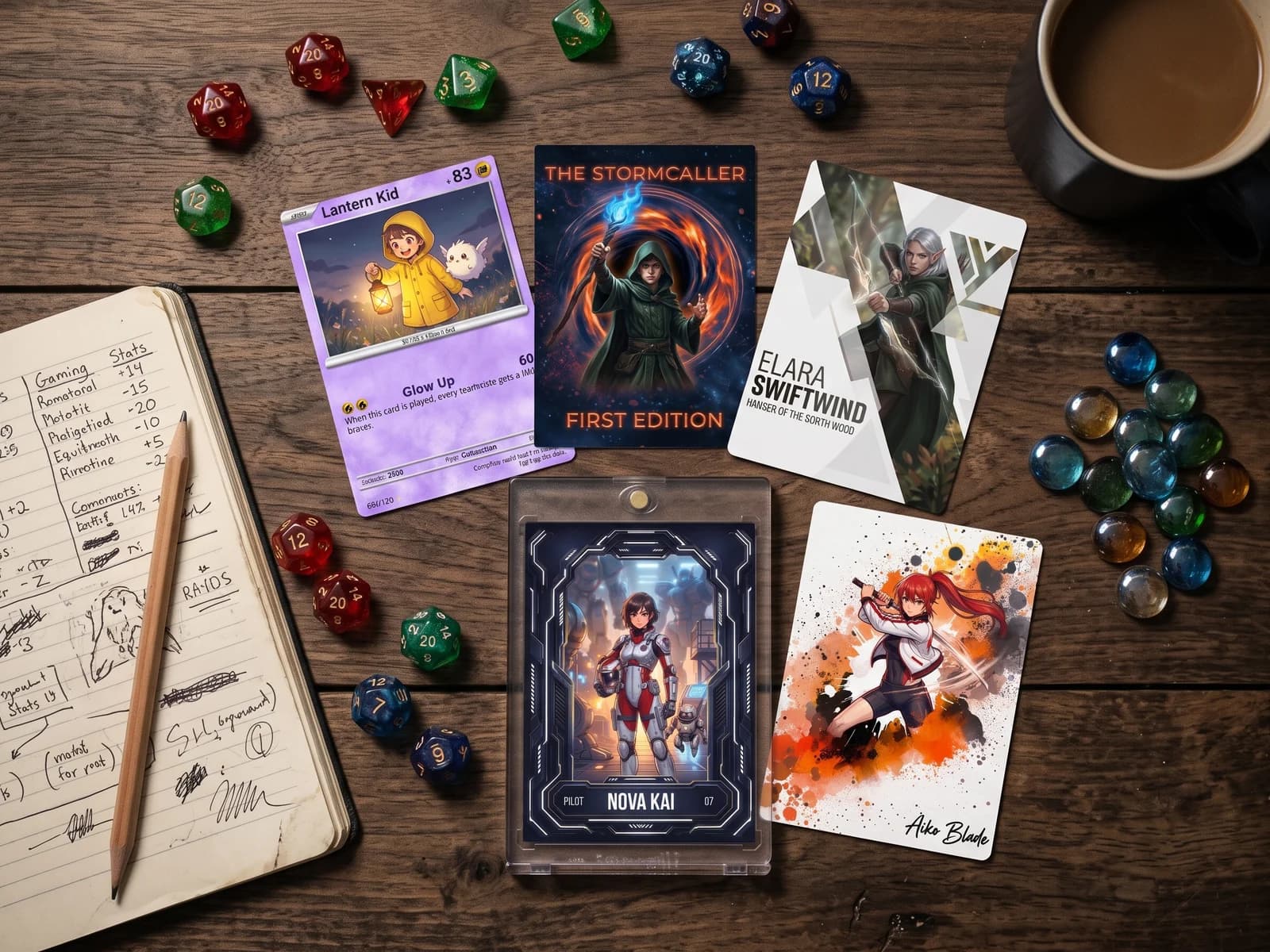
We ship custom cards to customers in all 50 states, from single gift cards to full themed packs.

"Snap Shots delivers on great looking cards, let your imagination create authentic true 1/1 cards of your kids and favorite players! I did 3 and they look like they belong right up on the shelf with my other slabs. I highly recommend!"
— Josh L. · 2 weeks ago
"Can't say enough good things!!! Cards were flawless....easy to create...KIDS flipped out for them. Fast print and ship. I will probably do this for my flag football boys every year!!! Priced right too."
— Cody P. · 3 weeks ago
"We had my son’s senior pictures taken at Target field so I wanted to put those images on a baseball card to give out at his graduation party! I had so much fun creating them on the website! I ordered them on a Wednesday night and they were at my door that Saturday! Very quick! I couldn’t wait to open them! They are awesome! Better than I could have ever imagined! The quality is well worth the money! Amazing job! Will definitely recommend to anyone looking for a unique way to capture a forever memory!"
— Greg S. · 6 months ago
"Just order cards here and be amazed. The product is so good and customer service treats you like a million bucks. I couldn't be happier with what I received and will be a return customer very soon!"
— HeHate M. · last week
"I created a few AI cards for my kids. I started collecting back on February and the boys love the Kaboom cards. My daughter loves princesses so I made her a Disney card through AI. I looked for a company to actually make the card and found Snapshots. Very easy to use, very fast, excellent price. They actually called me to verify some of the information on the picture and offered to make any changes. I received them very quickly. I rarely leave reviews, but I felt this company deserved to hear that they are doing it right and I will definitely be using them again very soon."
— jimmy P. · 4 months ago
"I ordered my son a football card 4 days before his first playoff game, I was wanting to give it to him after the game as a gift. Snapshot delivered! Praise the Lord! So fast! The quality was absolutely amazing, I was blown away by it. It was so much more than I was hoping for! Thank you Snapshot. If I had the money I would have ordered my other son one. Amazing, I highly recommend Snapshot, stay away from other companies they will not measure up to the quality or customer service you get here!"
— Triple_Decker_Ministry · 2 days ago
"great work. Awesome"
— Jerry G. · last week
"Amazing product! Got exactly what i wanted and got it super fast! thank you guys so much! will be buying every sports season for my kids!"
— William F. · last week
"From a soccer goal —> to an idea —> to a polished soccer card. Snapshot made possible the perfect gift for my nephew. So happy with Snapshot!"
— Aaron P. · last weekReviews from Google
See your photo on a card
Pick a photo and preview it on a real Snapshot template, right here.
Your photo stays on your device.
What matters
What Makes This Better Than a Free Online Card Generator?
You Get a Real Printed Product
Plenty of tools generate a digital card image and stop there. You're left downloading a JPEG and figuring out where to print it yourself. Snapshot ships an actual card, printed and finished, ready to display or gift.
Templates Built for Photos, Not Text
Most generic maker tools are built around game text boxes and mana symbols, not personal photography. Our templates are designed around real images from the ground up, so faces, pets, and action shots look sharp instead of stretched or cropped awkwardly.
No Watermarks, No Upsells Mid-Process
You won't hit a paywall halfway through only to find your preview is covered in a logo. Pricing is upfront: $17.99 for a single card, packs up to $49.99, no surprise fees added at checkout.
Fast Turnaround, Nationwide
Cards print and ship the next business day from our facility in Des Moines, Iowa, with free shipping over $30 anywhere in the USA. That's fast enough for a birthday next weekend or a last-minute gift.
Make your own card
Free to design, instant preview. Free US standard shipping on orders $30+. Review delivery options at checkout.
- Upload a photo
- Pick a template
- We print & ship
In practice
Do People Actually Order These for Personal Projects?
Orders come in from all over the country for personal projects just like the ones above — birthday surprises, pet tributes, novelty gifts among friends. Most first-time customers are surprised at how close the final card looks to an actual pack-pulled sports card, right down to the finish and the case it ships in.
How it works
How Does a Magic Card Maker Actually Work?
Upload Your Photo
Start with any image — a phone photo, an old scanned print, a headshot, a screenshot, whatever you've got. There's no minimum resolution requirement to worry about obsessively, though sharper, well-lit photos always print cleaner. You can upload from your phone or computer directly, and most people find the right shot in under a minute.
Choose a Template
Pick from professional sports-card-style layouts, then adjust text, colors, and stats fields if the template offers them. This is the part that makes it feel like a real magic card maker instead of a basic photo print — the layout does the heavy lifting so your card looks like it came off a factory press, not out of a home printer.
Order and We Print It
Once you approve the preview, we print on premium card stock and ship the next business day. Every Rookie Box includes a free magnetic case for display or storage, and shipping is free over $30 across the USA. No design file to manage afterward — just a physical card that shows up at your door.
Three steps, no learning curve, and a real printed card at the end of it.
Checklist
Checklist: Is a Magic Card Maker Right for Your Project?
- Yes:You want a physical, printed card — not just a digital image file
- Yes:Your photo is reasonably sharp and well-lit, not tiny or heavily cropped
- Yes:You're making a personal gift, keepsake, or novelty item rather than a playable game card
- Yes:Ships in one business day
- Yes:You'd rather skip design software entirely and use a ready-made template
- Yes:You want a display case included instead of buying one separately
Made for
Who Actually Uses a Magic Card Maker Like This?
Personalized Gifts
Someone wants to surprise a partner, parent, or friend with a card featuring their own photo instead of a generic gift. A custom card with a personal photo and a bit of playful text on it tends to land better than another mug or coffee gift card, especially for people who already collect things or love novelty items.
Pet and Family Keepsakes
People print cards of their dog, cat, or newborn using a sports-card-style layout because it feels more collectible than a standard 4x6 print. The magnetic case that ships with every Rookie Box makes it easy to display on a shelf or desk without needing a frame.
Hobby and Fandom Projects
Some folks want a custom card that riffs on the look of a trading card game or sports card for a personal project, a themed party, or a one-off joke gift among friends. The template library covers that stylized look without requiring any design background.
Pricing
What Does a Magic Card Maker Card Actually Cost?
Pricing is simple and there's no subscription or hidden design fee attached anywhere in the process.
Single custom card: $17.99. Packs: up to $49.99. MEGA 11"x15.4" poster card: $49.99. Free shipping over $30 across the USA on every order.
You're paying for a finished, printed product with a case included — not a download you still have to figure out how to print yourself.
Pricing
Printed on real card stock
Free to design. You only pay when you print. Free US standard shipping on orders $30+.
Bulk Box
As little as $0.90 a card
Copies of one design: 25 for $37.99 · 50 for $64.99 · 100 for $89.99. Handouts, playtest stacks and party favors.
Rookie Box
Up to 18 different designs
$17.99 for one card in a magnetic case, $49.99 for 18 ($2.78 a card).
Can I upload any photo, or does it need to be professional quality?
Any photo works, and most customers use a regular phone picture rather than anything professionally shot. That said, photos taken in good lighting with the subject clearly in frame print noticeably better than dark, blurry, or heavily cropped images. If you're uploading an old scanned photo, it can still work well as long as the scan is reasonably clear — grainy or extremely low-resolution scans may look a little soft once printed. We don't require any specific camera or editing software beforehand. Our templates are built to frame and crop your photo attractively, so you don't need to pre-edit anything yourself. If a photo looks too small or stretched during the preview stage, that's usually a sign the original file resolution is low, and swapping in a slightly larger version usually fixes it. When in doubt, upload a couple of options and pick whichever previews sharpest.
How long does it take to receive my custom card?
Cards print and ship the next business day after your order is placed, and that timeline holds steady whether you're ordering one card or a full pack. Your card ships the next business day, and a quicker shipping service is available at checkout. If you need something for a specific date, like a birthday or an event, we'd recommend ordering at least a week ahead just to build in a comfortable buffer. Rush orders are available at checkout: Priority and Overnight orders placed before the same-day cut-off on a business day are printed and shipped that same day. Tracking information gets sent once your order leaves our facility in Des Moines, Iowa, so you'll know exactly where things stand.
What's actually included when I order a card?
Every order includes the printed card itself on premium card stock, and every Rookie Box includes a free magnetic case for display or protection. There's no separate charge for the case — it's included automatically with every single card, pack, or MEGA poster order you place. The magnetic case snaps shut securely, which makes it easy to display the card on a shelf or desk without worrying about fingerprints, dust, or bending. If you order a pack, each card in that pack typically ships with its own protective packaging so nothing shifts around or gets scratched in transit. The MEGA 11x15.4 poster card is a larger format and ships flat rather than in the small magnetic case, given its size.
Can I make more than one card at a time?
Yes, and that's actually how a lot of customers use the tool, especially for gifts or family projects. Packs are available up to $49.99, which lets you create a set of different photos or variations instead of a single card. This is popular for things like a full season of pet photos, a series of family members, or multiple angles of one event you want documented. Each card in a pack still goes through the same upload-and-template process individually, so you have full control over how each one looks rather than being locked into one design applied across the whole set. If you're doing a themed project, like a fake trading card set for a friend's birthday, packs are usually the more cost-effective route compared to ordering several single cards separately. There's no cap mentioned on how many packs you can order in one transaction, either, so larger group projects are doable.
What is the MEGA card and when would I use it?
The MEGA card is an 11x15.4 inch poster-sized version of your custom card, priced at $49.99, and it's meant for when a standard trading-card size feels too small for the moment. People typically choose this for milestone gifts, retirement send-offs, a big statement piece for a nursery, or a centerpiece at a themed party. Because it's so much larger than a standard card, small details in your photo become much more visible, so a sharp, high-resolution image matters more here than it does for a pocket-sized card. It still goes through the same template and photo-upload process, just scaled up to poster dimensions. If you're torn between ordering several small cards or one big statement piece, the MEGA option is worth considering whenever the occasion feels like it deserves something a little more dramatic.
Do I need design experience to make my card look good?
No design background is necessary at all — the templates are built to do most of the visual work for you. You're choosing from pre-built layouts modeled after professional sports cards, so the fonts, borders, and stat boxes are already balanced and positioned correctly. Your main job is picking a good photo and filling in any text fields, like a name or a caption, if the template includes them. We've deliberately kept the customization options simple rather than offering a blank canvas that requires layout decisions, because that's usually where people without design experience get stuck. If you've never made anything like this before, start with a template that closely matches your photo's orientation, portrait or landscape, since that alone solves most fit issues. Most first-time users are done from upload to final preview in just a few minutes.
Can I preview my card before it prints?
Yes, you'll see a preview of your finished card before your order is submitted for printing, showing exactly how your photo and text will appear on the final product. This step exists specifically so you're not surprised by cropping, color, or placement once the physical card arrives. We'd recommend zooming in on the preview if your platform allows it, just to double-check small details like text spelling or whether a face is centered the way you want. If something looks off, like the photo appearing stretched or a caption running too close to the edge, that's the point to fix it, since changes can't be made once printing has started. Take the extra thirty seconds to review it carefully rather than rushing through, especially if the card is meant as a gift with no room for a redo before the occasion.
Is this suitable for kids' projects or school activities?
It can be, and we do see orders tied to school projects, team celebrations, and family activities involving kids. Because the process only involves uploading a photo and choosing a template, kids with some supervision can be involved in picking the photo and layout themselves, which makes it a nice small collaborative project. Just keep in mind that orders and payment need to go through an adult account, and there's no content moderation built specifically for classroom bulk orders, so it works best for individual or small family projects rather than large institutional printing needs. If you're making cards to celebrate a Little League season, a school milestone, or a family reunion, packs are usually the better fit since you can create a small set rather than a single card. Turnaround stays at one business day regardless of the occasion behind the order.
What if my photo doesn't fit the template shape well?
Most templates are built for either portrait or landscape orientation, so the first fix is usually just matching your photo's shape to the right template style. If your photo is a strange aspect ratio, like a wide panorama or an oddly cropped screenshot, you may see extra cropping in the preview stage, which is your cue to try a different version of the image before finalizing. Zooming out slightly when you take the original photo gives you more flexibility later, since it's much easier to crop in during editing than to add missing background afterward. If a face or key subject gets cut off in the preview, that's a sign to select a different template orientation rather than force the current one to work. We'd rather you catch that at the preview stage than after the card has already printed, so take a moment there before confirming your order.
Make your own card
Free to design, instant preview. Free US standard shipping on orders $30+. Review delivery options at checkout.
- Upload a photo
- Pick a template
- We print & ship
Template series
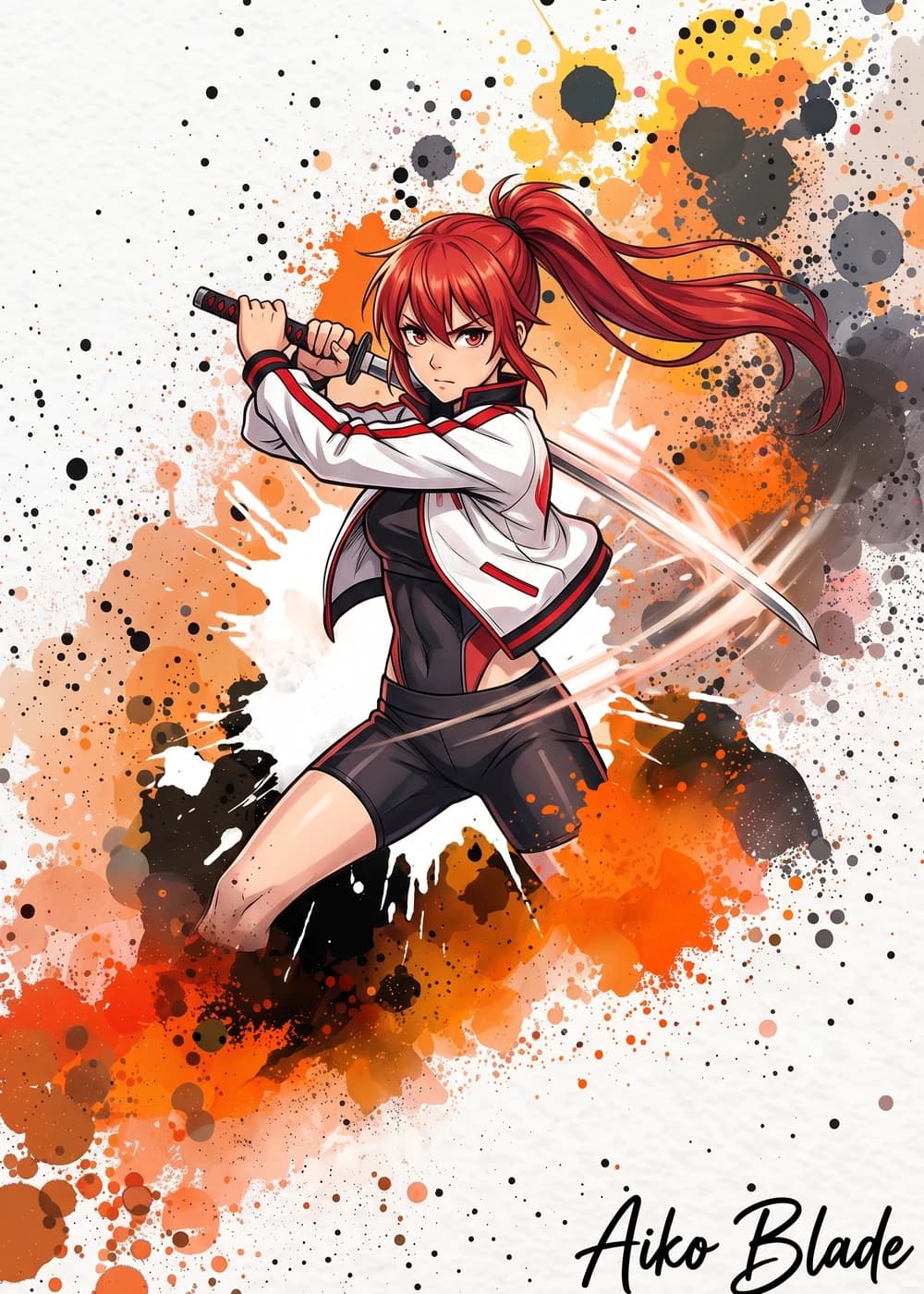
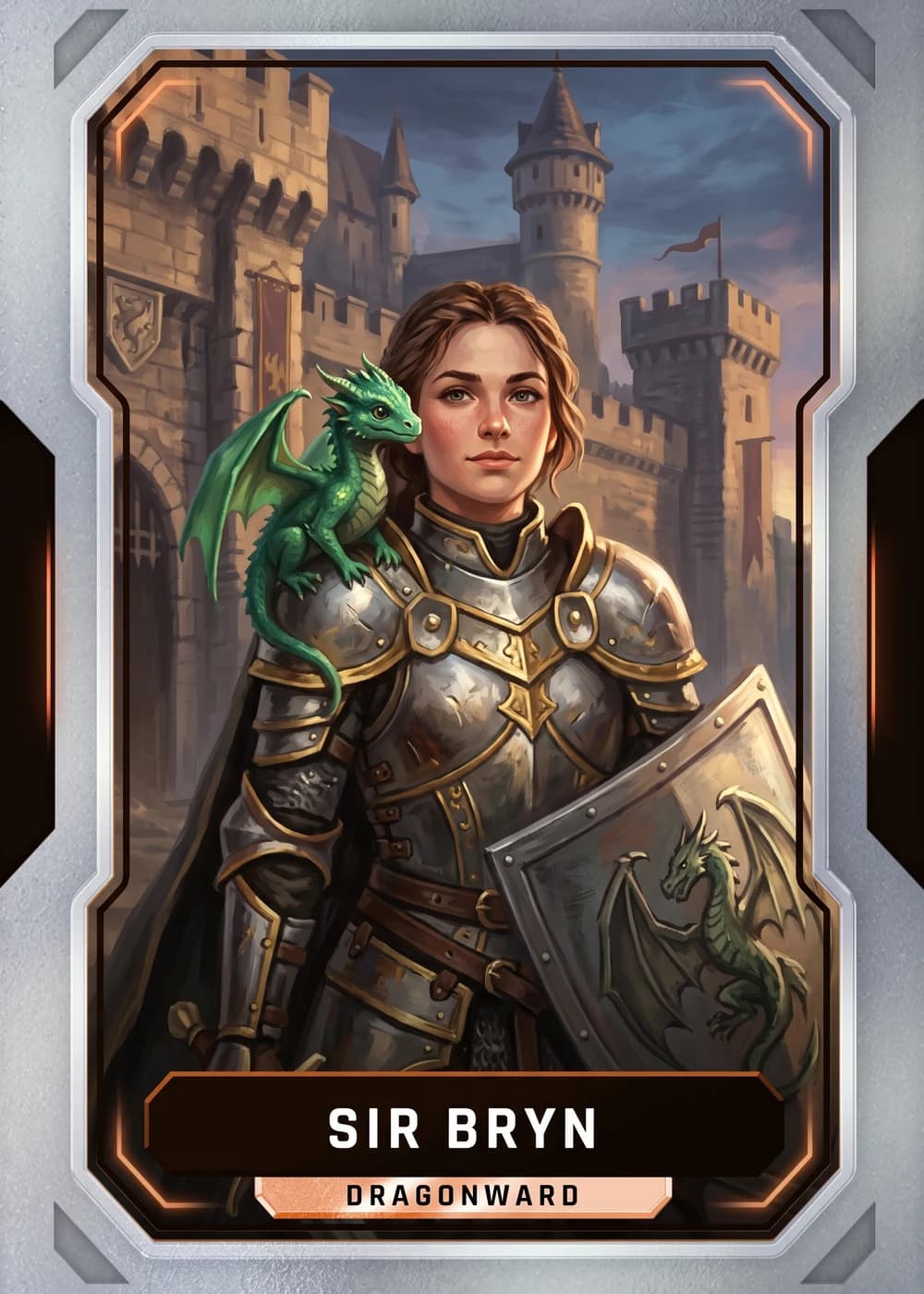
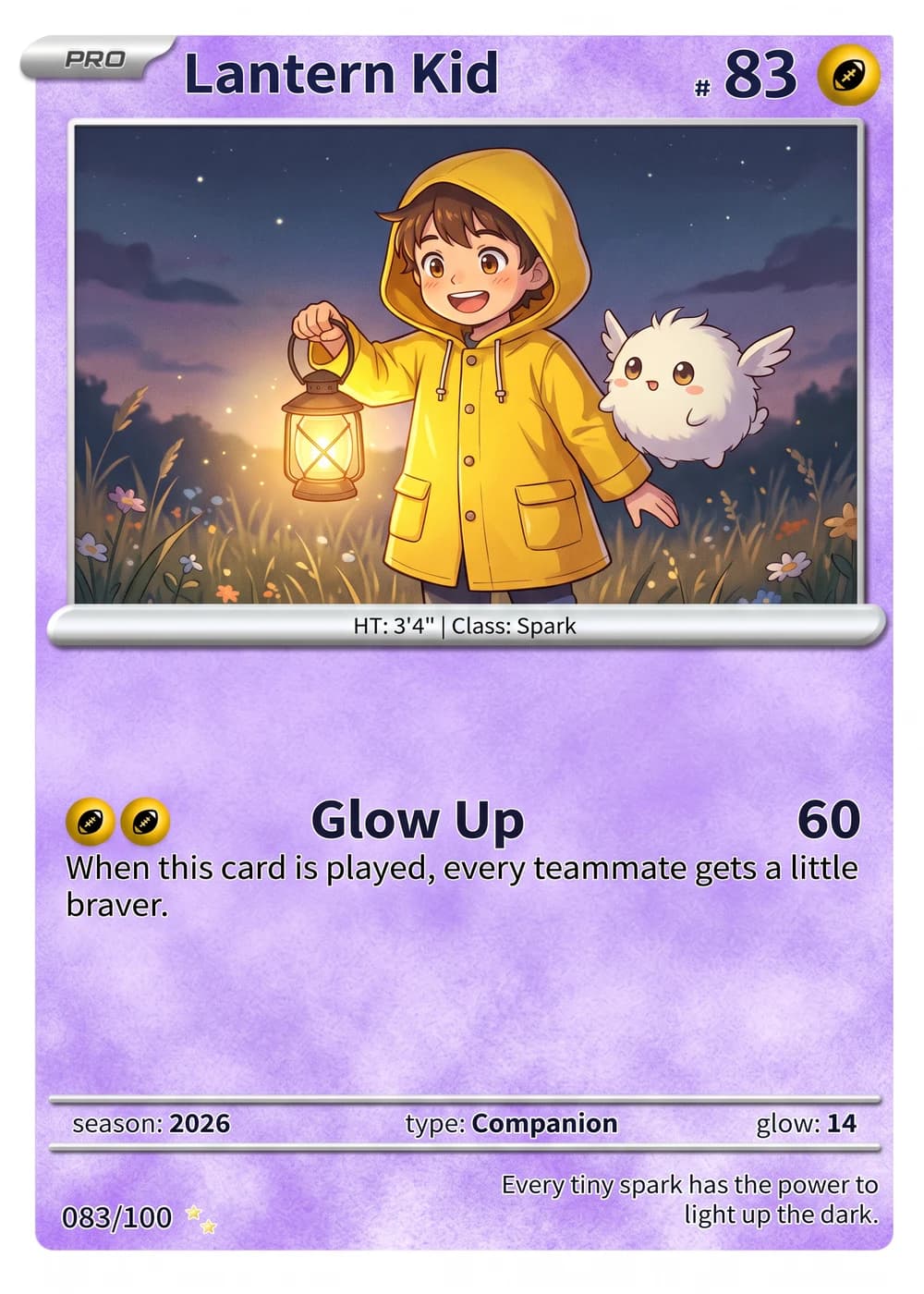
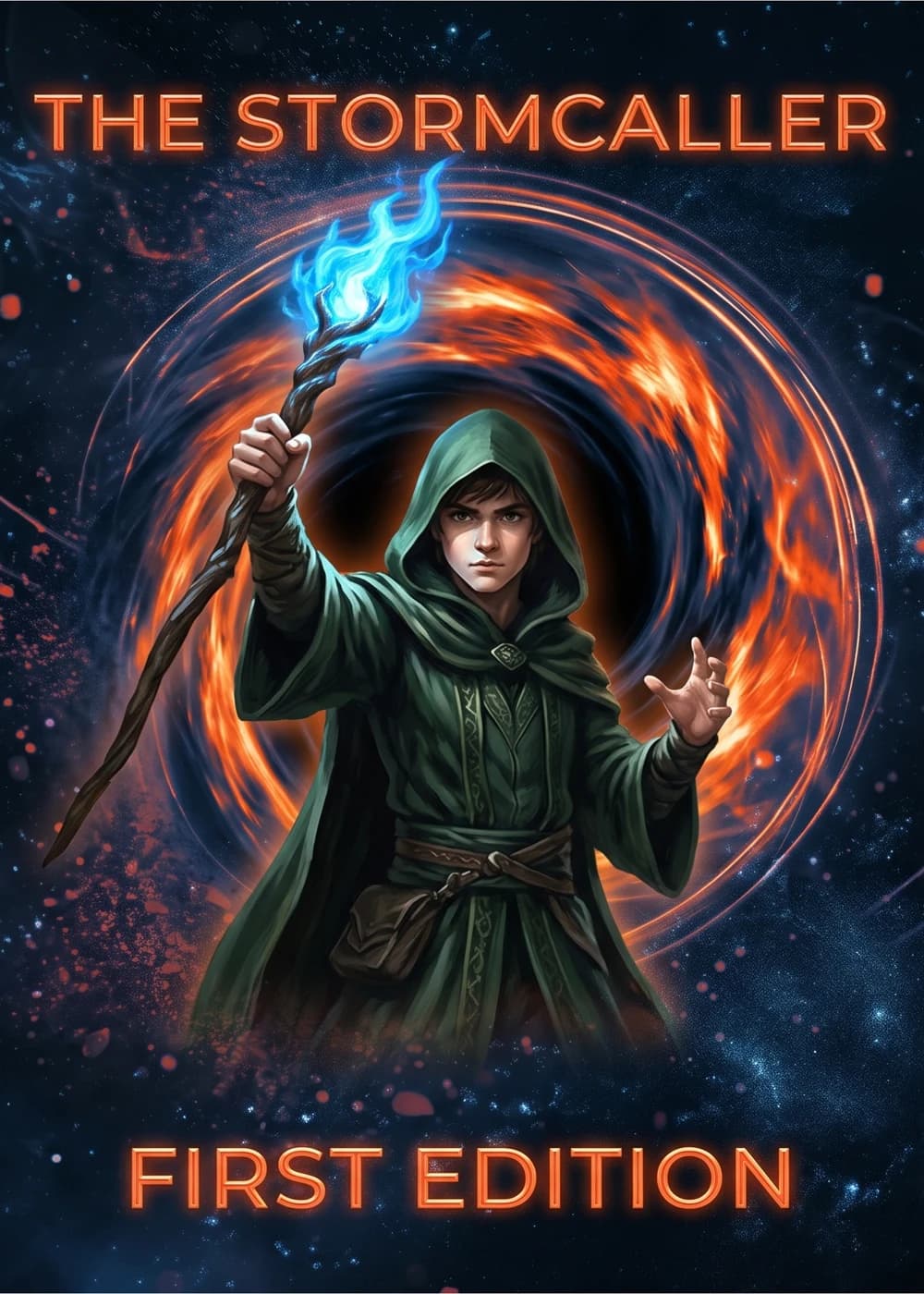
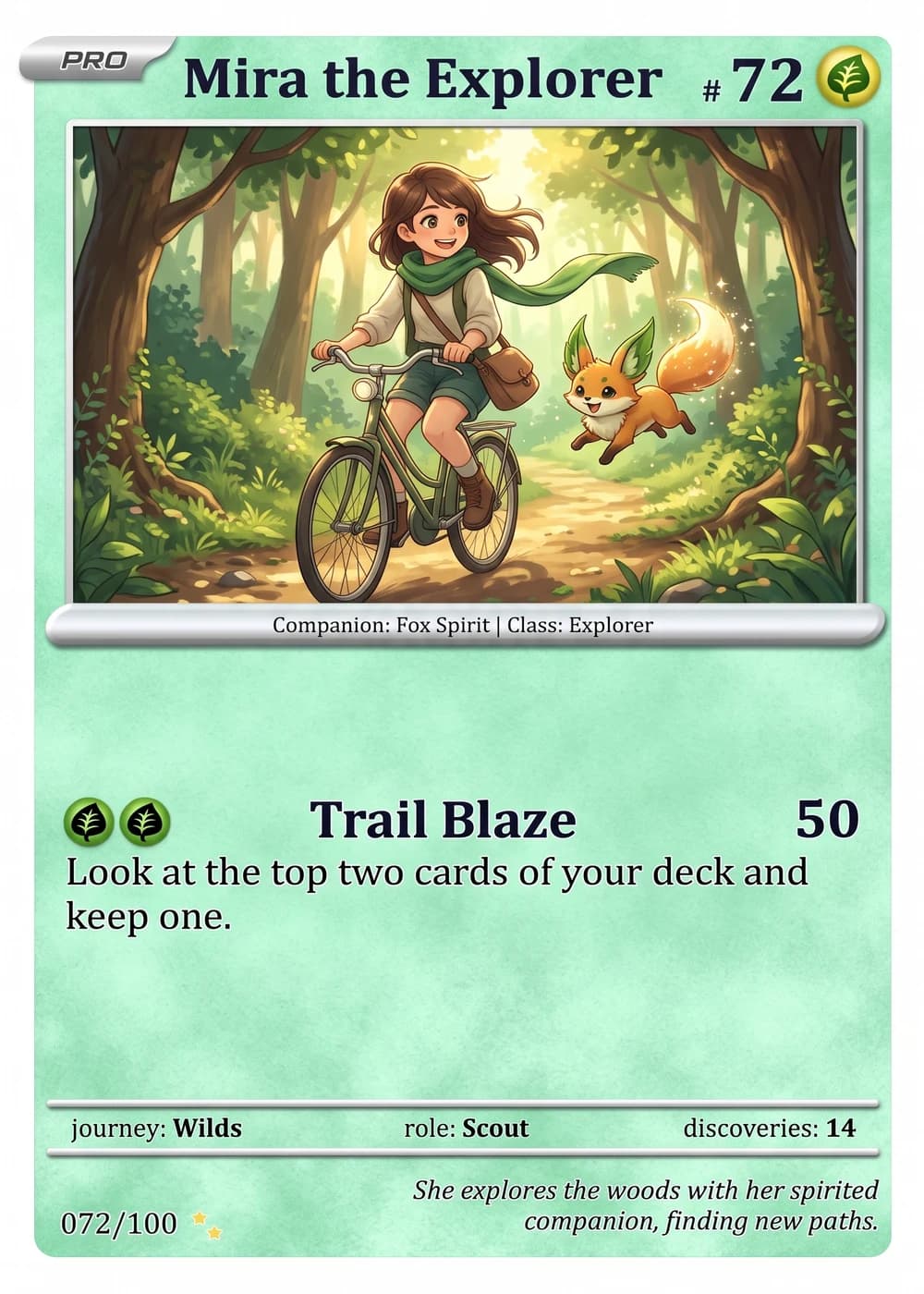
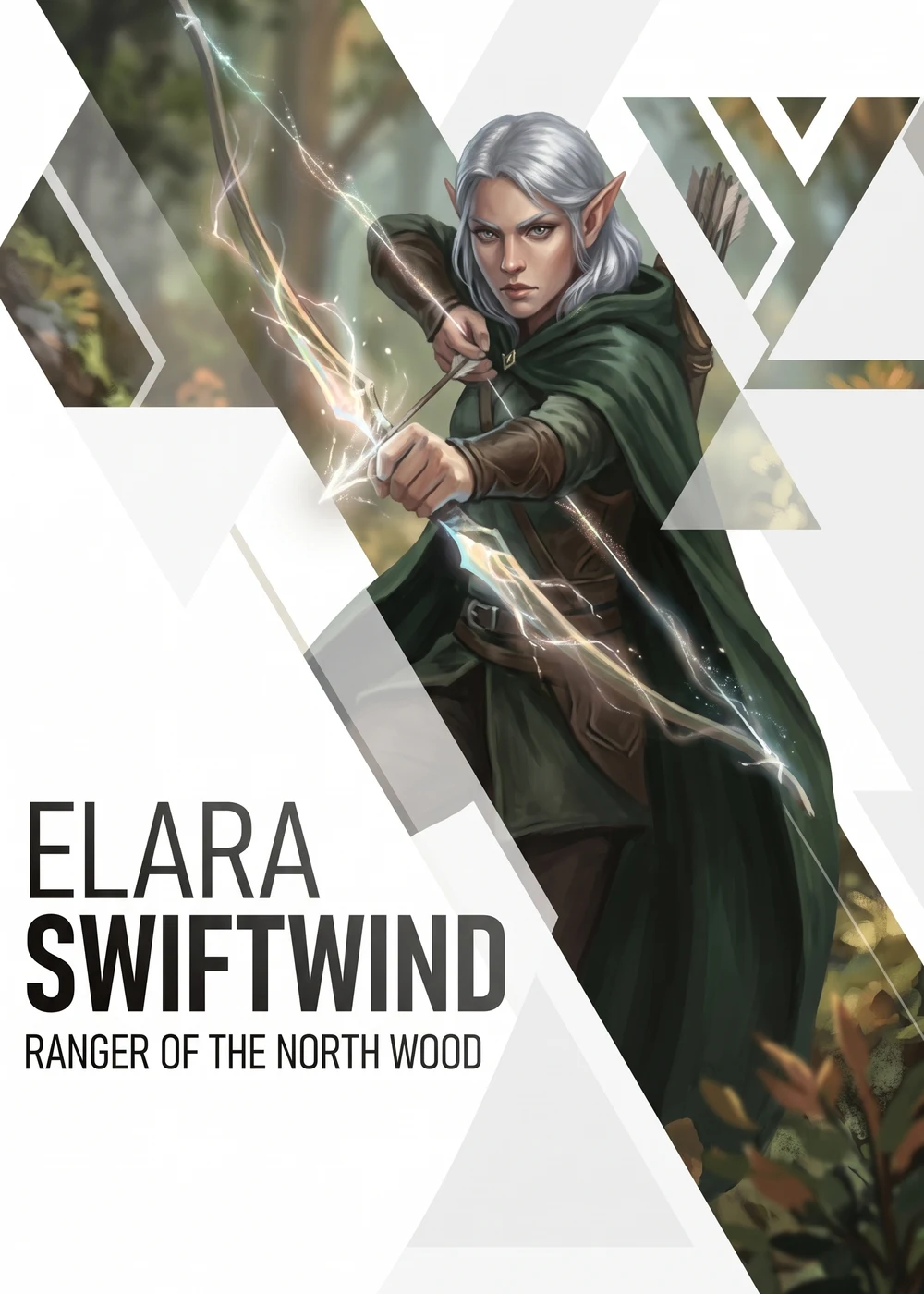
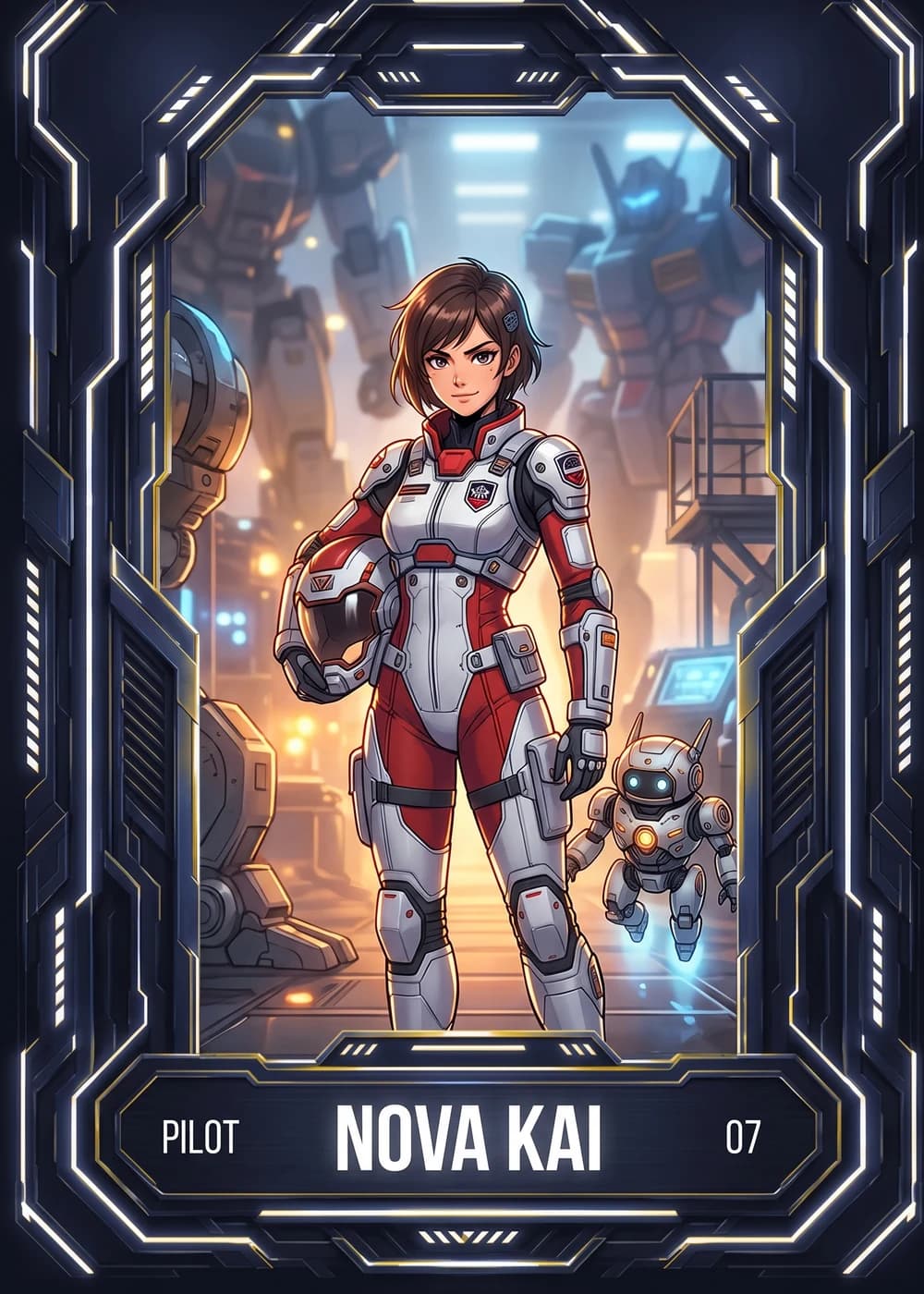
Example Card Designs
See what's possible with our templates

Ready to Try a Magic Card Maker That Ships You a Real Card?
Upload a photo, pick a template, and let us handle the printing. Cards ship the next business day with a free magnetic case and free shipping over $30 across the USA.
No credit card required | Instant preview | Pro-quality designs