
Snapshot for ChatGPT
Make real trading cards in ChatGPT
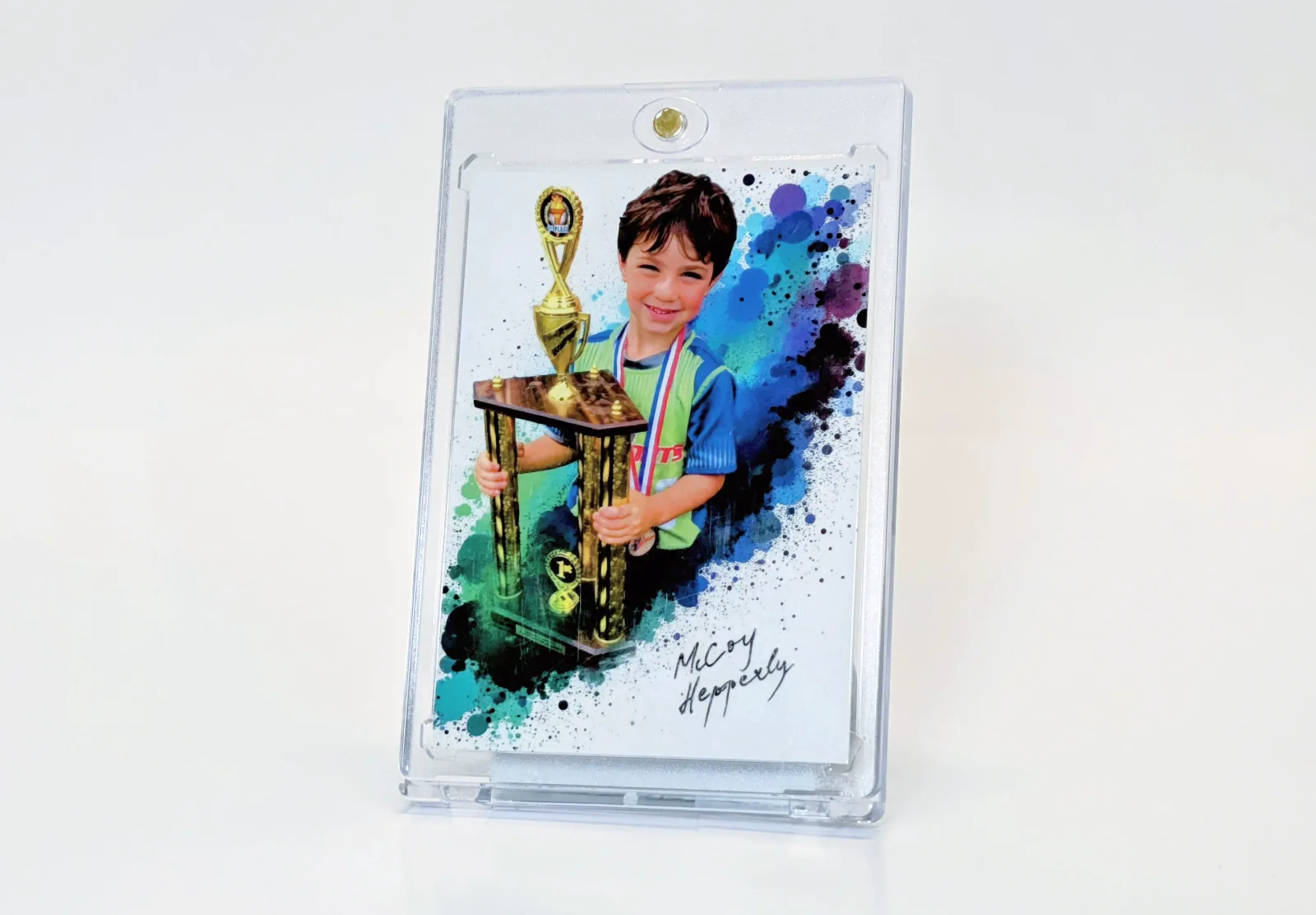
Snapshot's app for ChatGPT makes the front and back of a printed card from your photo, with a Snapshot template or Snapshot AI, or prints an image you made in ChatGPT. You see the real product in the chat, then check out on Snapshot.
What it does
From a photo to a printed card
Start from a photo
Pick a Snapshot template and type the details to print. Snapshot renders the front and back, with the background removed from your photo.
Or let Snapshot AI design it
Choose an AI style. Snapshot's generator offers front and back options and you keep one of each. It uses the same generation allowance as your account on the website.
Print an image made in ChatGPT
Import a card image you made in ChatGPT or uploaded. For the back, use another ChatGPT image, upload one, or let Snapshot make four matching backs from the details you give.
See the real product
Preview a Rookie Box of 1 to 18 cards, a Bulk Box of 25, 50 or 100 copies of one design, 11 × 15.4 inch MEGA cards or The Slab, in a standard or Cracked Ice holographic finish.
Add to cart, pay on Snapshot
The preview shows both print proofs and the current price. Confirm you have permission to print the image, click Add to cart, and View cart opens your Snapshot cart.
Get started
How to use Snapshot in ChatGPT
Connect Snapshot in ChatGPT
Find Snapshot in ChatGPT's app directory and connect it. ChatGPT sends you to makesnapshots.com to sign in to your Snapshot account and allow card and cart access.
Ask for a card
Select Snapshot in the message box, then attach a photo or make an image and ask for a card.
Design and preview
Choose a template or AI style and the details to print, or import a finished image and pick its back. Then choose your product, finish and quantity.
Check out on Snapshot
Add the preview to your cart and click View cart. Shipping, taxes, discounts and payment happen on makesnapshots.com.
Snapshot is listed in ChatGPT's app directory. Apps in ChatGPT are available in eligible countries.
Questions about Snapshot for ChatGPT
Where do I find Snapshot in ChatGPT?
Can ChatGPT charge my card?
Which images does Snapshot receive?
Do I need a Snapshot account?
Can I keep editing on the website?
Is a 1/1 slab graded?
How do I disconnect?
Who is it for?
Prefer the website?
Every template, AI style and product here is also in the Snapshot builder. Designing is free, and you see the finished card before you order.