



Snapshot
Templates
Pro ShopTeams
Card Builder →
Card Builder
  1. Home
  2. /
  3. Answers
  4. /
  5. Can I choose team colors on a custom trading card?
Getting Started

Can I choose team colors on a custom trading card?

Quick answer

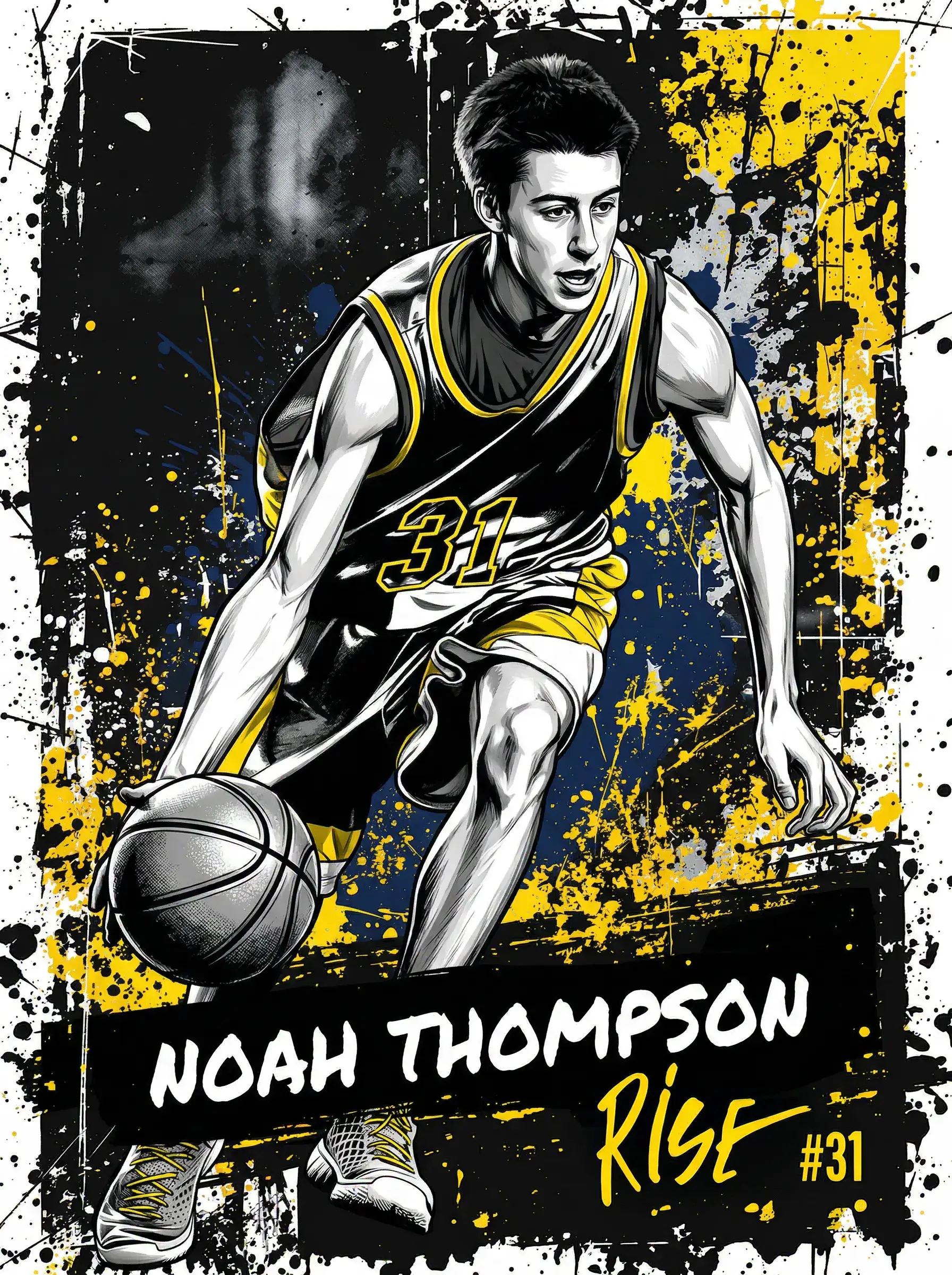
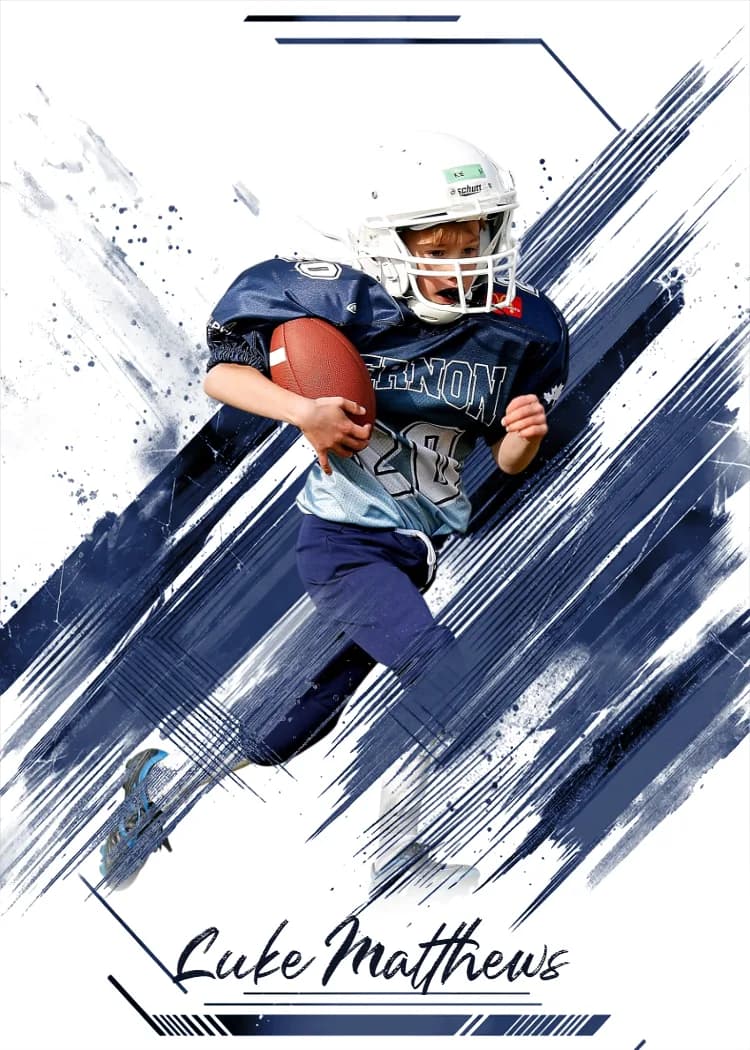
Yes. When you upload a photo the builder detects the dominant team colors and applies them to the parts of the template that take a palette. On those templates a Colors control shows the swatches so you can adjust them to match the uniform. Fixed-artwork templates show no control because there is nothing to recolor.

Key takeaways

  • ✓Team colors are detected from the photo automatically.
  • ✓Templates that use a palette show swatches you can change.
  • ✓Fixed-artwork templates have no Colors control by design.
  • ✓The preview updates as you adjust, so you see the result before ordering.

Automatic detection

After you upload a photo, the builder reads the dominant colors, typically the uniform, and seeds the template's palette with them. That is why a card often looks right for the team before you touch anything.

Adjusting the palette

On templates that draw borders, plates, or effects from a palette, a Colors control shows the detected swatches. Tap a swatch to change it. This is the fix when a photo's background skews the detection, or when a team has a specific shade to match.

A card set for a whole team is easiest to keep consistent by settling the colors on the first card and reusing them.

Why some templates have no color control

Some designs are fixed artwork, chosen for a look that does not recolor. The builder shows the Colors control only where the template actually uses the palette, so its absence means the design is not meant to change, not that something is missing.
The Snapshot Team|Custom trading card specialists|Last reviewed: September 7, 2026

Ready to make your own card?

Upload a photo, pick a template, and preview your custom card in about 60 seconds. Free to design.

Start Creating Free

More questions

Will the card match my kid's uniform?

Usually on its own, because colors are detected from the photo. If not, adjust the swatches in the Colors control on templates that support it.

Why do I not see a color option?

The template you picked has fixed artwork that does not use a palette. Choose a template with a Colors control if matching colors matters.

Can I pick exact team colors?

On palette templates, yes: change each swatch to the shade you want and the preview updates.

Do team sets keep the same colors?

Set the colors on the first card and use the same values on the rest for a matching set.

Explore more

Open the card builderBrowse templatesCustom sports cards

Related questions

Getting Started

Can I add a team logo to a custom trading card?

Photo Tips

What photo works best for a custom sports card?

Getting Started

What is the difference between a standard template and an AI-generated template?

See all answers →
Snapshot — Made to trade.

Custom sports cards — instant preview, pro quality, fast delivery.

Create

  • Card Builder
  • Templates
  • Team Orders
  • Bulk Packs

Pricing

  • Rookie Box
  • MEGA Box
  • Bulk Pack
  • How It Works

Company

  • About
  • Blog
  • FAQ
  • Contact
© 2026 Snapshot, LLC|Printed in the USA|(515) 672-1257
Browse
Baseball·Football·Basketball·Soccer·Hockey·Softball·Lacrosse·Volleyball·Wrestling·Tennis·Golf·Swimming·All Cards
Guides
Sports Gift Ideas·Gift Ideas·Sports Photography Guides·Youth Baseball Tournaments·Sports Fundraising Ideas·MTG Custom Cards·Sports Banners·How to Make a Card·Custom Card Cost·Team Fundraising
More
Custom Sports Cards·Custom Trading Cards·Custom Baseball Cards·Pro Shop·Personalized Baseball Cards·Hologram Cards·Compare·Teams & Partnerships·Resources·Careers
TermsPrivacySMS TermsYour Privacy Choices