

What happens to your photo
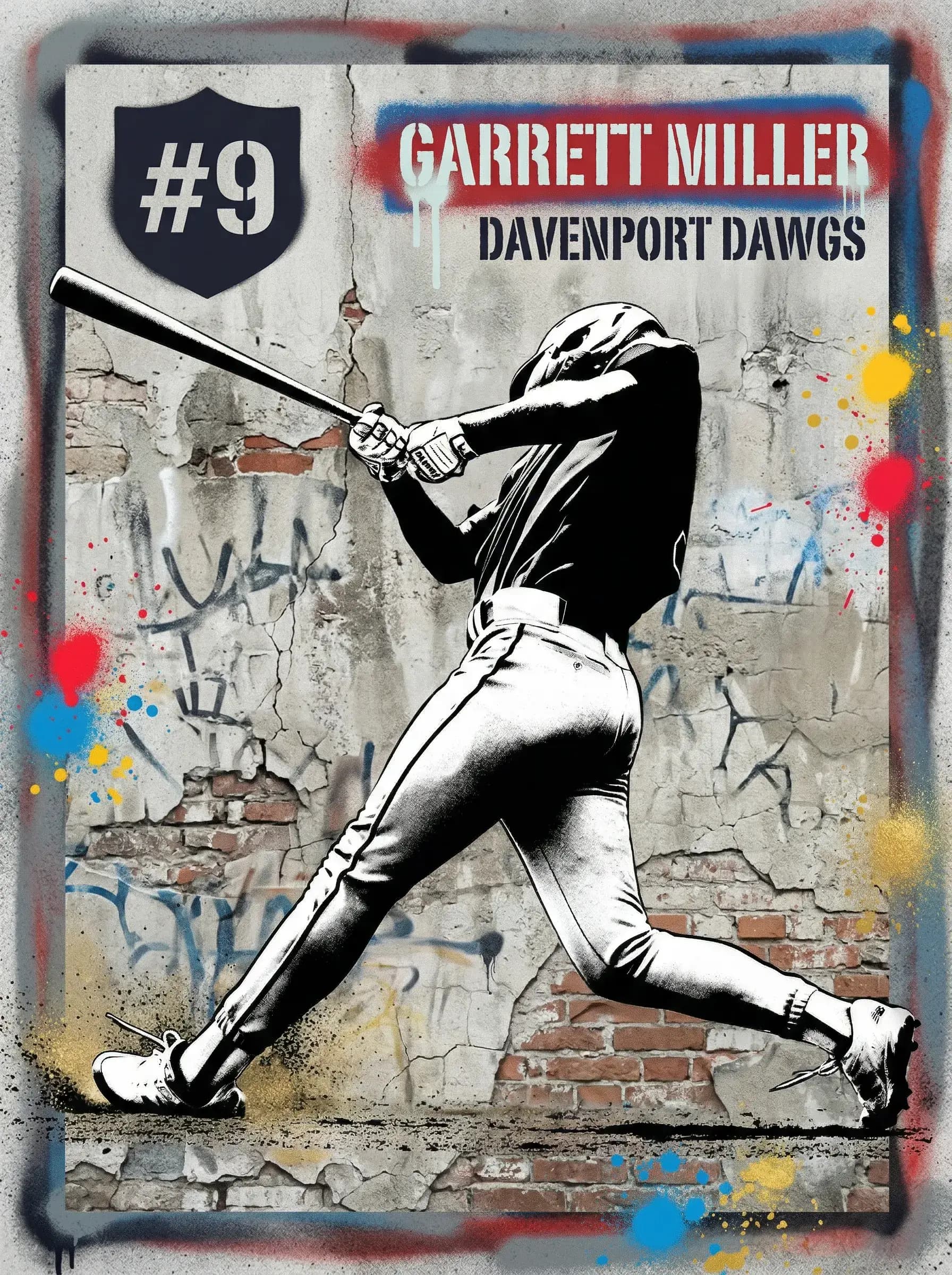
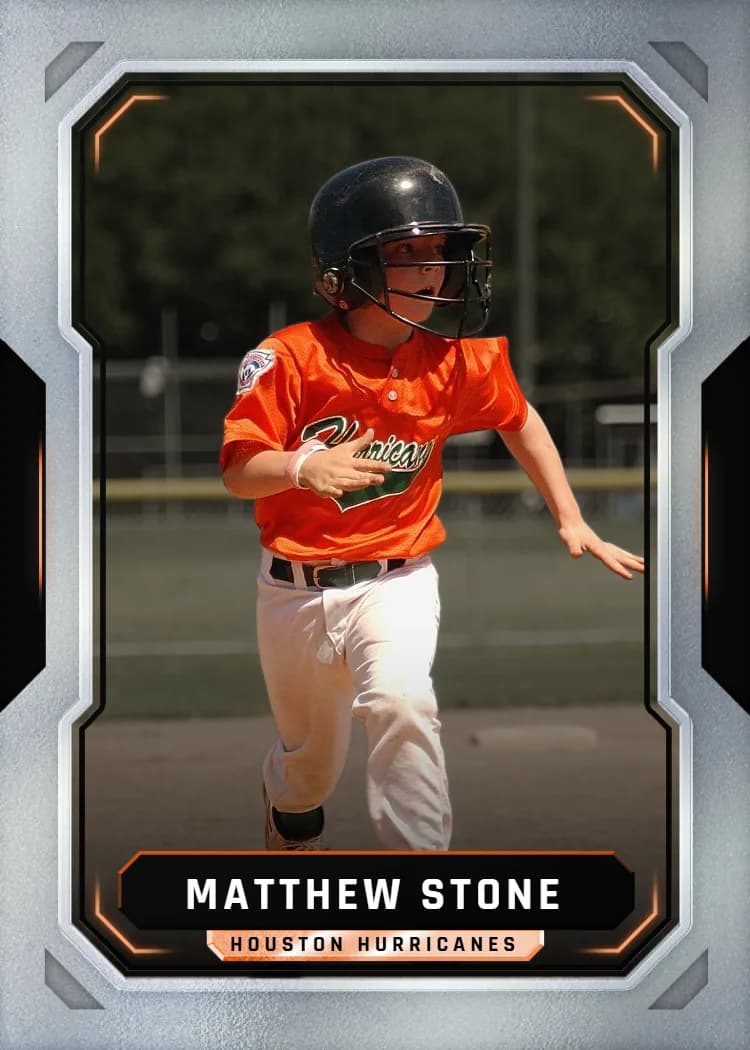
Upload a photo and the builder produces a cutout of the player. On templates with a player layer, that cutout is drawn in front of the template's frame and effects so the athlete pops off the design. Where the template also wants a background, it uses the same original photo behind the cutout, so the two always line up.
This is what makes a plain sideline photo look like a designed card without any editing on your side.
Photos that cut out well
The cutout follows the edge of the subject, so the edge needs to be findable.
- Sharp focus on the athlete, with no motion blur on the outline
- The subject clearly separated from what is behind them
- Even light rather than a silhouette against a bright sky
- The whole athlete in frame, including hands, feet, and equipment you want kept
Photos that struggle
Heavy blur, a subject overlapping another player, or a uniform that matches the background color can produce a rough edge. If the cutout looks off in the preview, try another frame from the same game; the preview is exactly what prints, so what looks clean there will print clean.
Cropping and position
After the cutout you can still crop and reposition the photo in the template, and adjust zoom and placement where the design allows. Templates that use the full photo rather than a cutout skip the removal and fill the frame with your image as is.