Create Your Own Baseball Card: Step by Step
Updated
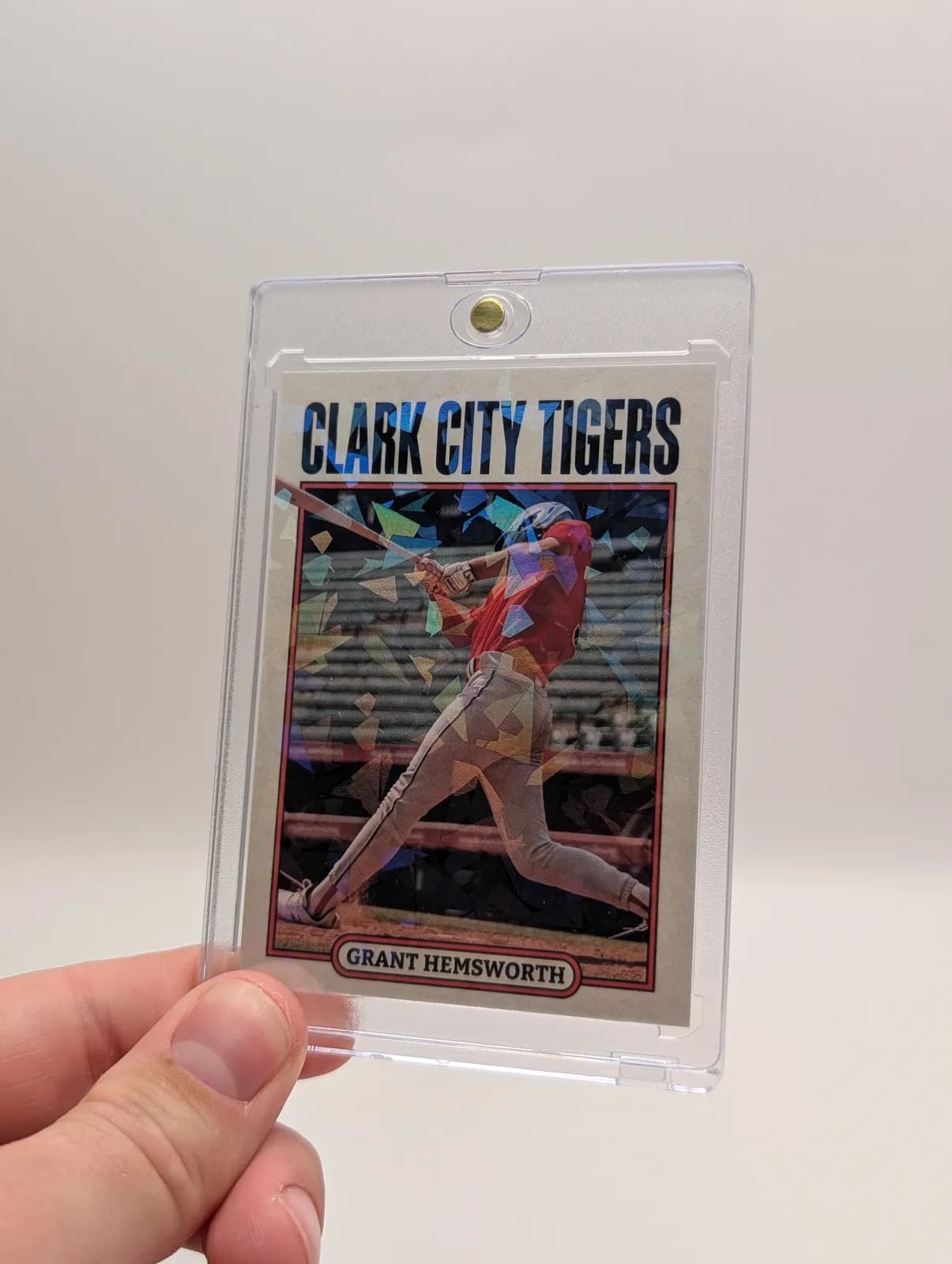
To create your own baseball card, start with one clear player photo, the correct printed name and a season detail. Choose a baseball template, place the photo, enter the information and proof both sides before ordering.
1. Prepare a simple player record
Write down the preferred name, team, jersey number, position and season. Add only the statistics you can confirm. A first-season card does not need a batting average: a short line about learning to catch or playing a first game may be more appropriate.
Example, for illustration: “Alex — Hawks — No. 8 — Shortstop — Spring season.” Replace every field with the player's approved information. If the card is a surprise gift, ask someone who knows the player to check spelling and jersey number without sharing the design.
2. Choose a photo that survives the crop
Use an original image with a visible face. Watch for shadows under the cap and for a bat or glove covering the face. Compare a portrait and an action shot if you have both. Zoom into the crop you plan to print rather than judging only the whole photograph.
If the player is very small in the original image, a tighter crop will not create missing detail. Choose a closer photograph or a design that uses more of the original image.
3. Match the template to the pose
Browse the template gallery and pick a design with room for your photo and name. Upload the image in the card builder, adjust its position and enter the player information. Check that decorative frames do not cover the face or important equipment.
4. Write a card back worth keeping
Use the back for the season, position, selected achievements or a brief message. Choose one clear story instead of filling every available space. If you include numbers, label the season they describe and check them against the same source.
- For a young player: one skill learned and a favorite moment.
- For a season keepsake: team, position and a recorded milestone.
- For a gift: a short personal message that the player will understand later.
5. Proof, then review the order
Check the name, photo, number and season on both sides. View the design close to card size to catch text that only looks readable when enlarged. Review the selected product, finish, quantity, shipping service and total before paying.
A regular Snapshot card starts at $17.99 before optional upgrades, tax and shipping. US standard shipping is free for regular consumer merchandise subtotals of $30 or more and $5 below that threshold. Use checkout for the actual destination and delivery estimate.
Creating different cards for a roster? Switch to the team planning checklist before repeating these steps for every player. For more text ideas, see the personalization guide.
Written by the Snapshot team, which makes and sells custom printed cards. Product examples show our own range; check current options and delivery estimates before ordering. About Snapshot · Questions or corrections
Tags
Related Articles
Custom Baseball Cards: Team Planning Guide
For a baseball team set, plan the roster and approval process before selecting a design. Each player needs a correctly matched photograph and name; the set also needs consistent season labels and a clear decision about which statistics to include.
Read More →Personalized Baseball Cards: What to Include
Personalized baseball cards transform any player into a trading card star, creating unique memorabilia that captures individual achievements, statistics, and personality. Whether you're creating cards for Little League players, high school athletes, travel ball teams, or adult rec leagues, this comprehensive guide covers everything you need to know about designing and ordering personalized baseball cards in 2026.
Read More →Ready to Create Your Custom Cards?
Choose a template, personalize your photo and details, then review your design before ordering.
Start Creating Now