Custom Baseball Cards: Team Planning Guide
Updated
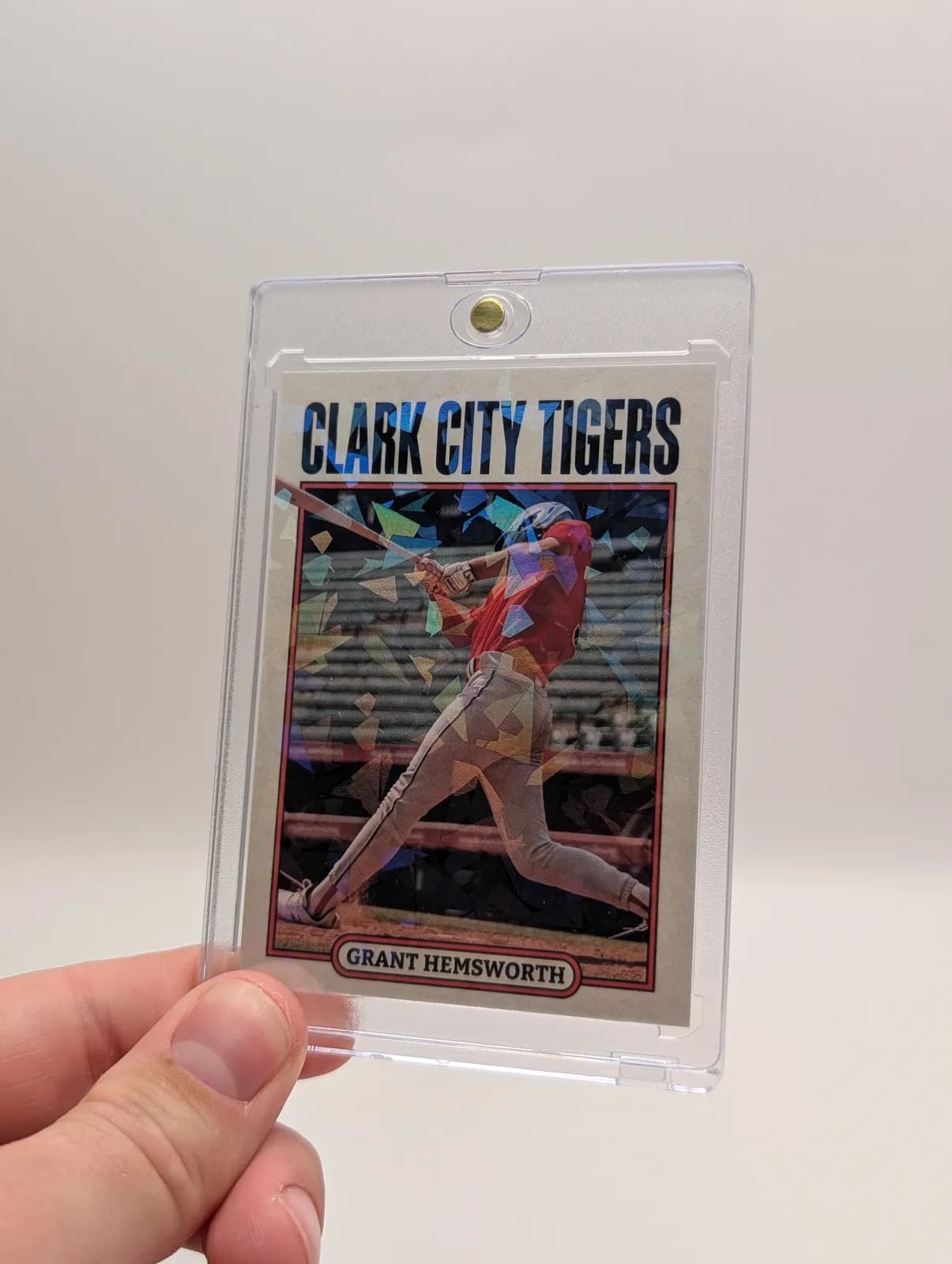
For a baseball team set, plan the roster and approval process before selecting a design. Each player needs a correctly matched photograph and name; the set also needs consistent season labels and a clear decision about which statistics to include.
Make a roster sheet the team can check
Use these columns: preferred printed name, jersey number, position, season, photo filename, selected statistics and approval status. Keep one row per player. Have the coach or organizer confirm the roster before asking a designer to build the set.
Decide how to handle players who joined late or missed photo day. A consistent portrait style often works better than mixing one blurry game photo into a set of sharp posed portraits. Arrange a second photo opportunity when needed rather than stretching a small image.
Choose age-appropriate baseball information
| Player or purpose | Useful card-back content | Proofing question |
|---|---|---|
| First-season player | Team, season, position and a favorite baseball moment | Will the child recognize this as their season? |
| Player with recorded statistics | Selected batting or pitching figures with the season identified | Do the numbers match the same source and date range? |
| Graduating player | A short career note or team milestone | Has the player approved the wording? |
| Coach keepsake | Team name, season and a message from the roster | Are all names included and spelled correctly? |
Do not mix practice estimates with official game statistics. If a figure is uncertain, omit it. Keep personal addresses and phone numbers off youth cards.
Plan a photo that fits a card
A cap can cast a shadow over the face; inspect that area before selecting the image. For action photographs, leave room for the bat, glove or ball if it is part of the story. Choose the original image rather than a screenshot from a team group chat.
Compare the same photograph in two card templates. If one layout hides the jersey number or makes the name too small, choose the other. Consistency across the team should not come at the cost of an unreadable player photo.
Separate roster designs from duplicate copies
Twelve different player cards are not the same product as twelve copies of one player card. Write down both the number of unique designs and the copies needed for each. Review the team ordering options for roster projects; use custom baseball cards to compare the individual product.
Before placing a large order, approve one representative design and confirm that the rest use the intended information. Review the product, quantity, finish and checkout total; do not calculate a whole-team quote from the single-card starting price.
Choose the next step for your project
For one player's card, follow the baseball card walkthrough. For ideas about what to write, use the personalization guide. For sponsor or fundraising plans, first compare the team sponsor planning resource.
Written by the Snapshot team, which makes and sells custom printed cards. Product examples show our own range; check current options and delivery estimates before ordering. About Snapshot · Questions or corrections
Tags
Related Articles
Create Your Own Baseball Card: Step by Step
To create your own baseball card, start with one clear player photo, the correct printed name and a season detail. Choose a baseball template, place the photo, enter the information and proof both sides before ordering.
Read More →Personalized Baseball Cards: What to Include
Personalized baseball cards transform any player into a trading card star, creating unique memorabilia that captures individual achievements, statistics, and personality. Whether you're creating cards for Little League players, high school athletes, travel ball teams, or adult rec leagues, this comprehensive guide covers everything you need to know about designing and ordering personalized baseball cards in 2026.
Read More →Ready to Create Your Custom Cards?
Choose a template, personalize your photo and details, then review your design before ordering.
Start Creating Now