


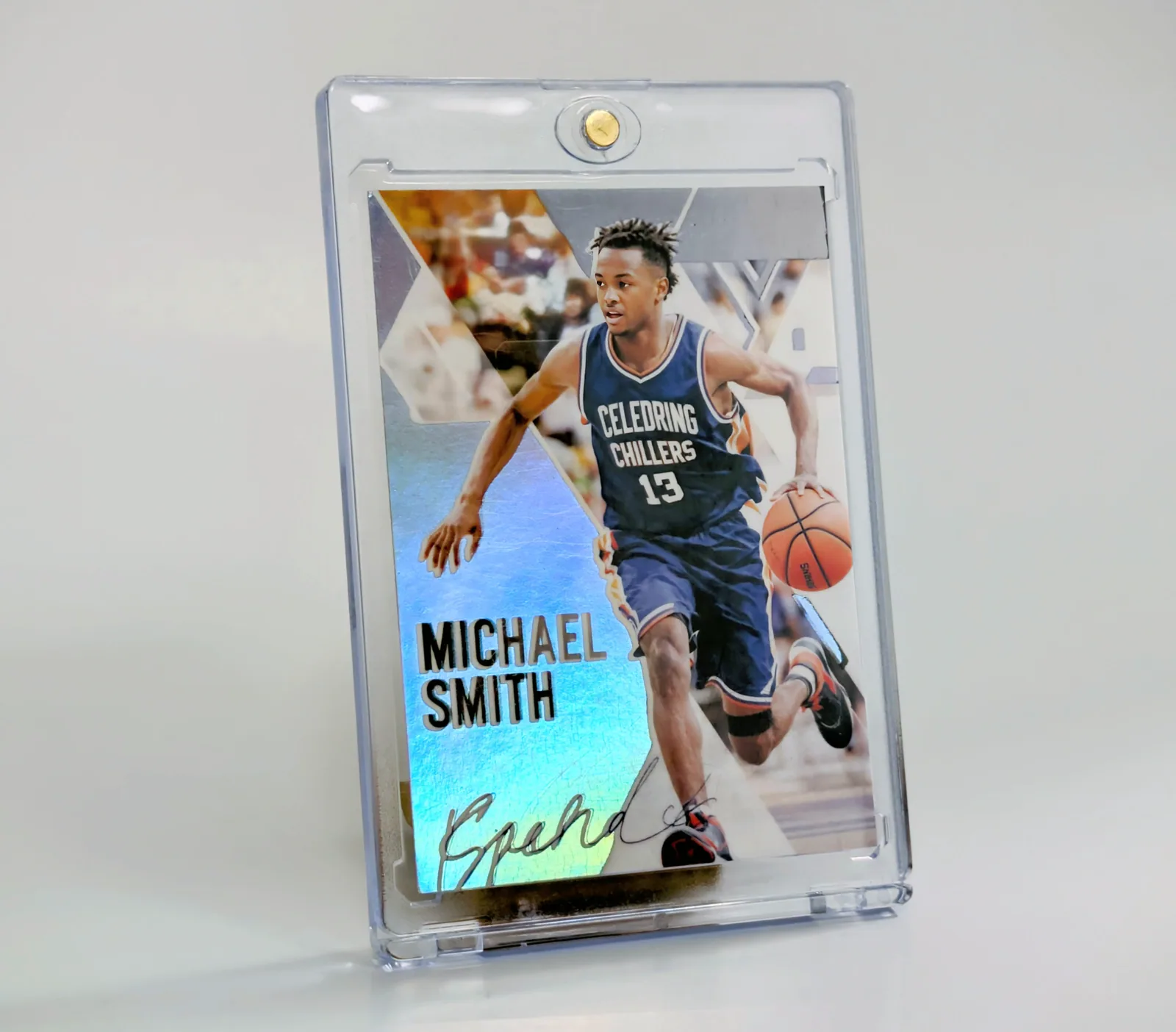
The basketball card above looks blue along its left edge and silver behind the player's shoulder. Those reflections are part of the photographed physical card. A still photograph captures one combination of lighting and viewing angle; it cannot show every way a reflective finish will look in your hand.
That matters when you are choosing a custom card. A template can contain rainbow colors, metallic-looking lettering or a drawn sparkle. Those are artwork. A physical holographic finish is a separate product choice. The two can work together, but one does not automatically include the other.
Read the photograph in three layers
First, look at the printed content: the player, jersey number and name. Those are the information you want someone to recognize. Next, look at the reflective background surrounding the player. Finally, look at the clear case, which can catch its own highlights. A bright streak on the case is not evidence of a particular printed pattern underneath it.
Holographic surfaces redirect light into different colors as the lighting and viewing angle change. You may see a strong rainbow in one position and a quieter metallic appearance in another. The exact effect depends on the finish. This photo is an example, not a promise that every card or every available finish produces this pattern.
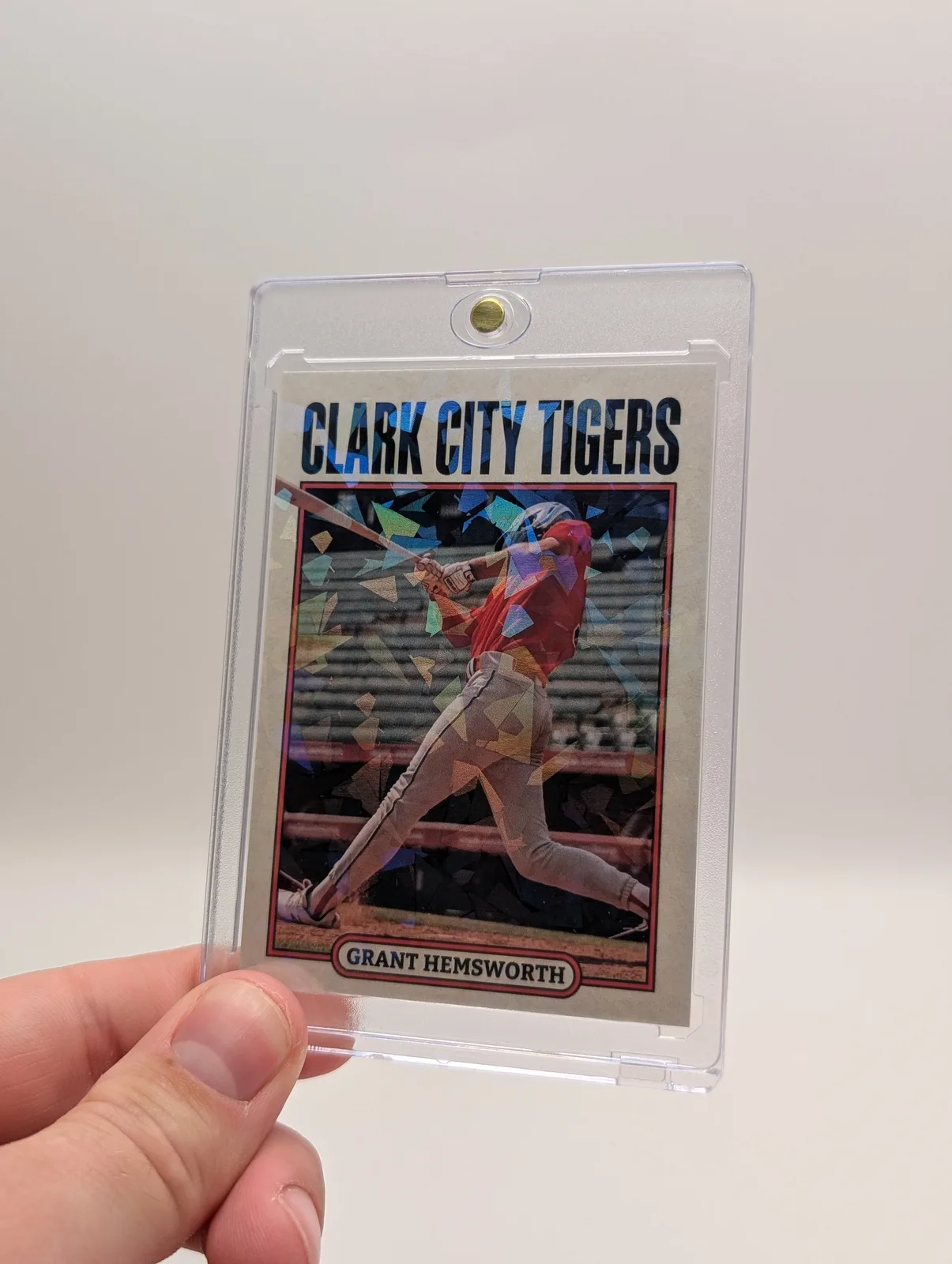
Keep the face and name easy to read
A busy photograph plus a busy background can make the whole card harder to understand. Start with a clear face and a readable name, then decide how much decoration supports them. If the design only works when you zoom in on the screen, simplify it before choosing a finish.
Try a quick check: look away from your preview, then look back for two seconds. Can you find the player and read the name? Next, look at the preview close to the intended printed size. Check the number, team and any small text on the back. Reflective material cannot fix a soft photo or a spelling error.
A useful photo check for a sample card
- Use a plain background and soft light from a window. Keep the player and name in focus.
- Take a straight-on photograph, then tilt the card slightly while leaving the light in the same place.
- Compare where the color and highlights move. Notice whether the case introduces glare over the face.
- If you share a short clip, keep the exposure steady and show the card moving slowly. Avoid a filter that invents a stronger shine.
This is a way to document a physical sample you already have. It is not a substitute for seeing a sample when a precise finish matters to a larger custom project. Ask about the available materials and proofing options before committing to that project.
Three choices that should stay separate
- Artwork: the photo, colors, layout and text in your design.
- Physical finish: standard printing or the holographic upgrade selected in the order. Snapshot also offers gold and silver foil through custom-order quotes.
- Display: a case or holder that fits the card. A magnetic case is not professional grading or authentication.
Before paying, check that the order summary includes the finish you intended. For gold or silver foil, send the design, quantity and deadline for a custom quote; that is a different order from choosing the online holographic upgrade.
For current product options and upgrade prices, compare Snapshot's holographic cards and finishes. If you are still choosing the artwork, use the design and proofing checklist first. For the holder, see the guide to cases, sleeves and slabs.