
Classic Frame
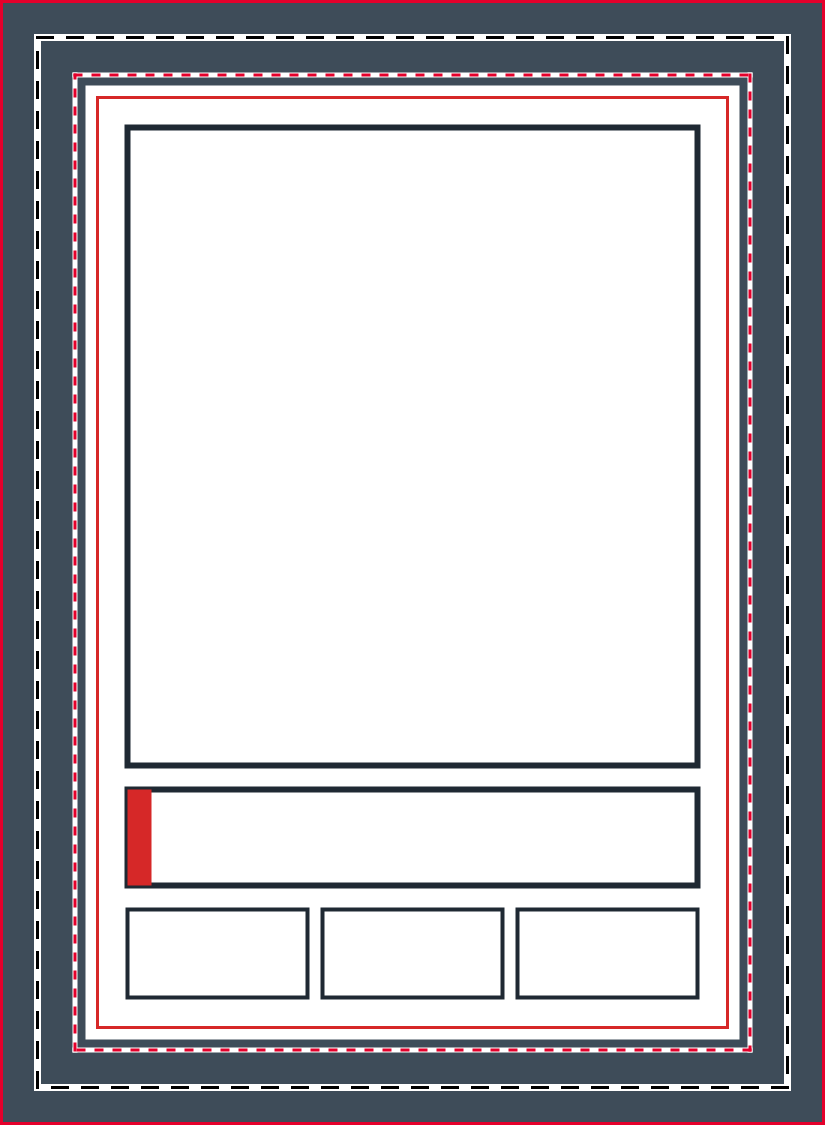
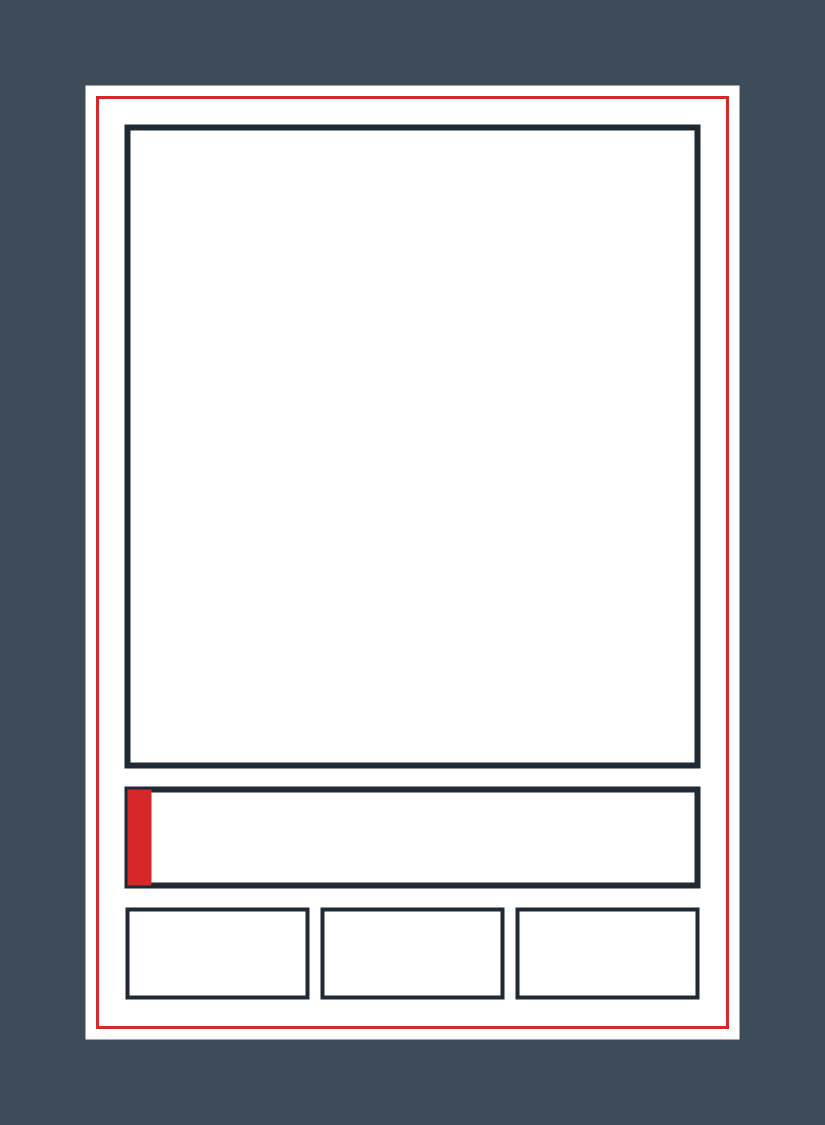
A bordered front with a large photo window, a nameplate and three small boxes for position, team and number.
Rather not print it yourself? Upload your photo and we'll print it.
Download a free blank trading card template as a PNG or a PDF and print it at home. Every file is made for a standard 2.5 x 3.5 in card with 1/8 in of bleed on each side, so the file itself is 2.75 x 3.75 in (825 x 1125 px at 300 DPI). Each design comes in two versions: one that marks the bleed, trim and safe zone, and a clean one with no marks.
Every design comes in two versions, with guides and clean, and each version as a PNG and a PDF. Print the PDF, or place the PNG in an image editor.
A bordered front with a large photo window, a nameplate and three small boxes for position, team and number.
Rather not print it yourself? Upload your photo and we'll print it.
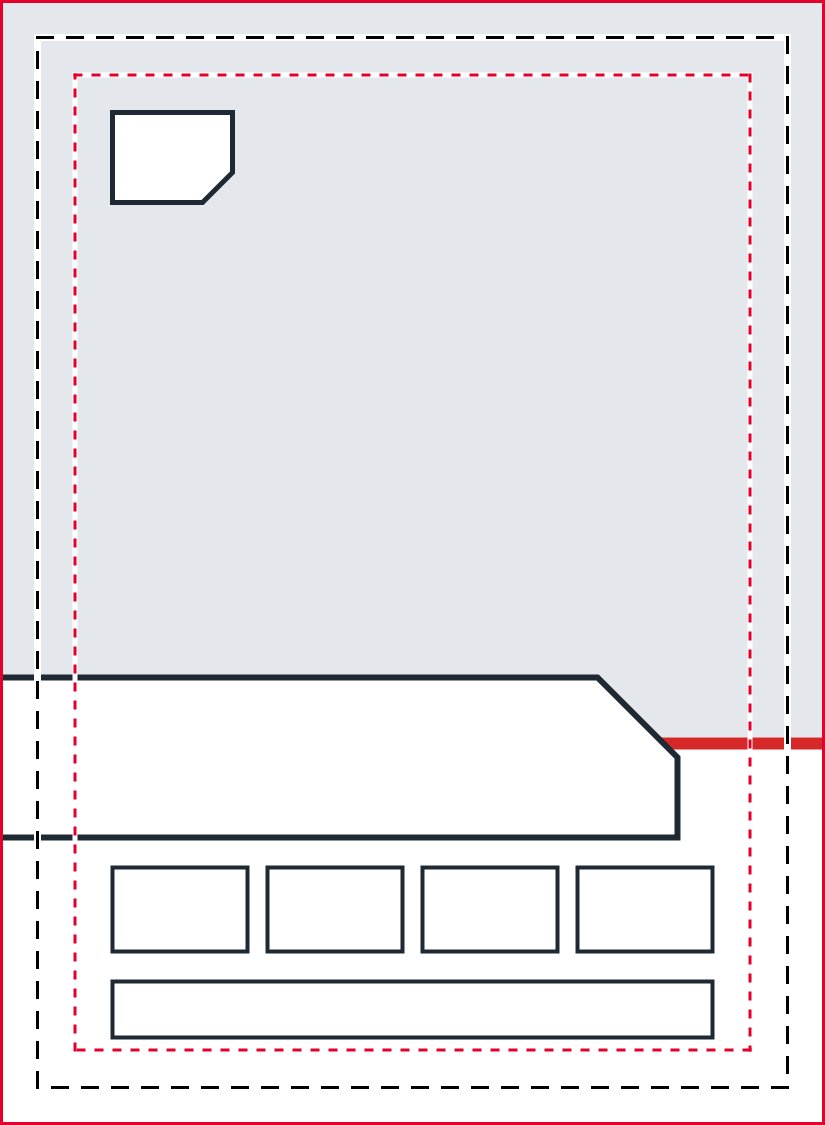
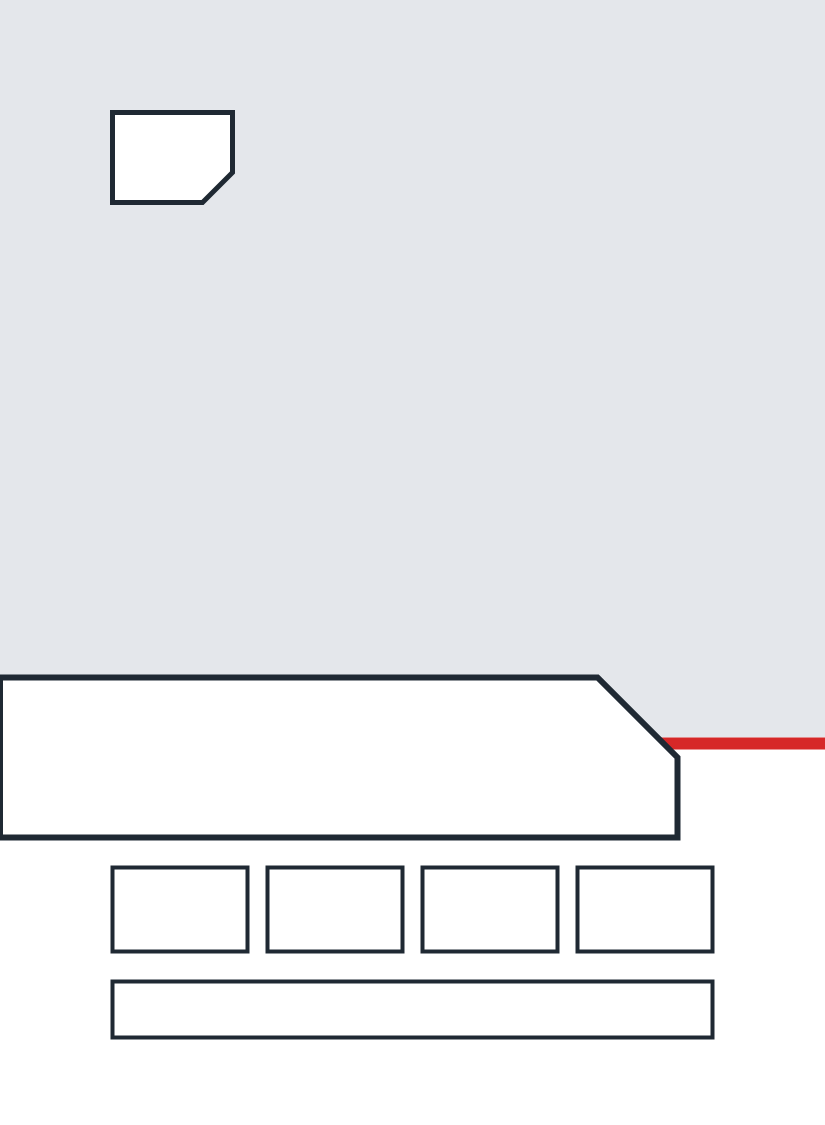
A photo zone that runs off the top and sides, over a nameplate with one cut corner, a number tag and a row of small boxes.
Rather not print it yourself? Upload your photo and we'll print it.
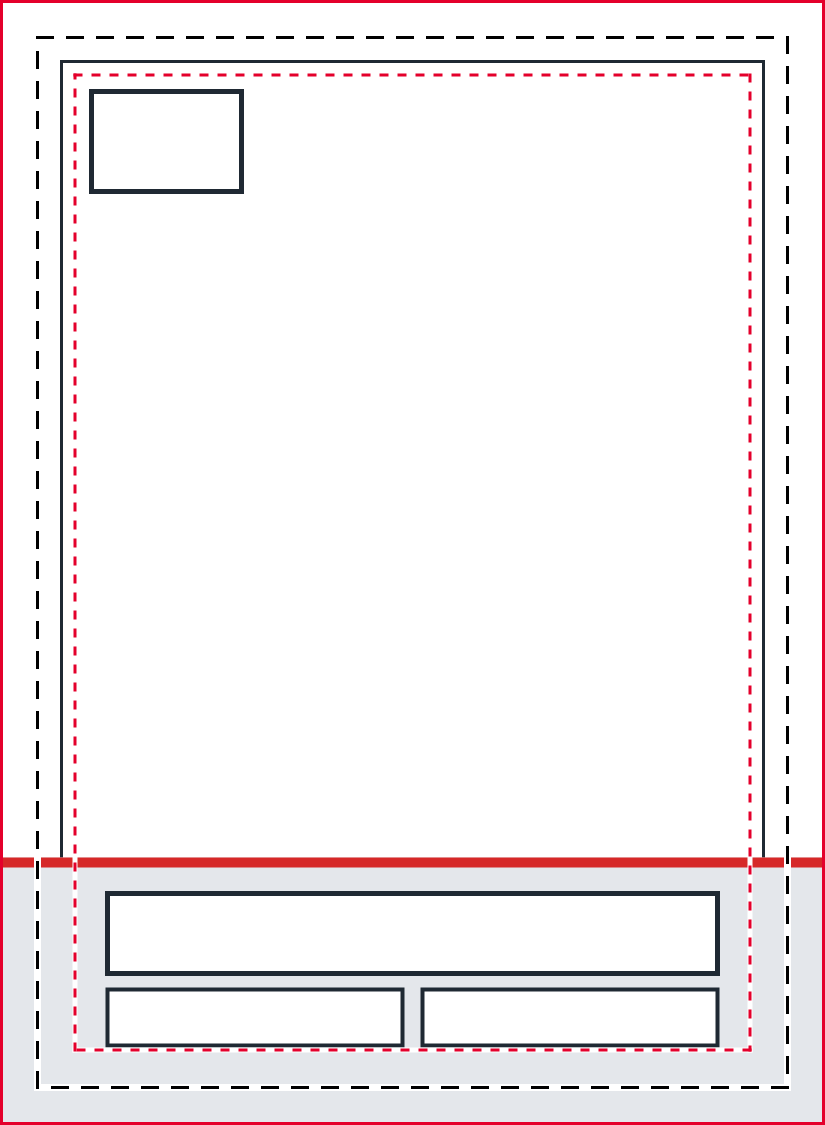
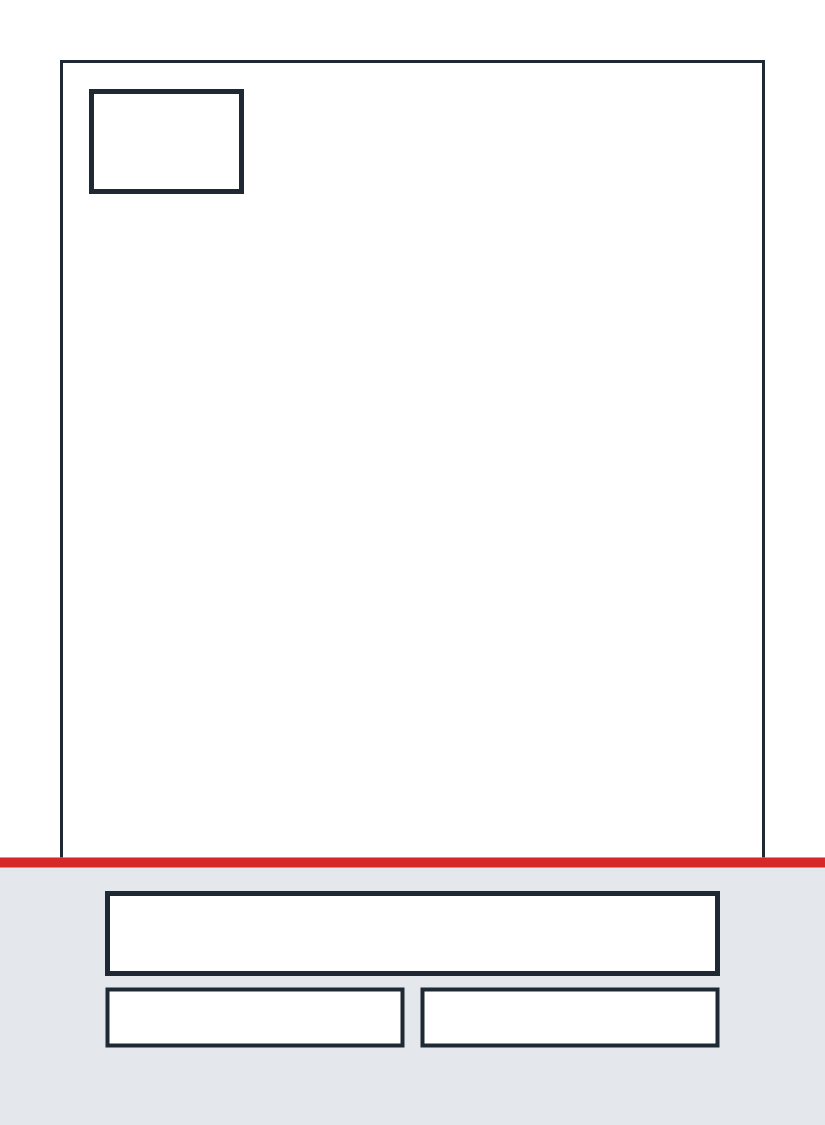
The whole card is the photo. A band along the bottom holds the name, team and position, with a number tag at the top.
Rather not print it yourself? Upload your photo and we'll print it.
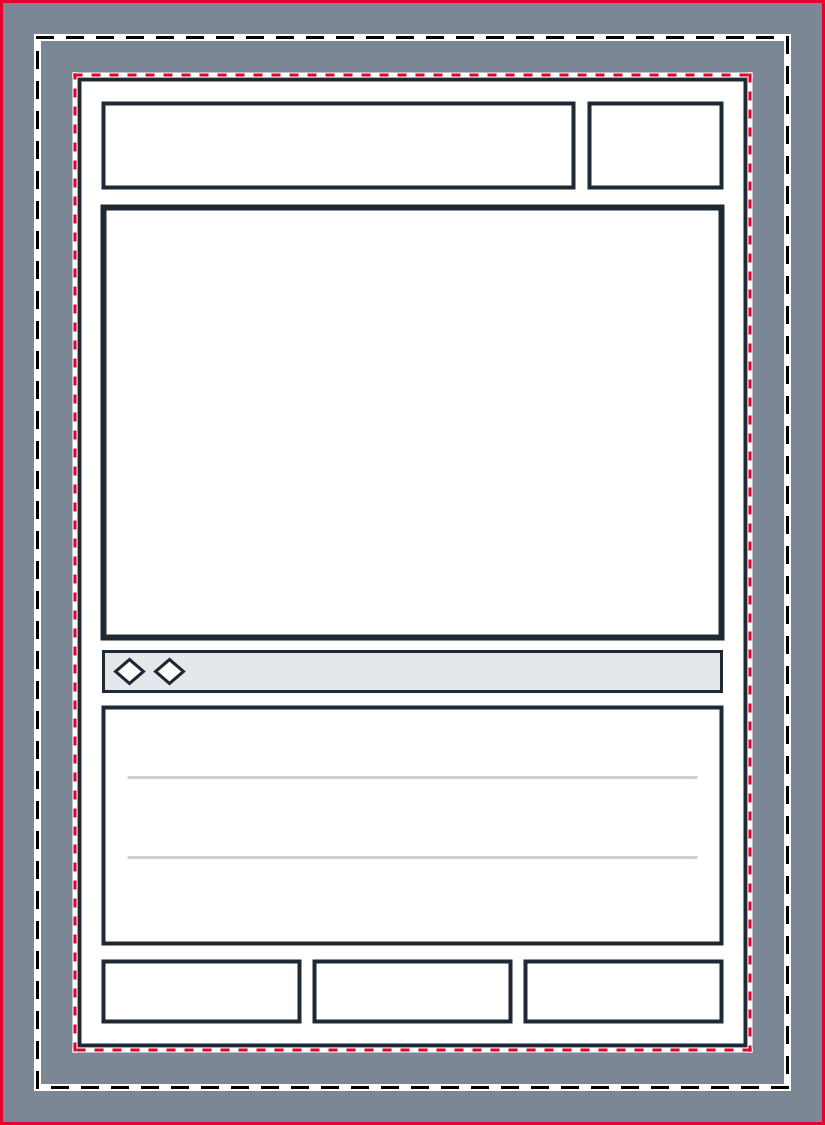
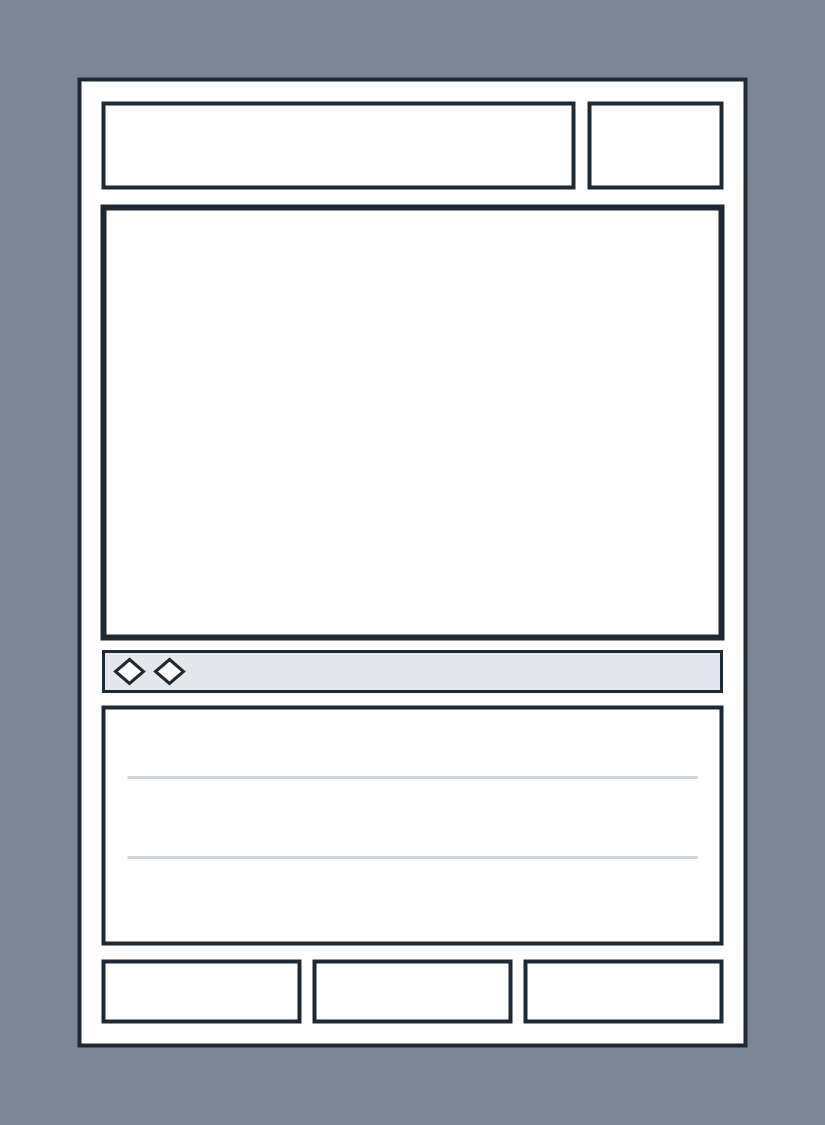
A trading card game layout: name bar, art window, a strip with two plain diamond slots, a rules box and three small boxes.
Rather not print it yourself? Upload your photo and we'll print it.
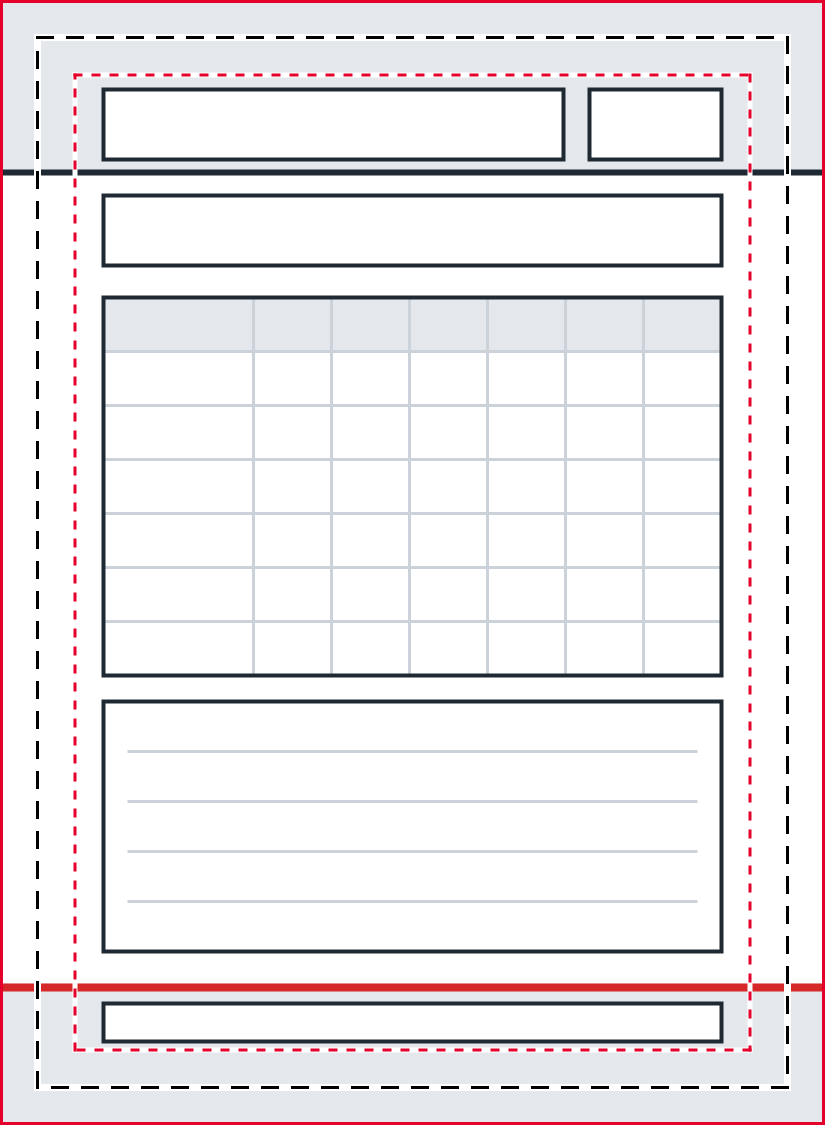
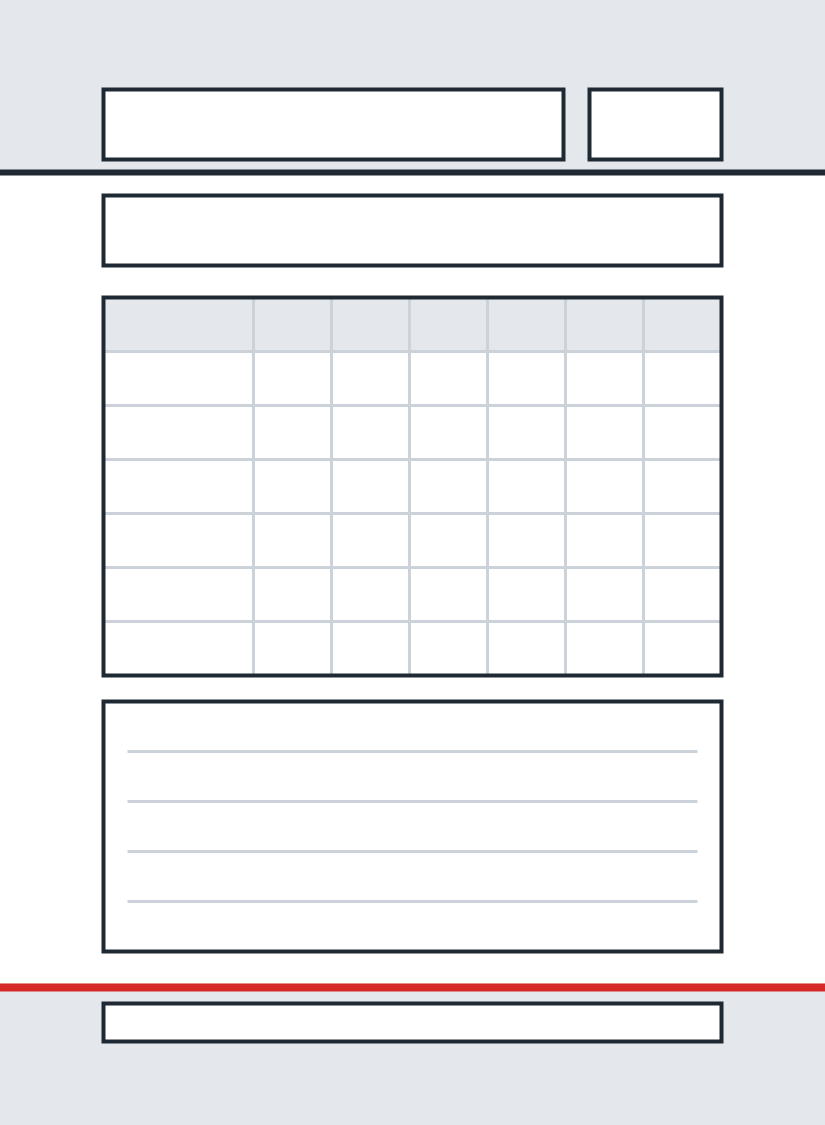
The back of a sports card: a header, a bio strip, a season-by-season table and a ruled notes box.
Rather not print it yourself? Upload your photo and we'll print it.
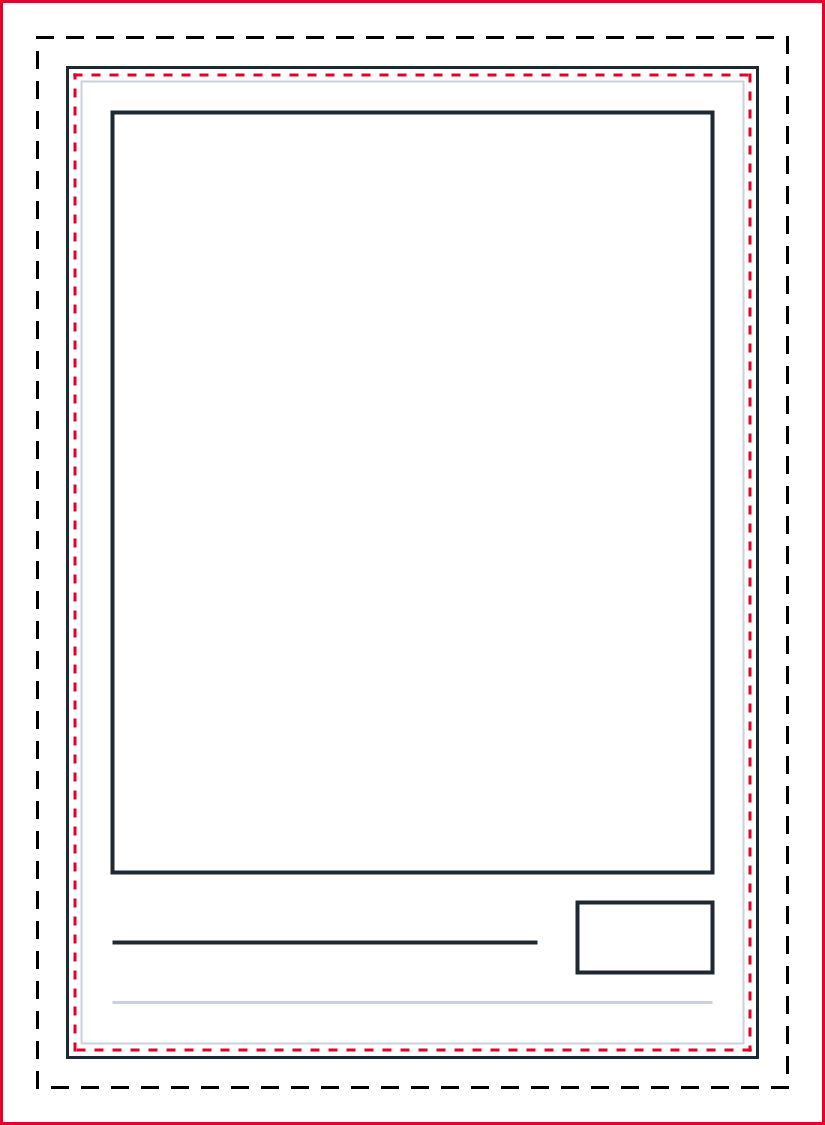
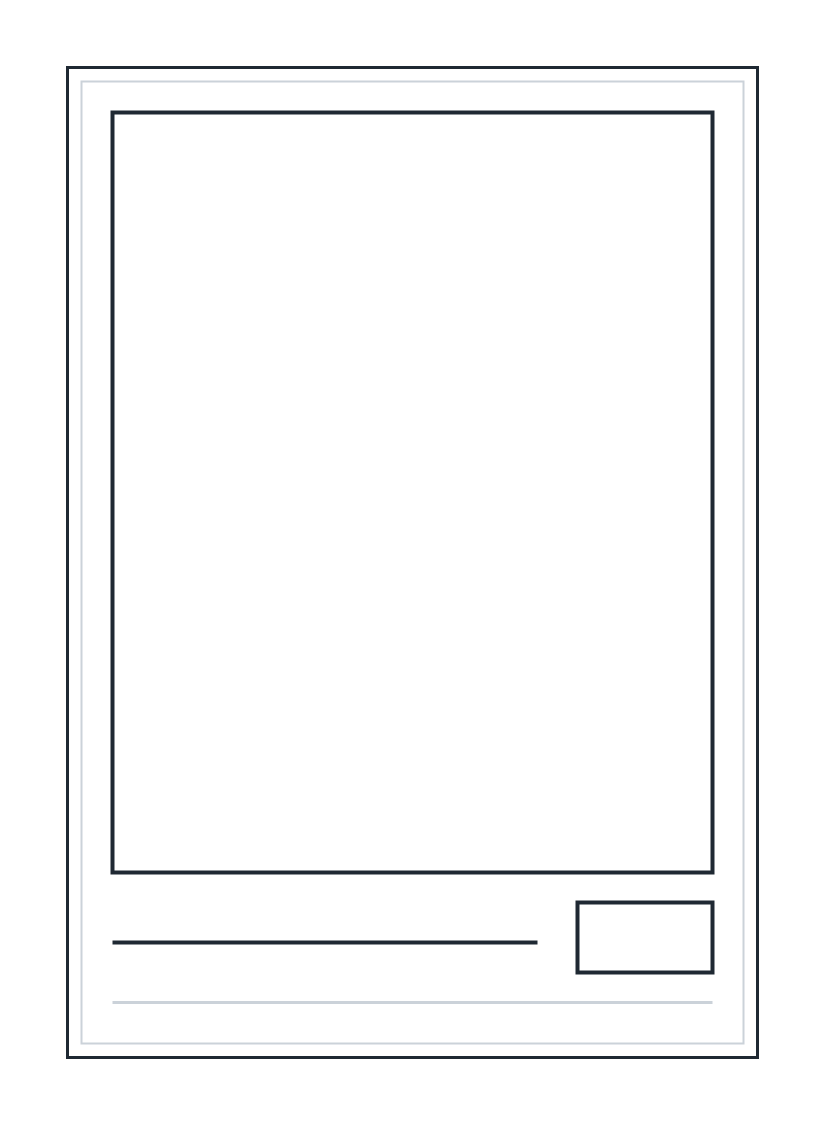
Two thin keylines, a photo window and a name line. The lightest design on printer ink.
Rather not print it yourself? Upload your photo and we'll print it.
Free to download without an account. Use the templates for your own cards, including commercial projects; use only photos, names and logos you have permission to reproduce.
Three lines tell you where artwork can go. The guides version draws them on top of the design; the clean version leaves them off.
Bleed
The outer edge of the file, 1/8 in past the trim line on every side. Run backgrounds and borders all the way to it, so a cut that lands slightly off never leaves a white edge.
Trim
The edge of the finished card, 2.5 x 3.5 in. This is where you cut.
Safe zone
A line 1/8 in inside the trim, 2.25 x 3.25 in in all. Keep names, numbers and faces inside it so a cut that lands slightly off never clips them.
Print at 100 percent on card stock, then cut on the trim line. Five steps cover it.
Heavy matte or semi-gloss card stock makes a sturdier card than plain paper. Check the paper weight your printer accepts before you load it, and use plain paper for a first test print.
In the print dialog choose Actual Size or 100 percent. Do not choose Fit, Shrink to Fit or Scale to Fit, because they shrink the card. The page is only 2.75 x 3.75 in, so it prints as a small block on a Letter or A4 sheet.
On a test print of a guides version, the dashed black trim lines should be 2.5 x 3.5 in apart. If they are not, the print was scaled; go back and set it to 100 percent.
Use the guides version while you design and as a cutting reference. The clean version has no marks, so it is the one to print for the finished card.
Cut 1/8 in in from each edge of the printed page. A paper trimmer, or a craft knife and a metal ruler, gives a straighter edge than scissors.
The finished card is 2.5 x 3.5 in. The file is larger because it includes the bleed.
| Size | Inches | Millimetres | Note |
|---|---|---|---|
| Standard trading card (trim size) | 2.5 x 3.5 in | 63.5 x 88.9 mm | The finished card. It is where you cut. |
| Template file (trim plus bleed) | 2.75 x 3.75 in | 69.9 x 95.3 mm | 825 x 1125 px at 300 DPI. |
| Safe zone | 2.25 x 3.25 in | 57.2 x 82.6 mm | 1/8 in inside the trim line. |
| MEGA card poster | 11 x 15.4 in | 279.4 x 391.2 mm | The same 5:7 shape as the standard card, at poster size. |
The PDFs are vector, so a layout stays sharp when you enlarge it toward the MEGA size. For every common card format, see trading card sizes.
A standard trading card is 2.5 x 3.5 in (63.5 x 88.9 mm). These templates add 1/8 in of bleed on every side, so each file is 2.75 x 3.75 in.
They are the same artwork. The guides version adds three lines on top: a solid red line at the edge of the file for the bleed, a dashed black line for the trim, and a dashed red line for the safe zone. The clean version has none of them.
Download the PDF to print: it is vector artwork on a 2.75 x 3.75 in page with the trim box recorded, so it prints sharp. Download the PNG to place in an image editor or a layout document; it is 825 x 1125 px at 300 DPI.
Yes, once it is cut to 2.5 x 3.5 in. Penny sleeves are nominally 2.625 x 3.625 in and top loaders 3 x 4 in, so the card has room to spare.
Yes. Most trading card games print on a 63 x 88 mm card, which is 0.5 mm narrower and 0.9 mm shorter than 2.5 x 3.5 in. The layout has no symbols, so add your own artwork and rules text.
Free to download without an account. Use the templates for your own cards, including commercial projects; use only photos, names and logos you have permission to reproduce.
Upload your photo, pick a design and we'll print it as a real 2.5 x 3.5 in card.
Start a Card