Photographer workflow
Turn picture-day packages into a measurable pilot
Adding another product works when the offer is clear and fulfillment is manageable. Use this planning workflow to test a card option on one job, with a defined approval process and an honest record of revenue, costs and work.
A seven-step picture-day workflow
1. Define one pilot job
Choose one team or an upcoming photo day. Record the job date, player count, organizer contact and who can approve the offer. Agree how you will get the necessary photo and branding permissions.
2. Price a base and optional premium package
Keep the base package useful on its own. Show exactly what a premium option adds: quantities, product format and delivery method. Do not promise personalization or packaging you have not confirmed.
3. Make and approve a sample
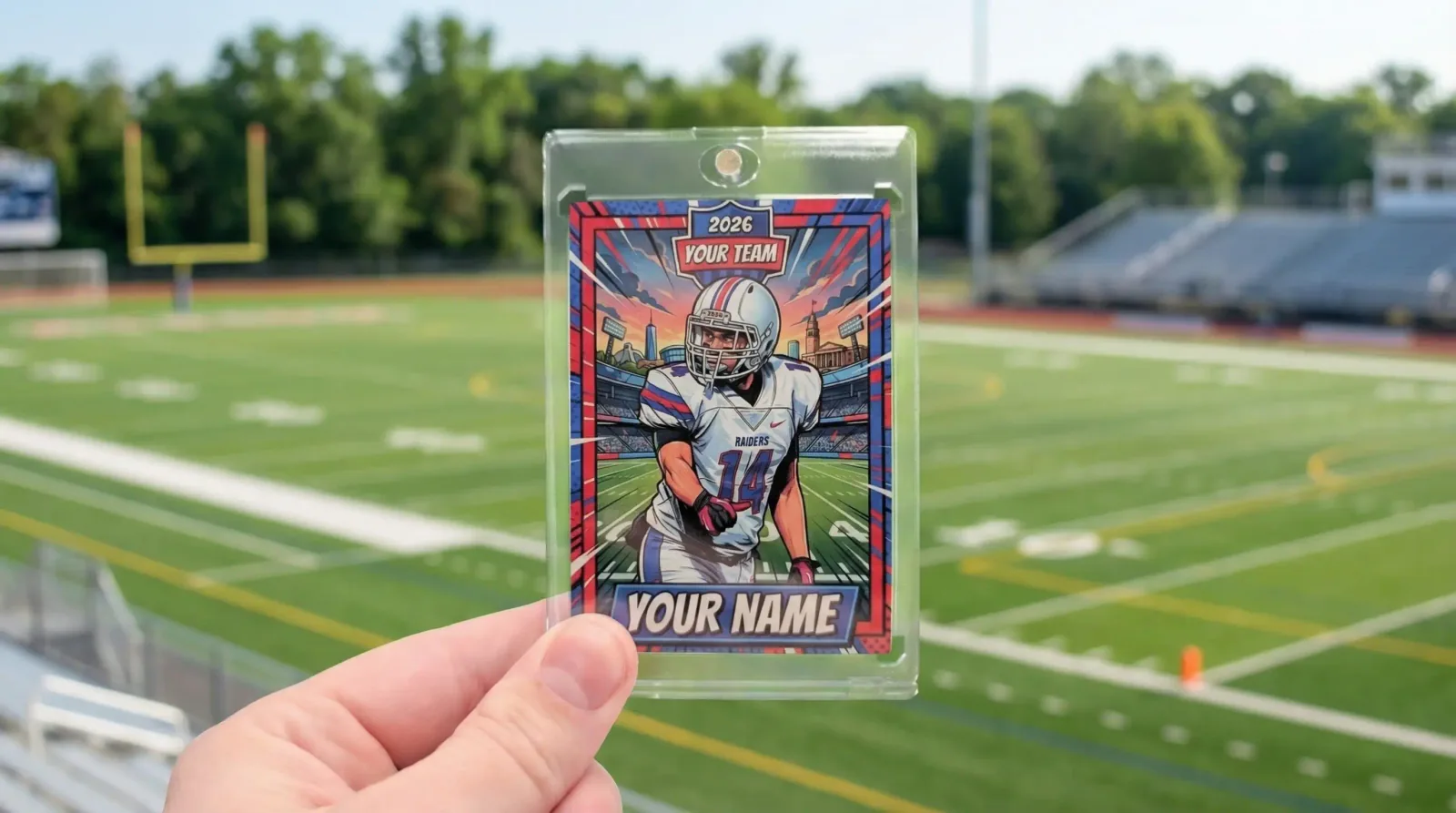
Build a sample with an image you have permission to use. Check spelling, crop, name placement and small text. If print appearance matters to the offer, inspect a physical sample before selling the job.
4. Match photos to players privately
Use a roster reference or job-specific identifier to match the correct photo and spelling. Keep parent contact details separate from public product examples. Name one person responsible for final spelling and photo approval.
5. Collect orders through the agreed workflow
Decide whether the studio places the roster order or families order through an agreed partner setup. Confirm payment ownership, delivery addresses and approval steps with Snapshot; do not assume a connection to your gallery software.
6. Reconcile and fulfill
Compare paid orders with approved designs and quantities. Record shipment or handoff status, missing orders and reprints. Agree who answers family questions and how errors are resolved before the event.
7. Review before repeating
Count buyers against photographed players, fulfilled orders against paid orders, and actual labor against your estimate. Compare contribution with your ordinary package offer before expanding to more jobs.
Your client product sheet
Before sharing the offer, fill in: studio and job name; included products and quantities; price and any delivery charges; photo selection instructions; proof approval deadline; confirmed order deadline; fulfillment method; and the contact for corrections. Avoid publishing a delivery promise until it is confirmed for the actual order.
Download the editable product sheet (.txt)Present the base and premium choices side by side. Show a real example of each product, clarify whether the package is per player or per household, and say whether digital photo files are included. This sheet is a template for your offer; it does not establish Snapshot prices or partner terms.
Measure a job before writing the case study
Capture the denominator as well as the success count: photographed players, buyers, premium buyers, refunded orders and fulfilled orders. Record actual prices, print costs, fees, shipping, reprints, editing time and support time. Compare with a similar previous job only when the audience and offer are comparable.
Download the pilot review and evidence template (.txt)Ask the studio for permission before publishing its name, photos or results. Do not publish a percentage increase without both periods and denominators. If the pilot loses money or adds too much manual work, record that too. This planning resource is not a claim of tested studio results.
Use the sports photography margin calculator to compare your plan with actual job economics.
Scope one photo-day pilot
Tell us your studio name, role, sport, approximate players, next job date and whether families or your studio will order. Confirm costs, branding and fulfillment before offering cards to clients.
Discuss the planOr build a sample card in your browser.