Create Your Own Sports Cards: Photo to Order
Updated
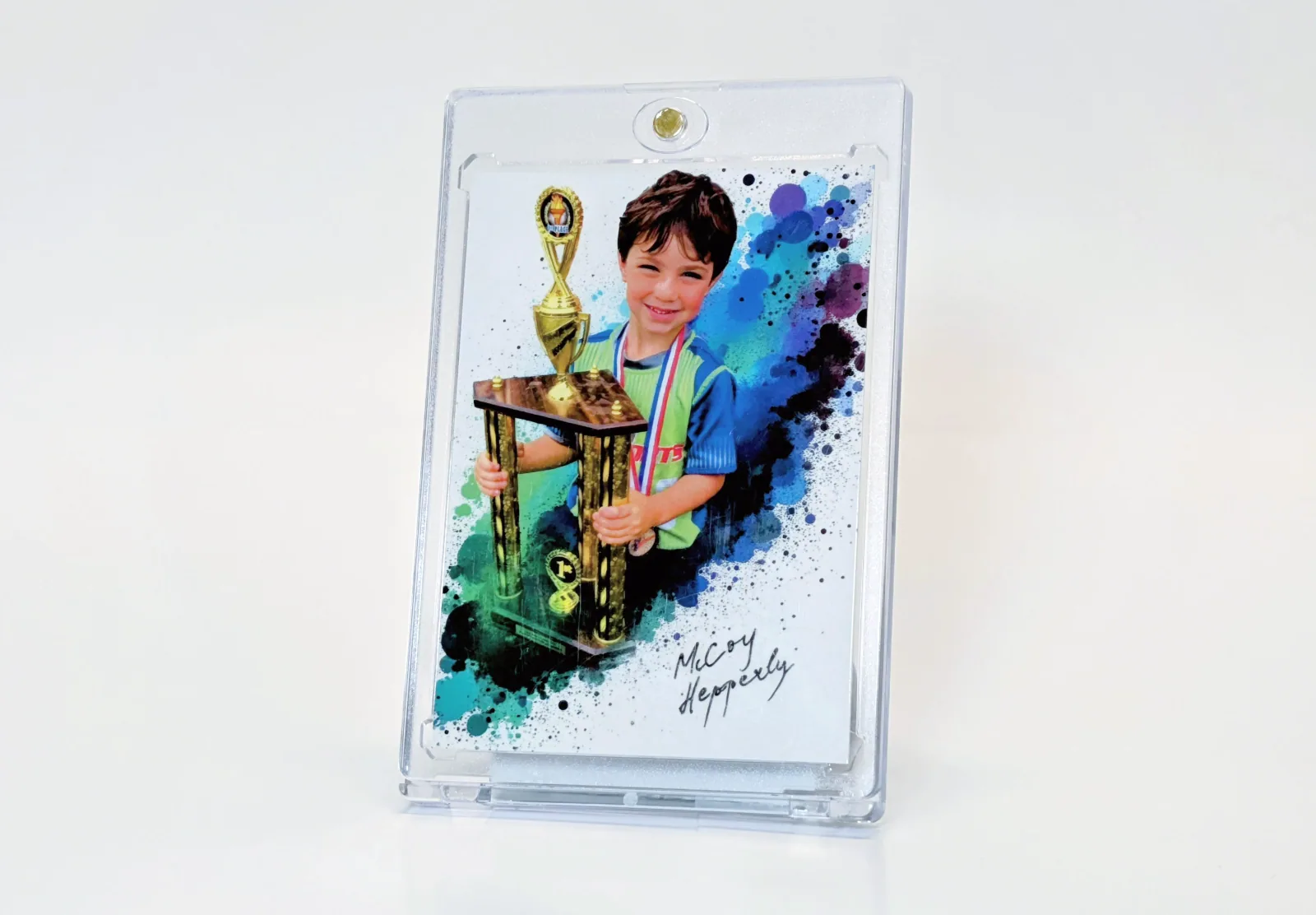
To make your own sports card, prepare a clear player photo and the text you want printed, choose a template, then check the front and back before ordering. The useful work is in the proof: a polished template cannot fix the wrong player name or an unreadable crop.
1. Gather the information in one place
Prepare the player's preferred name, jersey number, sport, team and season. Decide whether the card is a gift, a season record or something to trade with teammates. Select only statistics you can verify. If no reliable statistics exist, use a short achievement such as a first season or a team role.
For multiple players, use one row per person and name photo files consistently. Keep a separate column for approval. This avoids mixing one child's name with another child's picture when you repeat the design.
2. Check the original photo
Use the original file from the camera or photographer when available. Compare two candidates at the same crop: can you see the face clearly, and does the subject fit without losing a hand, bat or ball? A photo that looks fine as a small phone thumbnail may not work when cropped for a card.
Use photos you are permitted to reproduce. If the image came from a photographer, confirm the intended print use before placing an order. For team projects, have the organizer handle photo permissions and parent approvals.
3. Choose a template for that photograph
Open the sports card templates and choose a layout that suits the pose. Upload the photo, position the player in the available frame and enter the player details. A vertical portrait and a wide action shot may need different templates.
Keep the name and primary detail easy to find. If you must shrink text heavily to fit, shorten the wording instead. Use the card back for supporting detail where the chosen design provides it.
4. Proof both sides
- Read the player's name aloud and compare it with your source record.
- Confirm the jersey number, team, season and statistics.
- Check that the face is visible and that text does not cross it.
- Inspect small text at approximately the physical card size.
- Ask a second person to approve the design before printing a roster.
5. Review the product and total
A regular Snapshot card starts at $17.99. The regular-card quantity table is tiered: five cards are $31.99 and eighteen are $49.99 before upgrades, tax and shipping. US standard shipping is free on regular consumer merchandise subtotals of $30 or more and $5 below that threshold. Verify the current selection and destination at checkout.
For a team project, check the team ordering workflow before duplicating work. If you are ready to design one card, open the card builder. For visual troubleshooting, use the design and proofing checklist.
Written by the Snapshot team, which makes and sells custom printed cards. Product examples show our own range; check current options and delivery estimates before ordering. About Snapshot · Questions or corrections
Tags
Related Articles
Custom Sports Cards: Formats, Costs & Planning
A custom sports card puts your own player photo, name and season details into a trading-card design. Start with the intended use: one gift, different cards for a roster, or many copies of the same player card. Those are different orders, and choosing the right format matters more than choosing a finish first.
Read More →Custom Baseball Cards: Team Planning Guide
For a baseball team set, plan the roster and approval process before selecting a design. Each player needs a correctly matched photograph and name; the set also needs consistent season labels and a clear decision about which statistics to include.
Read More →Ready to Create Your Custom Cards?
Choose a template, personalize your photo and details, then review your design before ordering.
Start Creating Now