
Custom Pokemon Card Template: Separating Myth From Fact
Search 'custom pokemon card template' and you'll find a swamp of conflicting advice, sketchy downloads, and forum myths that don't hold up.
Upload your own artwork or photo, choose an available template, and preview your design before ordering a printed card.
Most people looking for a custom pokemon card template hit the same wall: free templates that look flat on screen and worse in print, software that demands design skills nobody has time to learn, and print shops that treat card stock like regular paper. You end up with something that photographs fine for Instagram but falls apart the moment you hold it. Nobody wants to spend an afternoon fighting layout software just to end up with a card that curls at the corners or prints blurry text along the edges.
Here's what actually works: skip the DIY template hunt entirely and use a system built for printing, not just designing. Upload a photo, pick a pro-style layout, and let the production side handle the parts that trip people up — bleed lines, color calibration, stock selection. Snapshot's process turns that Pokemon-inspired concept into a physical card on premium card stock, shipped with a magnetic case, in 2-3 days.
Let's sort out what's myth and what's actually true about building one of these.
We ship custom cards to customers in all 50 states every week, printing everything out of our Des Moines, Iowa production facility.
Frequently Asked Questions
Is it true that you need Photoshop to make a custom pokemon card template?
That's a myth left over from older DIY tutorials, and it's the biggest reason people give up before finishing a project. Years ago, most usable templates were layered Photoshop or Illustrator files, so yes, you needed that software plus the skill to use it. That's not how this works anymore. A production-based system replaces the software step entirely with a guided upload-and-choose flow, where you pick a photo and select a pre-built layout instead of manipulating layers yourself. You don't touch fonts, borders, or bleed settings at all — those are already built into the template. This matters most for people who aren't designers but still want a card that looks professionally made. It also means you can finish an order in the time it'd take to just open Photoshop and find the right toolbar. So no, you don't need design software, a subscription, or prior experience to get a finished, print-ready card.
Do free custom pokemon card templates actually print well?
Rarely, and this is the fact that surprises most first-time buyers. Free templates found online are usually built for screen display, meaning the colors, resolution, and dimensions are optimized for looking good on a monitor rather than surviving a print run. Once you send that same file to a printer, colors shift, edges get cropped unexpectedly, and text near the border can blur or disappear entirely. Bleed margins are the biggest issue — free templates often don't include them, so anything close to the edge gets trimmed off during production. Print-ready templates solve this by building in the correct margins, color profiles, and card dimensions from the start, so what you approve in the proof is close to what physically arrives. If you've ever ordered a custom print and been disappointed by how different it looked from the screen version, that's almost always a template problem, not a printer problem. Starting with a production-built template avoids that gap completely.
How long does it take to get a printed custom pokemon card?
Most orders ship within 2-3 business days after you approve the design, and that timeline holds whether you're ordering one card or a full pack. That's the actual production window — it doesn't include shipping transit time, which varies depending on where in the USA you're located, though shipping is free over $30 on every order. Compare that to some print-on-demand services that quote one week or longer just for standard printing, before shipping is even factored in. The speed comes from having print production and template design under one workflow instead of routing your order through multiple vendors. If you're planning around a birthday, holiday, or specific event date, it's smart to order at least a week ahead just to build in a buffer for shipping transit. Rush situations happen, but building in that cushion means you won't be checking a tracking number anxiously the night before a gift needs to be ready.
Can I use any photo, or does it need to be professionally shot?
Any reasonably clear photo works — you don't need a professional camera, studio lighting, or a photographer on retainer. Most templates are built to accommodate standard phone photos, since that's what the overwhelming majority of customers actually upload. What matters more than camera quality is framing: a photo where the subject is reasonably centered and not extremely dark or blurry will translate into a template much better than a distant, poorly lit shot. If a face is going to be a focal point on the card, try to use a photo where that face is clearly visible and not obstructed by shadows or motion blur. Group shots, action photos, and posed portraits all work, though action shots sometimes need slight repositioning during the template selection step to fit the layout properly. If you're unsure whether a specific photo will work well, the proof stage before printing gives you a chance to see exactly how it'll look before anything goes to production.
What's the actual difference between card stock and regular paper?
The difference is durability, rigidity, and how the surface handles ink and handling over time. Regular paper, even heavier home-printer paper, tends to be thin and flexible, which means it bends, creases, and shows wear almost immediately once it's picked up and handled a few times. Professional card stock is built specifically for products meant to be held, displayed, and stored long-term, giving it a rigid feel much closer to an actual trading card you'd pull from a pack. This matters more than people expect for anything going into a magnetic case, since flimsy paper won't sit flat and can warp inside the case over time. It also affects how ink sits on the surface — card stock tends to hold color and detail more consistently than standard paper, which can absorb ink unevenly and cause color to look duller than intended. If you've ever compared a home-printed photo card to one from a print shop, that's largely a stock difference, not just a printer difference.
Do I need design experience to pick a good template layout?
No, and this is one of the more persistent myths keeping people from starting a project at all. Templates are pre-built by people who understand card layout conventions, meaning border placement, text areas, and graphic accents are already balanced for you. Your job is really just matching a layout's overall style to the vibe you want, whether that's a clean and minimal border or something busier with more graphic detail. It helps to think about the photo you're using first, since some layouts work better with close-up portrait shots while others suit wider or more dynamic images. If you're stuck between two options, a useful trick is imagining the finished card sitting inside its magnetic case on a shelf or desk, and picking whichever layout feels more true to how you want it displayed. There's no wrong choice here in a technical sense — templates are built to print correctly regardless of which one you pick, so the decision is really about personal taste, not design skill.
Is it cheaper to make my own template than to order one?
On paper it looks cheaper, but the real cost usually shows up later. A free template costs nothing upfront, but by the time you factor in a design app subscription, a trip to a local print shop that charges per sheet, and the shipping or gas to pick it up, you're often spending more than the $17.99 single card price for a result that's less durable. There's also the time cost, which is easy to underestimate — hours spent adjusting layers, fixing bleed issues, or redoing a print that came out blurry add up fast, especially if you're not already comfortable with design software. A flat per-card price that includes the template, professional printing, and a magnetic case removes all of that guesswork and hidden cost. For a single one-off project, the DIY route might occasionally come out slightly cheaper in raw dollars, but for anyone making more than one card, the math flips quickly in favor of an all-in price.
Can I order more than one design at once?
Yes, and pack pricing is actually built around exactly that use case. If you're making cards for more than one person, or want multiple versions of the same person with different templates, ordering as a pack keeps per-card cost down compared to placing several single-card orders separately. Packs top out at $49.99, which covers a meaningful number of cards depending on the pack size you select, and every card in the pack still ships with its own magnetic case. This is popular for people building a small set, like turning several family members or pets into their own individual cards for a themed gift. It also works well if you're not sure which single template will land best and want to try a couple of variations at once. Production timing doesn't change much for pack orders either — you're still typically looking at 2-3 business days before shipping, since the templates process in batch rather than one at a time.
What's the MEGA 11x15 poster card actually for?
It's a large-format version of the same custom card concept, sized at 11 inches by 15 inches instead of standard trading card size, priced at $49.99. Think of it less as something you'd hold and more as a display piece — something that goes on a wall, a desk, or gets given as a statement gift rather than a pocket-sized collectible. People tend to use it for a single standout photo rather than a set, since the larger format really only makes sense for one strong image rather than multiple small designs crammed together. It's printed on the same professional card stock as the standard cards, just scaled up, so it carries the same durability and color accuracy in a much bigger format. If you're deciding between a standard card and the MEGA size, think about where it's going to live afterward — a shelf or wallet favors the standard size, while a wall or desk display favors the poster format.
Will the printed card look exactly like the online preview?
It'll be close, but a small amount of variation between screen and print is normal and expected with any printing process, not specific to this one. Screens display color using light, while printing uses ink, and those two methods don't produce identical results even with careful calibration. That said, templates built specifically for print are designed to minimize that gap far more than free templates meant only for screen display. You'll typically see accurate proportions, correct cropping, and placement matching the preview closely, with only minor shifts in color vibrancy being the realistic difference. If exact color matching is critical for your project, it helps to avoid extremely saturated or neon-heavy photos, since those tend to shift the most between screen and print. For the vast majority of personal projects, the difference is subtle enough that people don't notice unless they're specifically looking for it.
How do I make sure text or graphics don't get cut off during printing?
This is actually one of the main problems a built-in template solves automatically, rather than something you need to manage yourself. Free templates commonly lack proper bleed and safe-zone margins, meaning anything placed too close to the edge risks getting trimmed during the cutting process after printing. Production-ready templates have those margins pre-built into the design, so as long as you're working within the template's designated photo and text areas, cropping issues shouldn't happen. The proof stage before final printing is your last checkpoint — this is where you can visually confirm that faces, text, or important graphic elements aren't sitting dangerously close to an edge. If something does look tight in the proof, it's worth adjusting the photo placement slightly before approving, since that's the easiest point to fix it. Once a proof is approved and sent to print, there's much less room to make positioning changes.
Can I make a custom pokemon card template for a pet instead of a person?
Absolutely, and pets are actually one of the most common photo choices for this exact project. The template process doesn't distinguish between a photo of a person and a photo of an animal — it's simply working with whatever image you upload and fitting it into the layout you choose. Pets photograph a little differently than people though, so it's worth picking a photo where your pet is reasonably still and well-lit, since motion blur is more common in pet photos than posed human portraits. A lot of customers use this for a dog or cat's birthday, a memorial keepsake, or just because turning a pet into a collectible card is a genuinely fun surprise for other pet owners in the family. The same card stock, magnetic case, and shipping timeline apply regardless of whether the subject has two legs or four, so there's no extra cost or process difference for pet-focused cards.
Free to design, instant preview. Free US standard shipping on orders $30+. Review delivery options at checkout.
How a Custom Pokemon Card Template Actually Gets Made
The process is shorter than most people expect — three steps, no design software required.
Upload Your Photo
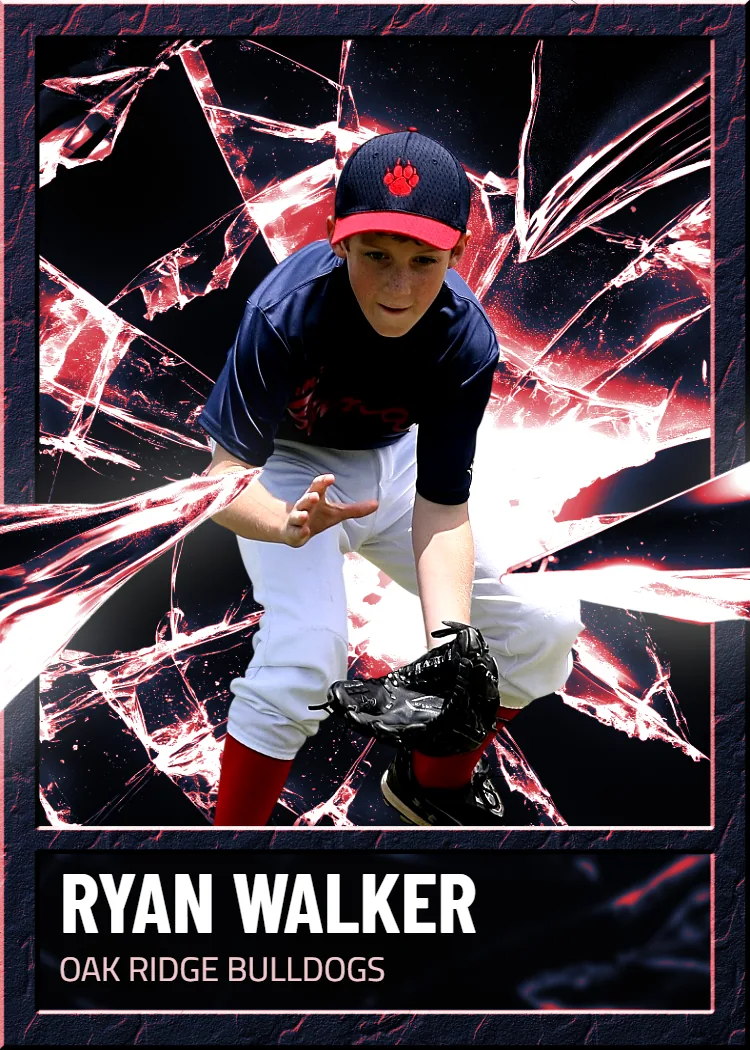
Start with any photo — a portrait, a pet, a kid mid-catch at a baseball game, whatever you're building the card around. There's no minimum resolution requirement most casual phone photos won't meet, and you don't need to pre-crop or edit anything. The system reads standard image files and positions your photo into the template automatically, so the framing you see in preview is close to what prints.
Choose a Template Layout
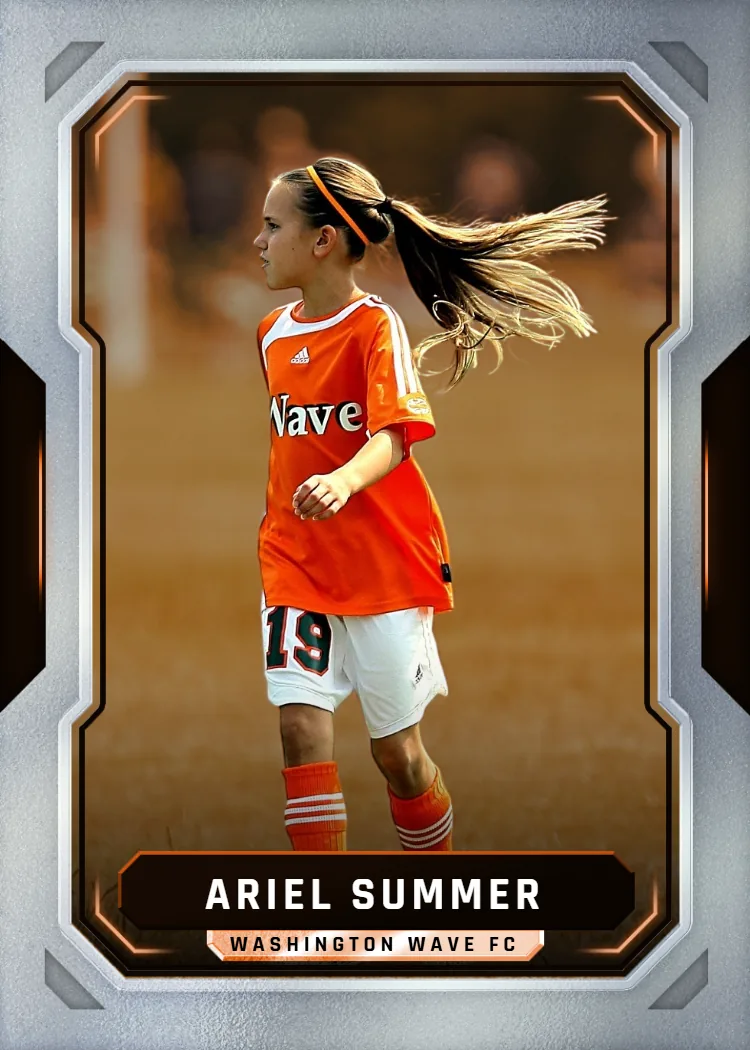
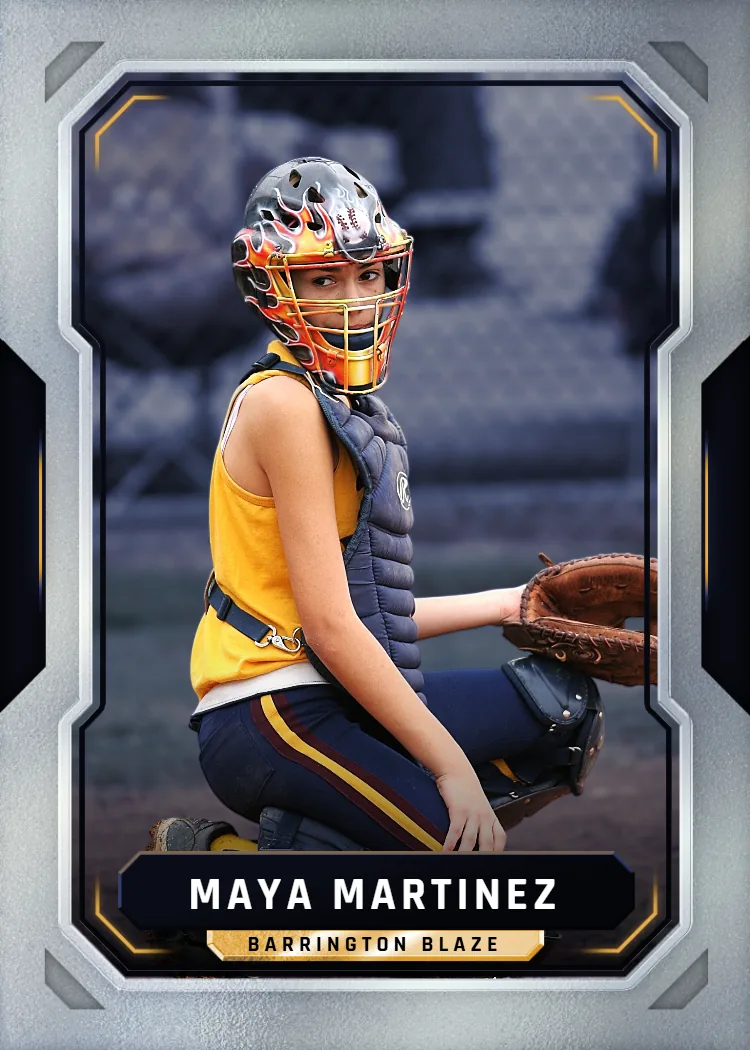
This is where the 'template' part of custom pokemon card template gets real. You're selecting from pro-style card layouts — border treatments, stat-box placement, foil-style accents — rather than building one from a blank canvas. Pick the layout that matches the energy you want, whether that's a clean minimal border or something busier with graphic elements.
Review, Order, and Print
Once your layout and photo are set, you review a proof before anything goes to print. Cards are printed on professional card stock, not standard cardstock paper, which is the difference between a card that survives handling and one that scuffs on day one.
No layout software, no font licensing headaches, no guessing on bleed margins.
From Upload to Unboxing: The Actual Timeline
Day 0
Upload your photo and select a template layout, then review and approve your proof.
Day 0-1
Your approved design enters print production on professional card stock.
Day 2-3
Free US standard shipping on orders $30+ — $5.00 flat under that.
Delivery
Transit time varies by location, typically a few additional days after shipping.
What You Actually Gain From a Pro Template vs. a Free One
Free downloadable templates and a production-ready system solve different problems — here's where the gap shows up.
Print-Accurate Color
Free templates built for screen viewing often shift color badly once printed — reds go orange, blacks go gray. A production template is calibrated for the actual printing equipment, so what you see in preview matches what arrives in your mailbox.
Correct Card Dimensions
Standard trading card dimensions have tight tolerances. Free templates frequently miss bleed and safe-zone margins, cropping faces or text at the edges. Built-in templates handle this automatically, so nothing important gets clipped during trimming.
Physical Durability
A PDF template printed at a local copy shop on regular paper bends, scuffs, and fades within weeks. Cards printed on premium card stock and shipped in a magnetic case hold up to actual handling, display, and storage.
Zero Design Learning Curve
Most free templates are layered Photoshop or Illustrator files, which assumes you already own and know that software. This process replaces that entirely with a guided photo-upload and template-choice flow anyone can finish in minutes.
Where People Actually Use a Custom Pokemon Card Template
The appeal isn't limited to one hobby — the format works for a range of personal projects.
Personalized Gag Gifts
Turning a friend's face or a family pet into a Pokemon-style card is a favorite gift-day surprise. It works for birthdays, holidays, or just an inside joke that's been going on for years. The physical card in a magnetic case feels more permanent and more thoughtful than a meme sent over text, and it's the kind of gift people actually keep on a desk or shelf.
Collectible-Style Keepsakes
Some people build these purely for the nostalgia of card collecting — turning childhood photos, pets, or milestone moments into something that looks and feels like a real trading card. It's a different way to preserve a memory than a printed photo, since the format adds a layer of playfulness that a plain photo print doesn't.
Fan Art and Hobby Projects
Hobbyists who grew up collecting cards enjoy designing their own versions as a creative outlet, without needing graphic design chops. Since the template handles layout and print specs, the creative energy goes into photo choice and styling instead of fighting software menus or figuring out print settings.
Why This Approach Has Become the Default for Custom Card Projects
Orders for personal custom card projects have grown steadily as more people realize free templates rarely survive contact with an actual printer. Production runs out of Des Moines, Iowa handle both single-card orders and larger packs, which means the workflow scales the same whether someone's making one card or a dozen.
What a Custom Pokemon Card Template Actually Costs
Pricing runs from a single card up to a large-format option, with no hidden print fees added later.
Single card: $17.99. Card packs: up to $49.99. MEGA 11"x15" poster card: $49.99. Free shipping over $30 across the USA on every order.
One flat price covers the template, the print run on premium card stock, and a free magnetic case — no separate software or shipping surcharge.
Box Options
Simple, collectible pricing. No subscriptions, no hidden fees.
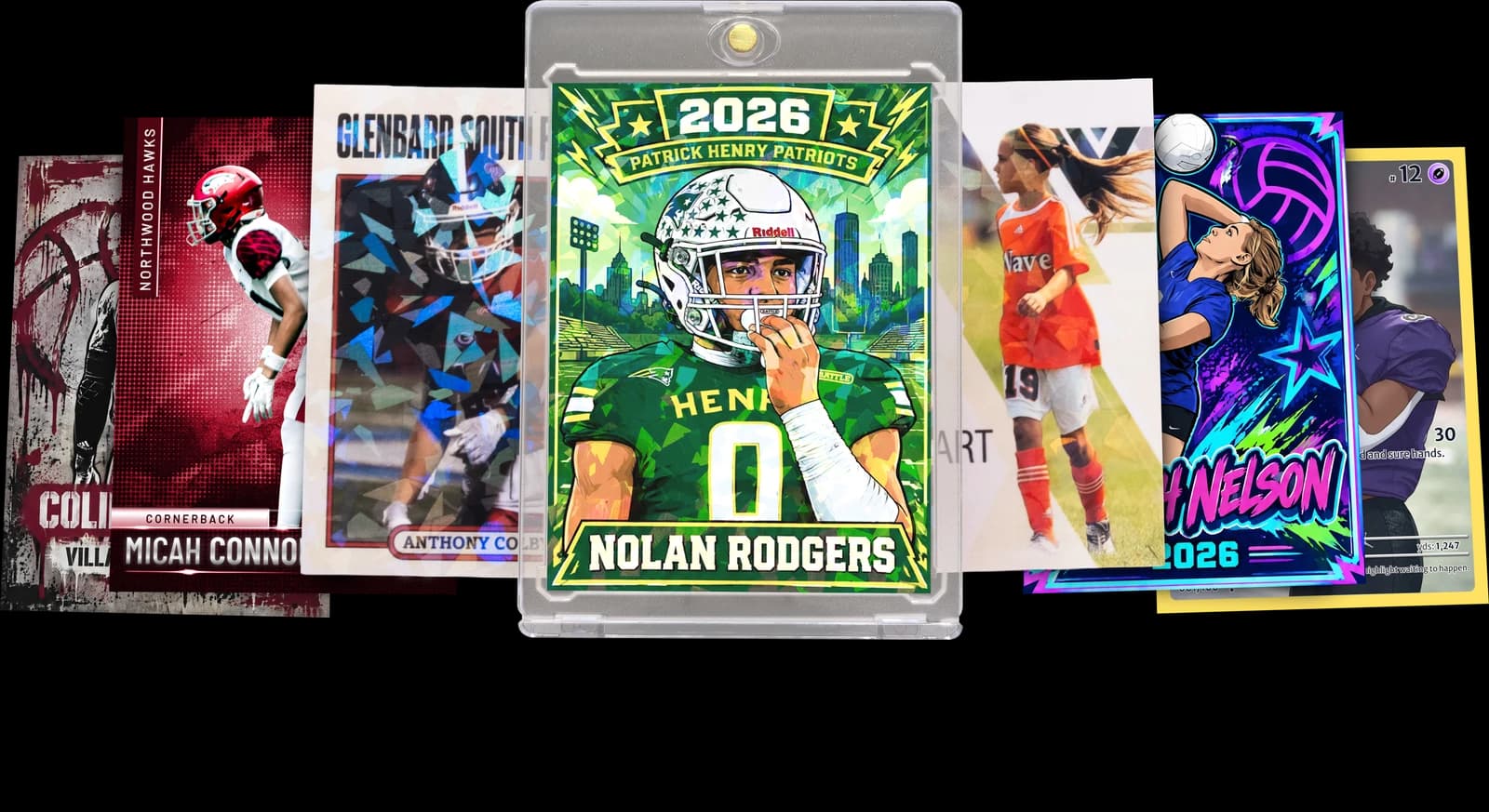
The Rookie Box
Perfect for those unforgettable moments
$17.99 - $49.99
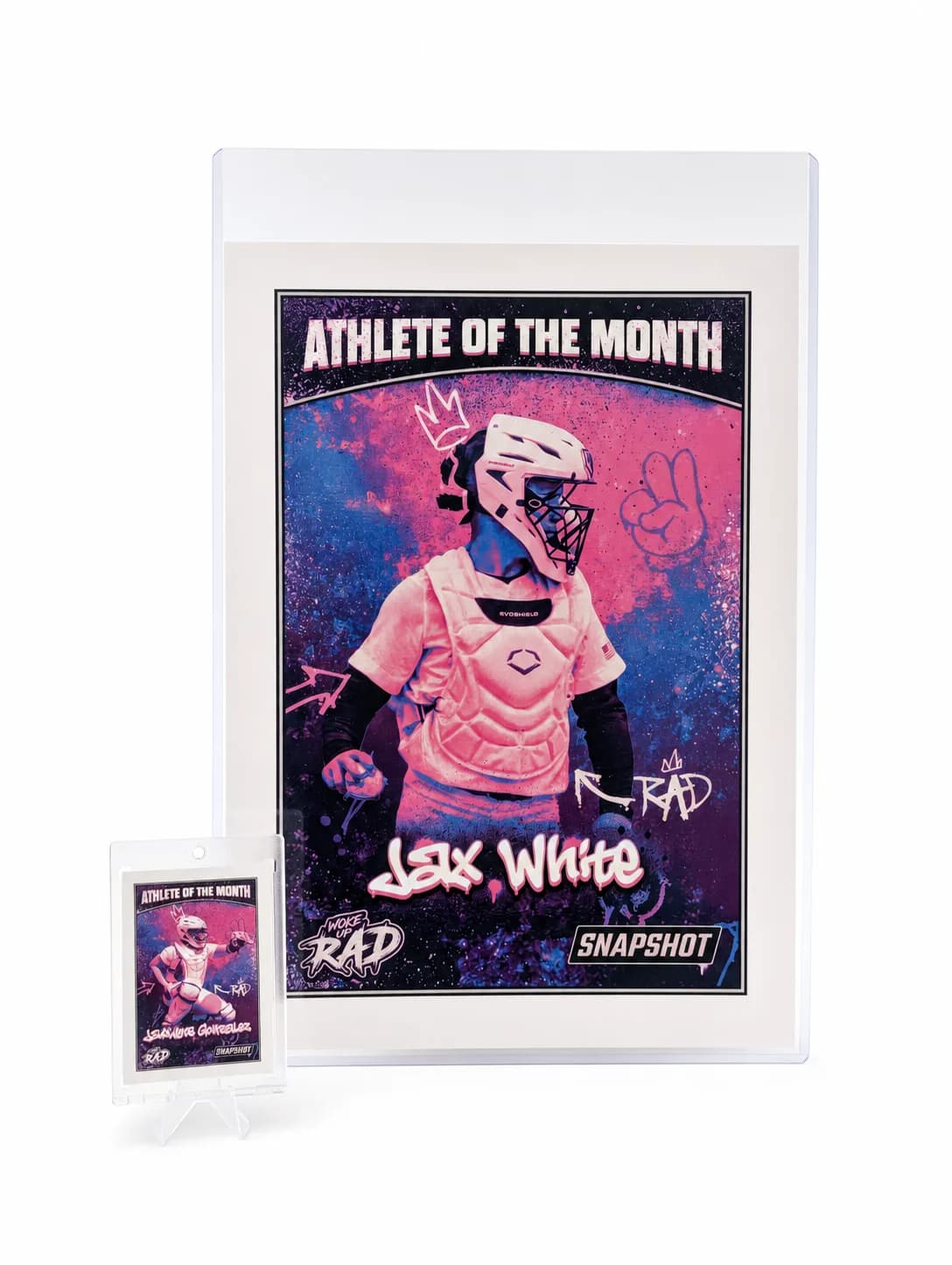
MEGA Card
Their moment, bigger than ever
$49.99
Create for free • Ships the next business day • Made in Des Moines, IA, USA
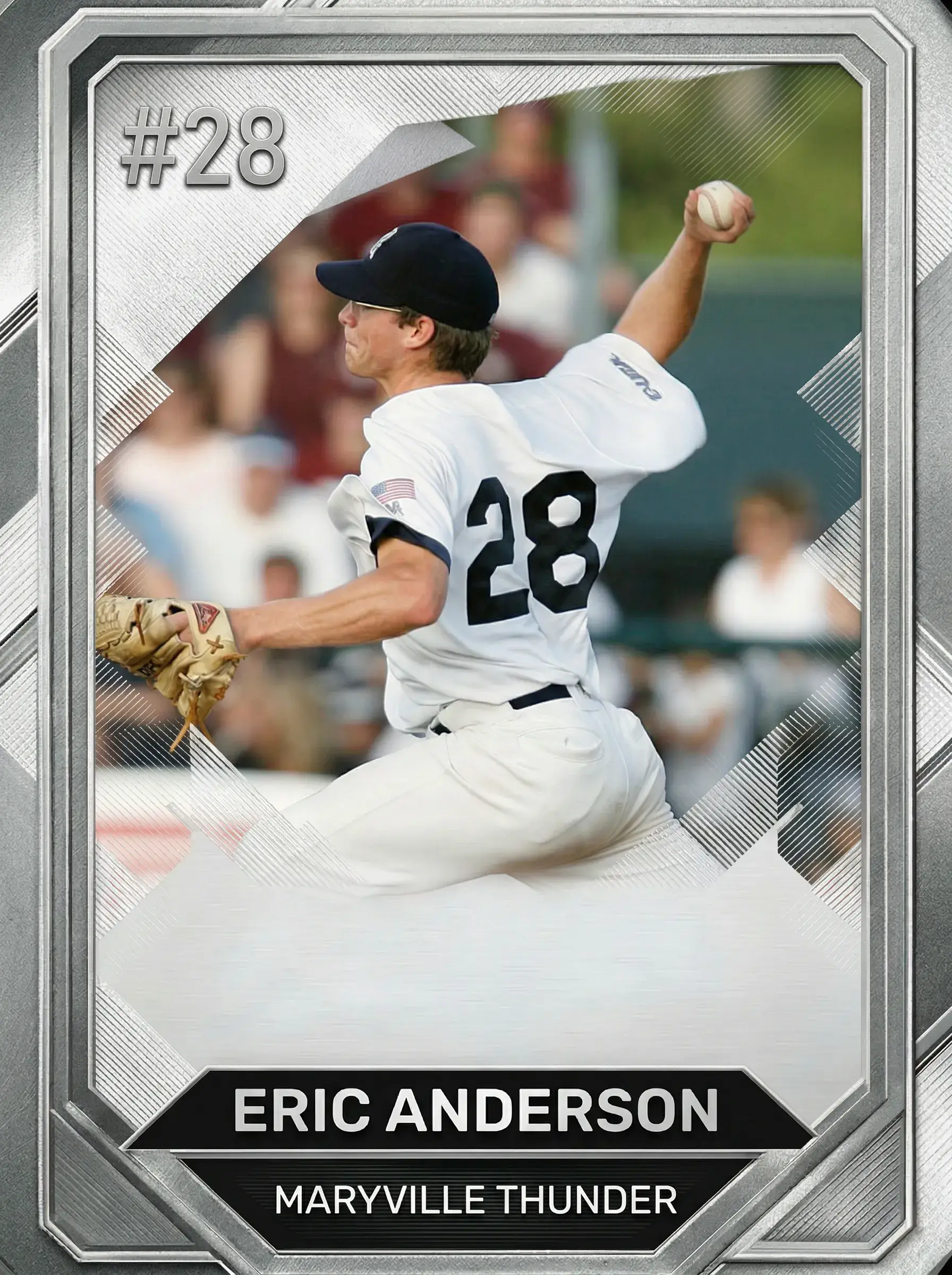
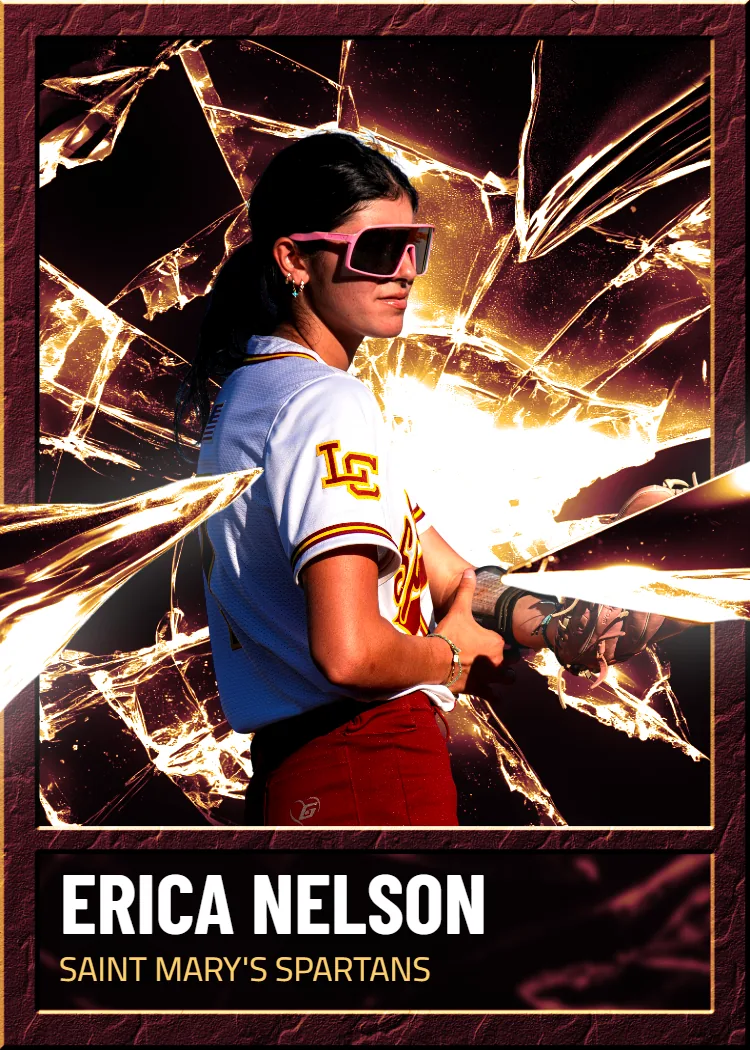

Build Your Custom Pokemon Card Template Today
Upload a photo, pick a layout, and get a printed card on professional card stock with a free magnetic case in 2-3 days. Free shipping over $30 applies across the entire USA, no design software required.
Start Your Card NowNo credit card required | Instant preview | Pro-quality designs
Explore More Card Options
Discover more custom trading card options for every sport and occasion